
A clinic runs on two systems at once. One treats patients. The other books, bills, and follows up.
When those systems do not connect, staff retype the same details. Appointments slip. Claims come back denied.
This guide explains the software types a healthcare clinic actually buys. It covers workflows, compliance, costs, and how to choose.
It is written for clinic owners, practice managers, and clinical leads. No vendor paid for placement here.
Software for Healthcare Clinics at a Glance
Start with the map. Detail follows in the sections below.
| Software type | What it does | Main users | Watch out for |
|---|---|---|---|
| Electronic health record (EHR) | Stores charts, notes, medications, and results | Clinicians and nurses | Heavy setup and specialty fit |
| Practice management system | Runs scheduling, registration, and reporting | Front desk and managers | Weak clinical tools on its own |
| Scheduling and engagement | Books visits and sends reminders | Patients and front desk | Reminders that leak private details |
| Billing and revenue cycle | Checks eligibility, submits claims, tracks payment | Billers and finance staff | Hidden per-claim and statement fees |
| Telehealth | Runs video visits and remote follow up | Clinicians and patients | Separate login from the main chart |
| Patient portal and CRM | Shares records, messages, and intake forms | Patients and care teams | Low adoption if setup is clumsy |
Most clinics need more than one row. The question is how tightly they connect.
Had a Wellness Business?
If you had a beauty and wellness business like salon, spa, barbershops, med spa and want to streamline your day to day business operations from booking appoinmnets to follow ups for older customers then look at the PandaCue to secure premium features and support.
A Clinic Day, End to End
Software should follow the patient journey. Start there, not with a feature list.
Booking and Intake
A patient finds the clinic online and books a slot. The form collects only what the visit needs.
Insurance details are checked before the visit. The patient gets a clear time, location, and prep note.
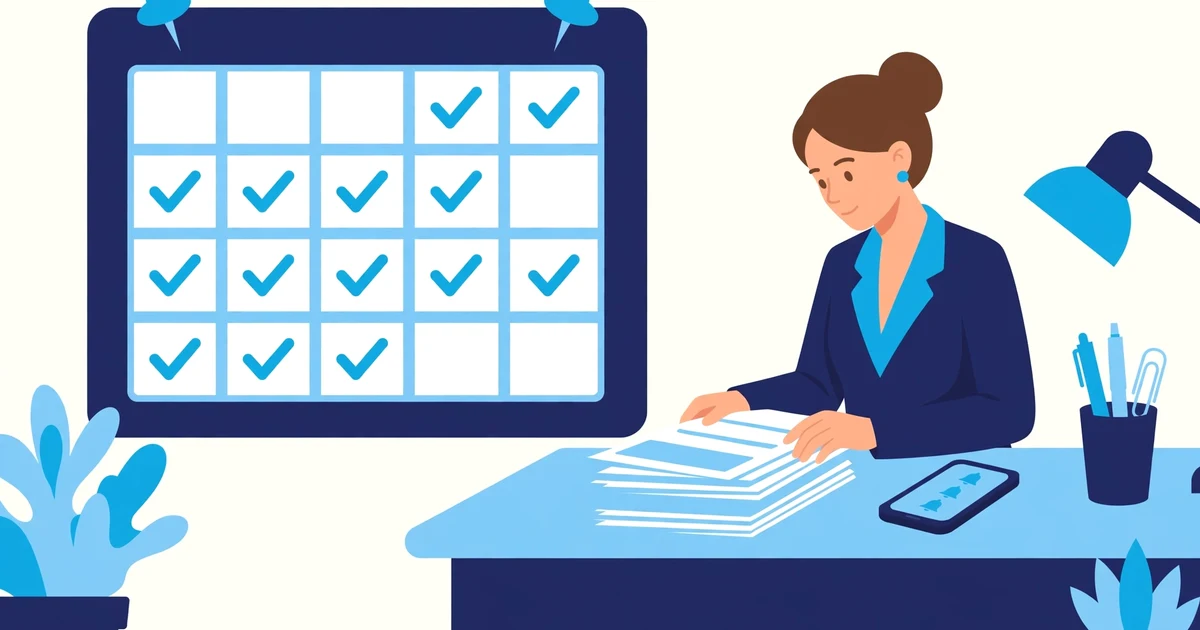
Good booking tools show real availability. They do not create double bookings across rooms or clinicians.
Reminders should go out by text or email. They should name only the date, time, and clinic.
The Clinical Visit
At check-in, the chart opens with history, allergies, and open tasks. The clinician documents during the visit, not after hours.
Templates should match the specialty. A dental clinic and a therapy clinic chart very differently.
Orders, prescriptions, and referrals should leave the same system. Separate portals slow the day down.
Billing and Follow Up
After the visit, codes and notes flow to billing. The claim is scrubbed for common errors before submission.
Patients get a clear bill and a simple way to pay. Staff track denials by reason, not by guesswork.

Follow up closes the loop. Results, recall reminders, and care plans should not depend on memory.
Key Statistics Clinics Should Know
Digital records are now the norm in US hospitals. Clinics should judge vendors against that baseline.

- Over 99 percent of US non-federal acute care hospitals had adopted a certified EHR by 2024, up from under 10 percent in 2008, per the ONC data brief reported by Healthcare Innovation.
- In 2024, 99 percent of hospitals let patients view records electronically, 96 percent let them download records, and 84 percent let them transmit records to third parties, per HealthIT data summarized by Aptarro.
- In the same HealthIT data, 95 percent of hospitals let patients view clinical notes, and 92 percent enabled secure messaging with a provider, per Aptarro.
- The national patient no-show rate is 18 percent, per Electronic Health Reporter.
- No-shows cost US healthcare providers roughly 150 billion dollars per year, per Electronic Health Reporter.
- In one rural outpatient clinic study, the average no-show rate was 27 percent, with about 11,400 dollars per month in missed billable funds, per a study in Annals of Family Medicine. That is one clinic, not a national rate.
- For small practices with 1 to 5 providers, practice management software in 2026 commonly falls in the range of 50 to 350 dollars per provider per month, per Zanda. Add-ons and billing services move the total.
Read these numbers as context, not promises. Your no-show rate and costs depend on specialty, payer mix, and workflow.
The Six Software Types, Explained
Each type below covers what it does, where it helps, and where it falls short.
Electronic Health Record
An EHR is the clinical record. It holds history, diagnoses, medications, allergies, labs, and notes.
It should support e-prescribing, lab orders, and secure sharing with other providers. Interoperability matters more than a long feature list.
Strengths: one clinical source of truth, safer handoffs, and structured data for reporting.
Limitations: implementation takes time, templates need specialty work, and large systems can feel slow for small clinics.
Practice Management System
A practice management system runs the business side. It covers scheduling, registration, eligibility, and reporting.
It is used mainly by front desk staff, managers, and billers. Clinicians touch it less than the EHR.
Strengths: clearer schedules, cleaner registration data, and daily operational reports.
Limitations: on its own, it does not chart care. It needs a real link to the EHR, not a manual export.
Scheduling and Patient Engagement
Scheduling tools let patients book online, reschedule, and get reminders. Engagement tools add two-way messages and waitlist fills.
The best tools reduce phone tag. They also cut empty slots by filling cancellations quickly.
Strengths: fewer no-shows, less front desk load, and a smoother patient experience.
Limitations: a generic scheduler may ignore room rules, clinician availability, and procedure length.
Billing and Revenue Cycle Management
Billing software checks eligibility, scrubs claims, submits them, and tracks denials and payments. Some vendors also run billing as a service.
Clean claims matter more than fast claims. A denied claim costs staff time twice.
Strengths: faster payment, clearer denial patterns, and better collection reporting.
Limitations: percentage-of-collections pricing can grow with revenue, and outsourced billing can hide process problems.
Telehealth
Telehealth covers video visits, virtual check-ins, and remote follow up. It should share scheduling, notes, and billing with the main system.

Strengths: wider access, fewer travel barriers, and easier follow up for stable patients.
Limitations: not every visit fits video, and a standalone video tool creates a second record to reconcile.
Patient Portal and Clinic CRM
A portal lets patients view records, message the team, complete forms, and pay bills. A clinic CRM tracks contacts, referrals, and follow up tasks.
For clinics, a CRM is about operations, not sales pressure. It should track the next step for each patient.
Strengths: fewer phone calls, faster intake, and follow up that does not rely on sticky notes.
Limitations: portals fail when sign-up is hard, and a CRM adds little if nobody owns the follow up queue.
Related reading on this site includes CRM for healthcare practices and healthcare app development companies.
Compliance Checklist Before You Sign
Compliance is not a badge on a sales page. It is a set of controls you can verify.
Ask for a signed Business Associate Agreement (BAA) when the vendor handles patient data. Without a BAA, the product is not a safe choice for patient data.
Check encryption in transit and at rest. Ask who can access records, and how that access is logged.
Require role-based access. Front desk staff, clinicians, and billing staff should see different data.
Check audit logs. You should be able to see who viewed, changed, or exported a record, and when.
Keep messages minimal. Reminders should avoid diagnosis details and other sensitive clinical notes.
Confirm data export and exit terms. You should be able to leave with your records in a usable format.
For scheduling specifically, the same rules apply. Appointment details can count as protected health information, per vcita.
Off the Shelf or Custom Built
Most clinics start with off the shelf software. It is faster to launch and easier to staff for.
Off the shelf strengths: proven workflows, vendor support, and regular updates. The trade-off is fit.
Off the shelf limitations: specialty workflows get forced into generic screens, and pricing grows with add-ons.
Custom software fits a specific workflow. It can connect scheduling, intake, billing, and reporting in one flow.
Custom strengths: workflows built around your clinic, fewer workarounds, and control over integrations.
Custom limitations, stated plainly: it takes longer than signing up for SaaS, it needs clear scoping, and it needs ongoing maintenance. It is not the right pick for a clinic that needs a certified EHR this week.
CodeSol Technologies, based in Austin, builds custom software for clinics and small businesses. Its honest limit is the same: custom work trades speed for fit.
Examples on this site include dental clinics digital transformation and wellness clinics digital transformation.
How to Choose in Seven Steps
Use this sequence in vendor demos. It keeps the comparison honest.
- Map your top three workflows first: booking, visit, and billing. Score vendors against those, not a feature grid.
- List your must-have integrations: EHR, labs, pharmacy, payments, and calendar. Get each one in writing.
- Run a live demo with your own cases. Use a real schedule, a real payer, and a real referral path.
- Ask for total cost, not the headline price. Include setup, migration, messaging, claims, and support tiers.
- Test the patient side yourself. Book, reschedule, message, and pay as a patient would.
- Check compliance in writing: BAA, encryption, access controls, audit logs, and data export.
- Agree a rollout plan with dates, owners, and training. No plan means no purchase.
Red Flags in a Demo
Watch for vague answers on pricing. A vendor that will not show a sample invoice is hiding add-ons.
Watch for a demo that uses only perfect data. Real clinics have cancellations, partial payments, and messy referrals.
Watch for “fully integrated” claims with no detail. Ask which system owns each record, and how sync failures are handled.
Watch for no migration plan. Data history, open balances, and active schedules all need a move plan.
Watch for training as an afterthought. Software fails when staff learn it alone, under time pressure.
A Realistic Implementation Timeline
Small single-location clinics often go live in weeks, not months. Larger multi-site clinics need two to three months in many cases.
Phase one is discovery and data cleanup. Phase two is setup, templates, and integrations.
Phase three is pilot with one team or location. Phase four is full rollout with support on hand.
Keep the old system readable during cutover. Staff need a fallback if a sync or import stalls.
Methodology
This guide was built from public vendor documentation, industry guides, and named statistics sources. Links above name each source.
No vendor reviewed or approved this guide. Pricing ranges are reported ranges, not quotes for your clinic.
Verify current pricing, BAA terms, and feature availability in a demo. Vendors change plans often.
Where a statistic came from one clinic or one study, the text says so. National claims are not built on single-clinic data.
Need software that fits how your clinic actually works? Talk to our team.



