

WhatsApp automation lets an Austin local business answer, confirm, remind, and follow up with customers in the chat app they already open every day, without adding office staff.
It works best for appointment businesses: salons, clinics, home services, fitness studios, and repair shops. The customer books once, then the system handles the rest of the conversation.
This guide explains what to automate first, what the evidence says about reply speed and reminders, and how to set it up without spamming your own customers.
Why WhatsApp fits how Austin customers already reply
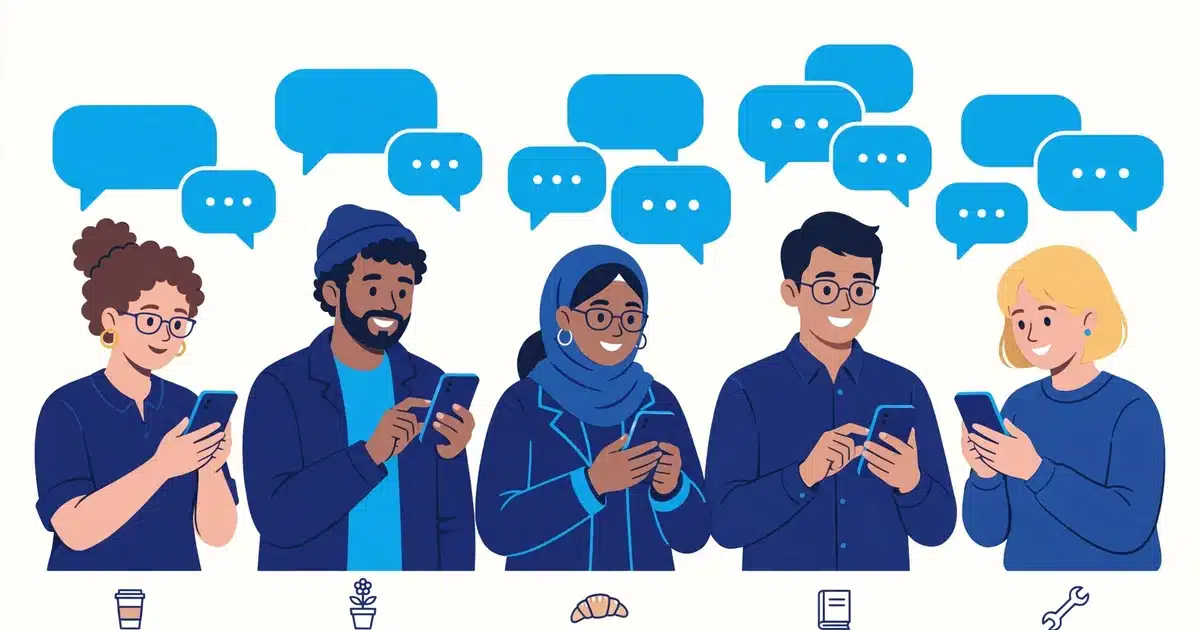
Most customers do not want another app or another phone call. They want a short message on the phone they already carry, answered in the same thread.
WhatsApp is already that thread for a large share of customers. Meta reported more than 3 billion monthly active users worldwide in April 2025, with more than 100 million in the United States.
That scale matters for a local business in Austin. A customer who already chats with family on WhatsApp needs no training to confirm an appointment there.
Email still has a place for receipts and longer documents. For a quick yes, a time change, or a reschedule, chat wins because it feels like a conversation, not a form.
The practical test is simple. If your customers already message you on WhatsApp informally, formalizing that channel with automation is a small step, not a new habit.
What WhatsApp automation actually does
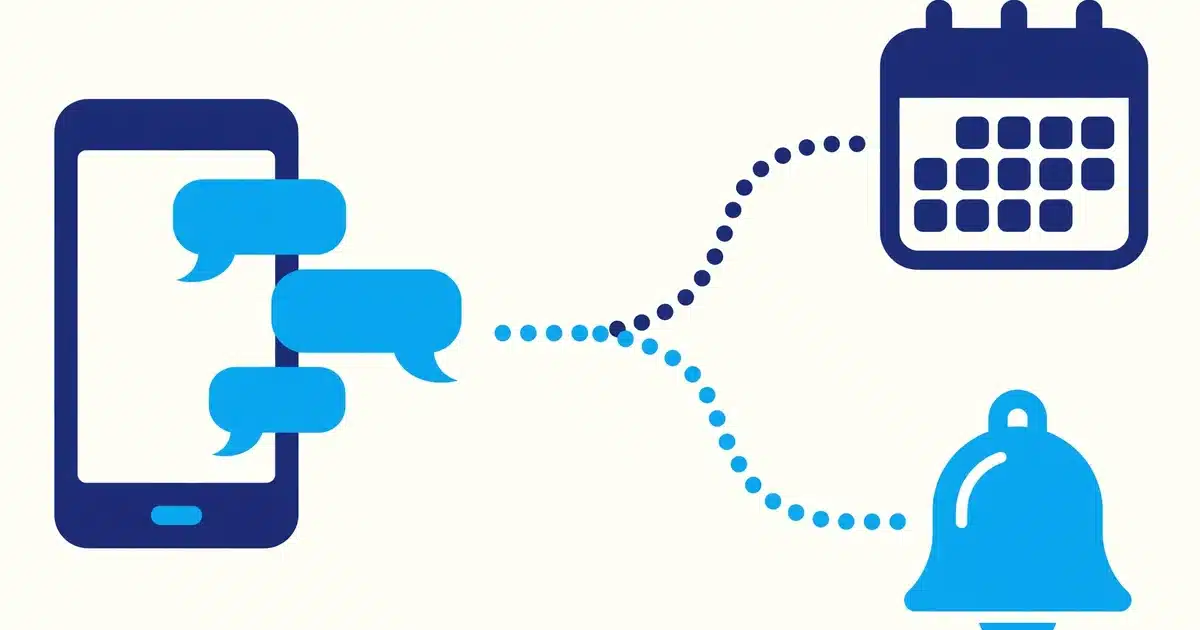
Automation here does not mean a robot pretending to be you. It means set messages, sent at set moments, with a clear path to a real person when needed.
Instant replies outside business hours
When a message arrives at 9 pm, the system replies at once with hours, services, and a booking link. The customer is not left wondering whether anyone saw the message.
That reply also buys time. Staff pick up the conversation in the morning with the details already collected, instead of starting from a cold missed message.
Booking confirmations and reminders
After a booking, WhatsApp sends a confirmation with date, time, address, and what to bring. A reminder follows a day before, and often again a few hours before.
Each message includes a simple reply option to confirm, reschedule, or cancel. That one reply is what keeps a slot from sitting empty when plans change.
Follow-ups and review requests
After a visit or a job, the system sends a short thank you and a check on how things went. If the customer is happy, a review link follows in the same thread.
For repeat services, a follow-up can also offer the next booking. A salon can suggest a refill slot, and a home service firm can suggest a seasonal check.
None of this replaces human judgment. A complaint, a complex quote, or a medical question should always reach a person fast, and the automation should say so.
The evidence behind fast replies and reminders
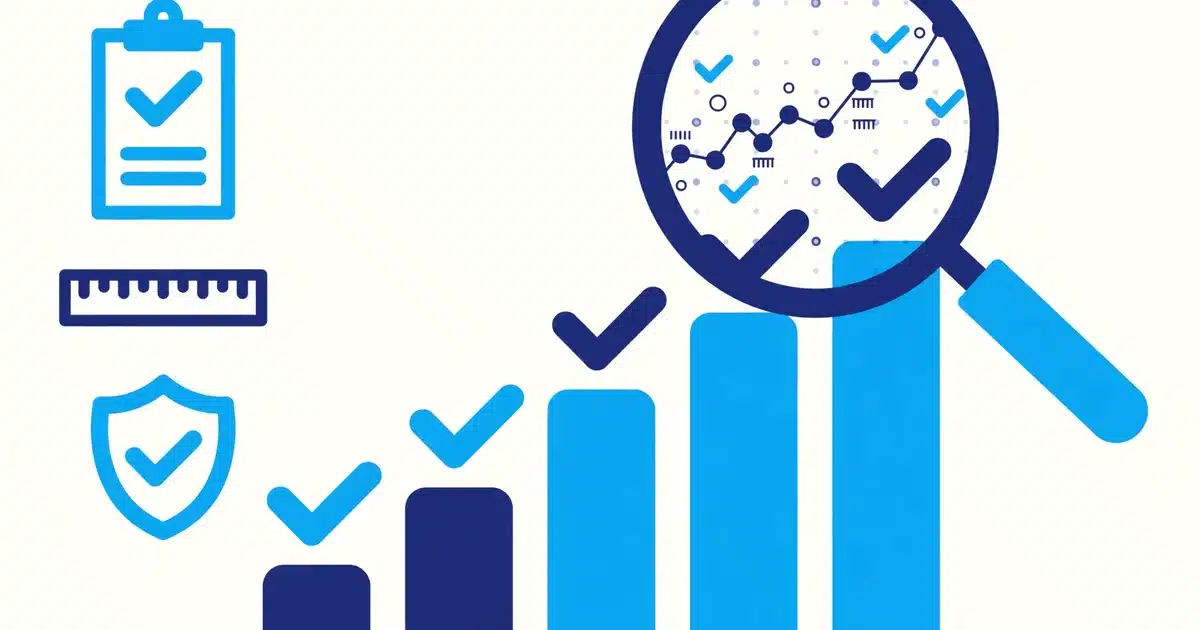
Three findings explain why this channel pays off. They come from different fields, but they point the same way: speed and reminders change outcomes.
First, a Harvard Business Review study by Oldroyd and colleagues (2011) found firms that contacted leads within an hour were nearly seven times as likely to qualify them as firms that waited longer.
The same study found the average first response time was 42 hours, and about a quarter of firms never responded at all. An instant WhatsApp reply closes that gap on day one.
Second, a systematic review and meta-analysis published in BMJ Open found patients who received electronic text notifications were 23 percent more likely to attend clinic than those who received none.
Those notified patients were also 25 percent less likely to miss their appointment. Multiple notifications worked better than a single one, which matches a confirmation plus reminder sequence.
Third, Meta reported WhatsApp passed 3 billion monthly active users in April 2025, with more than 100 million in the United States alone. Reach is rarely the limiting factor.
The limiting factor is usually process. Businesses lose bookings between the enquiry and the reply, and between the booking and the visit, and both gaps are fixable.
Sources: Meta WhatsApp user figures summarized by Priori Data; summary of the Harvard Business Review lead response study; BMJ Open systematic review of digital notifications and clinic attendance.
A simple setup that works for a small team
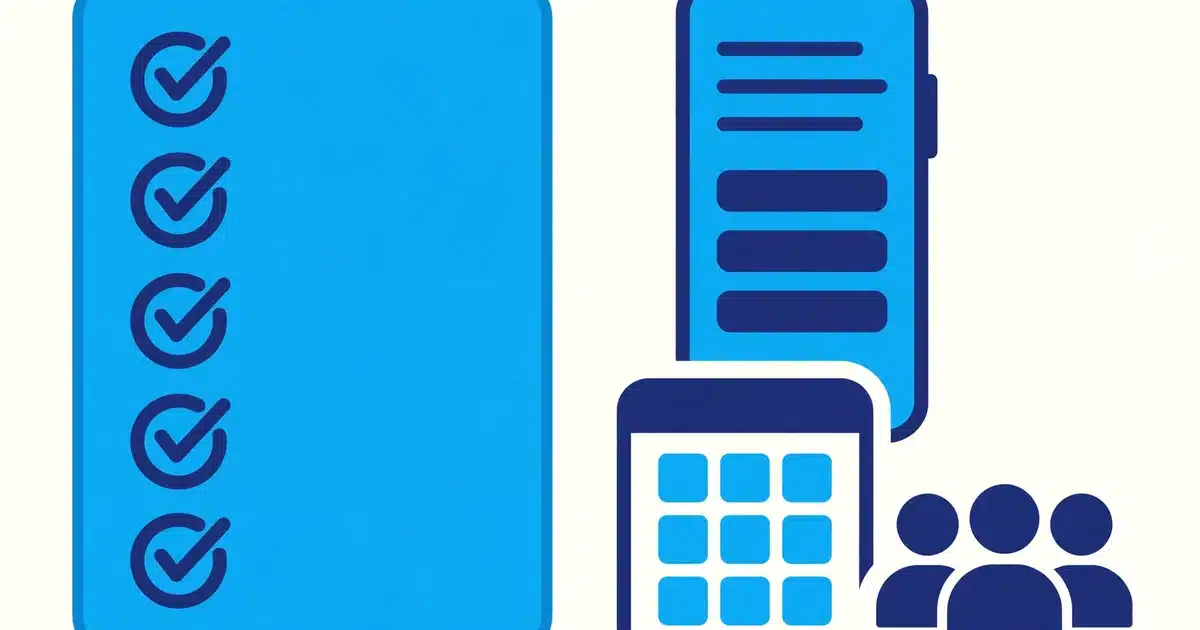
Start with one channel and five messages. A big build with twenty templates is how these projects stall before they ever help a customer.
- Instant reply: hours, services, and a booking link, sent the moment a message arrives.
- Booking confirmation: date, time, address, and what the customer should bring.
- Reminder: sent a day before, with confirm, reschedule, and cancel options.
- Same day nudge: a short reminder a few hours before the appointment.
- Post visit follow-up: a thank you, a check on satisfaction, and a review link.
Connect those messages to your booking system and your custom CRM and client portal if you use one. The customer record should update when a booking confirms or moves.
That connection is what separates automation from a pile of templates. Staff see one record, not a chat thread, a calendar, and a spreadsheet that disagree.
Test the whole flow with your own phone before launch. Book, confirm, reschedule, and cancel, and fix every confusing message before a real customer sees it.
What to automate first and what to leave to a person
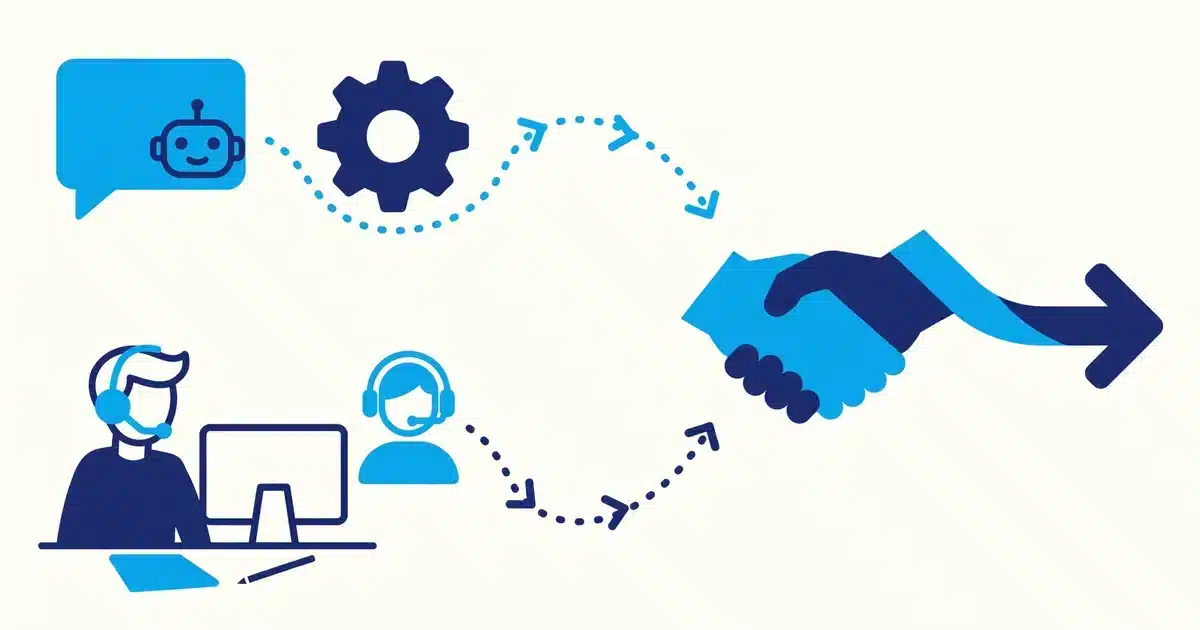
Automate anything repetitive with a clear answer. Hours, prices, directions, booking links, and appointment changes all fit that test well.
Keep people on anything emotional, expensive, or uncertain. Complaints, custom quotes, and health questions need a person, and customers can tell the difference.
A good rule is to hand over after two automated steps with no resolution. The system should offer a callback or a staff chat, not a third template message.
Similar thinking applies to phone work. Our guide to AI phone answering for restaurants shows how instant answering protects bookings in the same way.
For salons, the same pattern shows up in online booking for salons and cutting no-shows, where reminders and easy rescheduling keep chairs filled.
Costs consent and the rules that keep you safe
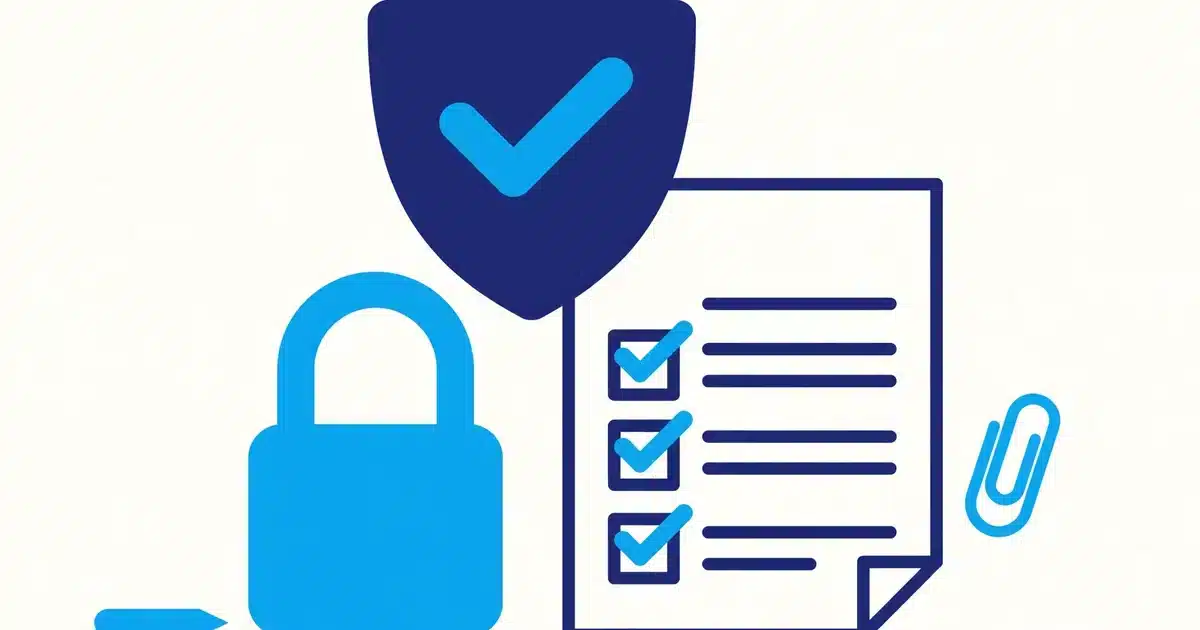
WhatsApp business messaging requires customer opt-in. Only message people who agreed to hear from you, and make stopping as easy as starting.
Marketing messages also need approved templates on the WhatsApp Business Platform. Service messages, like confirmations, follow different rules, so keep the two apart.
Cost is usually per conversation, not per message, and rates vary by country and message type. Budget for conversations, and measure cost per booking kept, not cost per send.
Keep messages short and useful. One reminder that saves a booking is welcome, while three promotions in a week will cost you the opt-in itself.
Finally, protect customer data in the same way you would in any system. Limit who can export chats, and never paste health or payment details into a chat thread.
If you already send follow-ups by text, compare channels first. Our guide to SMS integration for CRM systems covers when plain text is the better fit.
Put together, WhatsApp automation is not a new marketing trick. It is the booking, reminder, and follow-up work your team already does, running on time, every time, in the app your customers already check.
Start with the five messages above, connect them to your calendar and CRM, and let a person handle the rest. That is usually enough to see fewer empty slots within a month.
Talk to a team that builds systems around your business.


