
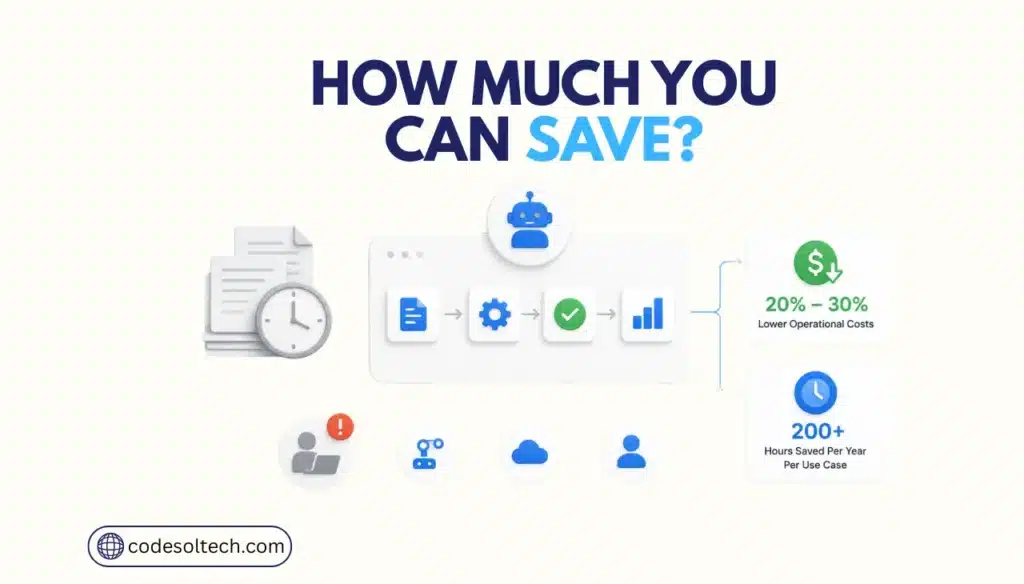
Workflow automation saves time and money by removing manual, repetitive steps from business processes and replacing them with rule-based software execution. Businesses that automate report operational cost reductions of 20% to 30% with basic automation and up to 30% with hyperautomation, according to Gartner.
Employees recover an average of 200 hours per year per high-impact use case, according to Forrester’s Total Economic Impact study of Microsoft Power Automate.
Workflow automation differs from robotic process automation (RPA). RPA uses software bots to mimic specific human actions inside existing applications, such as copying data between two systems.
Workflow automation orchestrates the broader process, including RPA bots, API integrations, and human approval steps, into one connected sequence. Modern platforms combine both approaches under a single category known as hyperautomation.
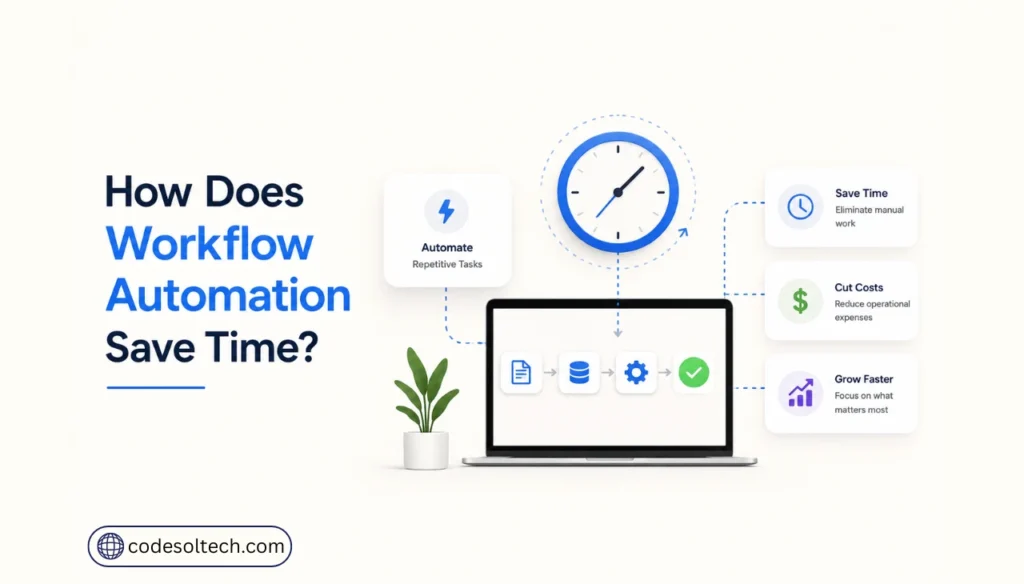
How Does Workflow Automation Save Time?
Workflow automation saves time by executing repetitive tasks instantly and continuously, without breaks, shift changes, or manual handoffs.
McKinsey Global Institute research found that 60% of occupations have at least 30% of their constituent work activities technically automatable using currently demonstrated technology.
That 30% typically consists of data entry, status updates, approvals, and file routing, the exact tasks that workflow automation targets first.
Forrester’s Total Economic Impact study of Microsoft Power Automate quantified this at the employee level. The study found:
- Employees running high-impact robotic process automation use cases save 200 hours per year, a 10% productivity lift.
- Employees using extended workflow automation through low-code apps save an additional 250 hours per year.
- Professional developers reduce workflow build time by 20% when they automate application development with low-code tools.
- One interviewed pharmaceutical company saved 11,000 hours by running 72 RPA automations for document processing alone.
Time savings compound across departments. A finance team that automates invoice approval frees hours for cash-flow forecasting.
A support team that automates ticket routing frees hours for complex customer cases. Each automated workflow removes a bottleneck that previously delayed the next function in the chain.
How Much Money Does Workflow Automation Save?
Workflow automation cuts operational costs by 20% to 30% for basic automation and up to 30% for hyperautomation, according to Gartner.
Gartner’s research forecasts that organizations combining hyperautomation technologies with redesigned operational processes lower operational costs by 30%.
The savings come from three sources: reduced labor hours on manual tasks, fewer processing errors requiring rework, and lower software licensing costs from consolidating point tools onto one automation platform.
Forrester’s composite organization analysis puts a dollar figure on this. Over three years, the composite organization generated $55.93 million in benefits against $16.08 million in costs, producing a 248% return on investment and a payback period under six months.
Time savings from extended automation alone accounted for $31.3 million of that benefit, with RPA-specific time savings contributing another $13.2 million.
| Metric | Manual Process | Automated Workflow |
|---|---|---|
| Operational cost impact | Baseline cost, no reduction | 20%–30% cost reduction (basic automation) |
| Hyperautomation cost impact | Baseline cost, no reduction | Up to 30% cost reduction (Gartner) |
| Employee time recovered | 0 hours | 200–250 hours per employee per year (Forrester) |
| 3-year ROI | Not applicable | 248% (Forrester composite organization) |
| Payback period | Not applicable | Under 6 months |
Which Business Processes Should You Automate First?
Automate the processes with the highest transaction volume and the lowest decision complexity first. These processes deliver the fastest measurable ROI because they run frequently and follow fixed rules.
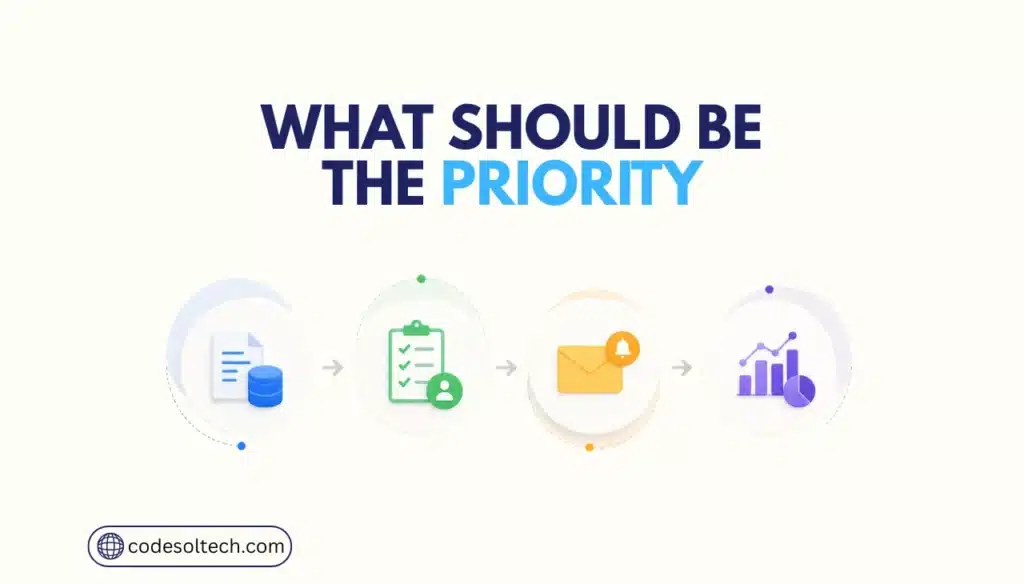
Codesoltech.com identifies four types of processes that qualify as high-priority automation targets:
- Data entry and data transfer: Moving order, customer, or inventory data between systems such as a CMS, ERP, or CRM. High volume, zero decision-making required, high error rate when done manually.
- Approval routing: Invoice approvals, purchase orders, and expense reports. Automation applies defined approval thresholds and routes exceptions to a human reviewer.
- Customer and order notifications: Order confirmations, shipping updates, and payment receipts. These trigger automatically from order-status changes with no manual composition needed.
- Reporting and reconciliation: Daily sales reports, inventory reconciliation, and payment gateway settlement matching. Automation pulls data on a schedule and formats it without manual compilation.
Businesses evaluating CRM integration, payment gateway setup, or email marketing automation should treat workflow automation as the connective layer between these systems, not a separate project.
Final Words
Workflow automation delivers measurable, documented returns: 20% to 30% lower operational costs, 200 to 250 recovered hours per employee annually, and a 248% three-year ROI in Forrester’s benchmark study.
The data removes the guesswork from the automation decision. The remaining variable is execution, choosing the right processes, in the right order, on the right platform.
Codesoltech designs and builds custom workflow automation systems for ecommerce and software businesses, integrating your CRM, ERP, and payment infrastructure into a single automated process. Contact Codesoltech.com to scope your automation project.



