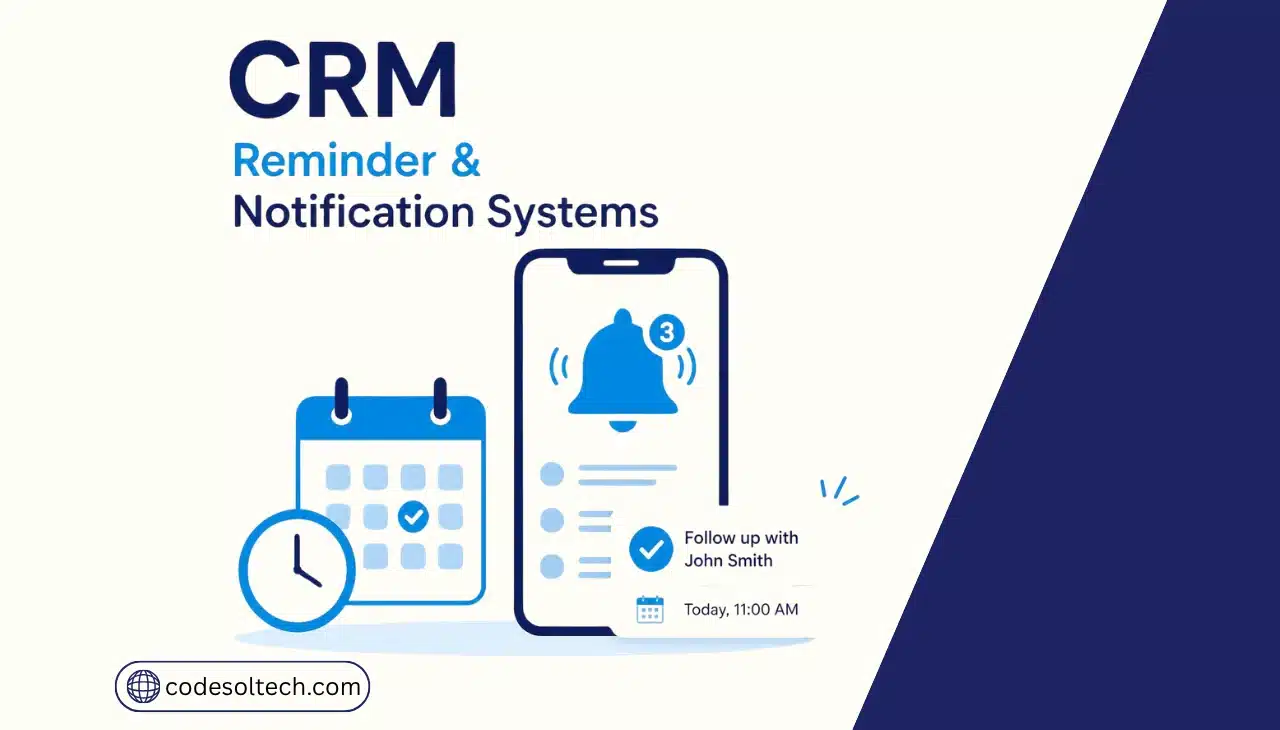
A CRM reminder and notification system tracks follow-up dates, deal deadlines, and customer events, then triggers automated alerts via email, SMS, push notifications, or WhatsApp before tasks go overdue. The system removes manual tracking from sales and service processes and reduces the number of follow-ups a team forgets.
The architecture behind this feature runs on three core components.
Businesses that skip this layer rely on spreadsheets, sticky notes, or a rep’s memory to track follow-ups, which fails once the lead volume exceeds what one person can hold in their head.
- Trigger engine — detects the event that starts the reminder, such as a field update or a date arriving
- Condition rules — evaluates whether the trigger meets the criteria set by the admin, such as “deal stage = proposal sent” and “3 days elapsed”
- Channel router — sends the alert through the assigned delivery method based on urgency and recipient preference
- Escalation logic — reassigns or repeats the alert if the original recipient takes no action within a set window
How Do CRM Notification Systems Work
A CRM notification system works through three sequential stages: trigger detection, rule evaluation, and message delivery.
The CRM scans each record against its configured conditions on a real-time or scheduled basis, then dispatches the alert through the assigned channel the moment a condition is satisfied.
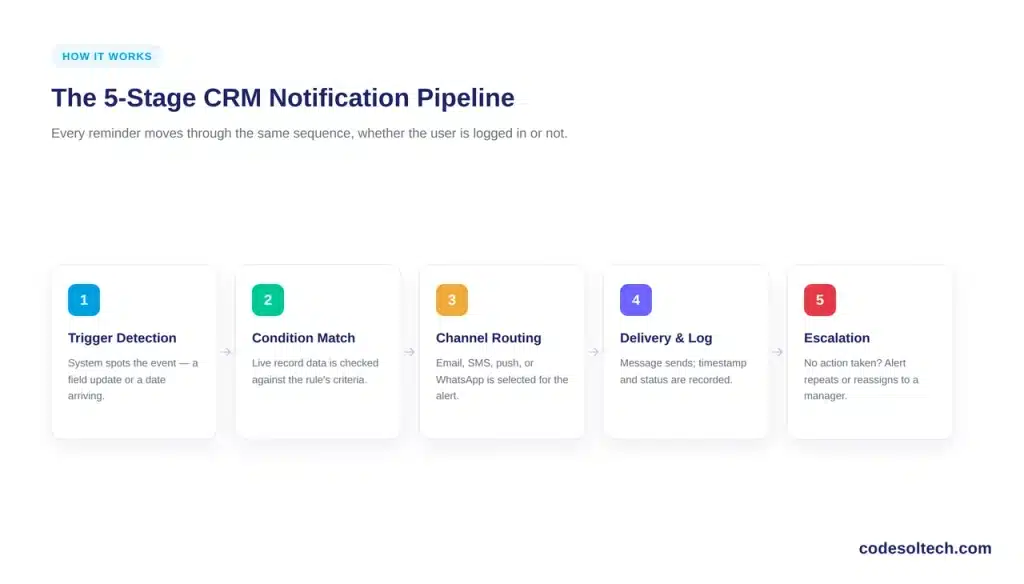
- Trigger definition — an admin sets the event that starts the process, such as “3 days before the scheduled follow-up date”
- Condition matching — the system compares live record data against the trigger’s rule set in the background
- Channel routing — the platform selects email, SMS, push, or WhatsApp based on the rule the admin configured for that alert type
- Delivery and logging — the CRM sends the message and records the timestamp, recipient, and delivery status in the record’s activity history
- Escalation — if the assigned rep takes no action, the system reissues the alert or reassigns the task to a manager
This pipeline runs independently of whether a user is logged into the CRM. A rep who closes their laptop still receives a push notification or SMS alert on their phone, which is the core difference between a notification system and a simple in-app to-do list.
Types of CRM Reminders and Alerts
CRM platforms support seven distinct categories of reminders and alerts, each tied to a different stage of the customer lifecycle. Configuring all seven closes most of the gaps where a lead or ticket typically falls through the cracks.
- Follow-up reminders — alert a rep when a scheduled call, email, or meeting with a lead is due
- Pipeline stage alerts — notify a manager when a deal sits in one stage past a defined time limit
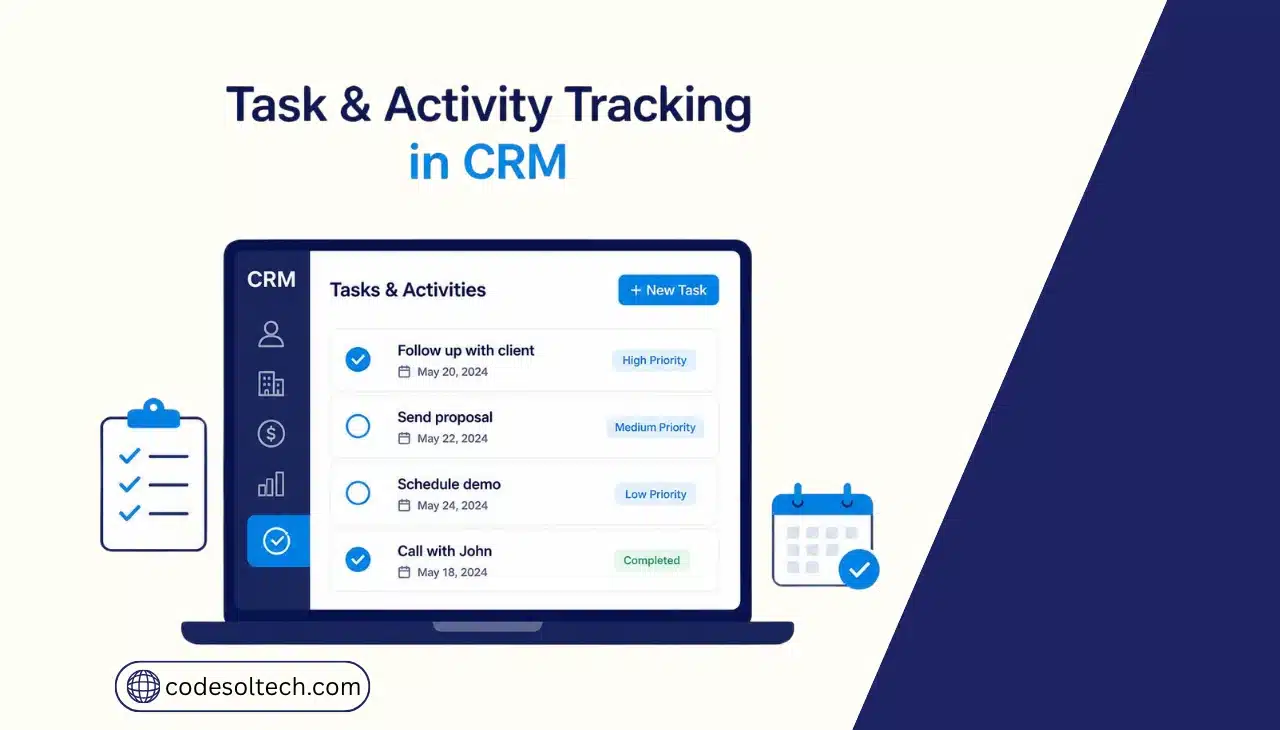
- Task and to-do reminders — trigger on internal deadlines assigned to a user or team
- Renewal and expiration alerts — fire ahead of a contract, subscription, or warranty end date
- SLA breach alerts — notify support staff before a service ticket exceeds its response-time commitment
- Milestone and anniversary reminders — flag a customer birthday, purchase anniversary, or loyalty milestone for outreach
- Missed follow-up escalation alerts — surface overdue tasks that the original reminder failed to resolve, routing them to a supervisor
Businesses that operate a CRM ticketing system typically configure SLA breach alerts first, since a missed service deadline carries a direct cost in customer retention.
Why Do Businesses Need Automated Follow-Up Reminders
Businesses need automated follow-up reminders because manual tracking does not scale past a handful of active leads, and the resulting gaps cost revenue.
According to Salesforce’s State of Sales report, sales reps spend only one-third of their time on revenue-generating tasks, with the remainder consumed by manual data entry, quote building, and follow-up tracking that a notification system automates.
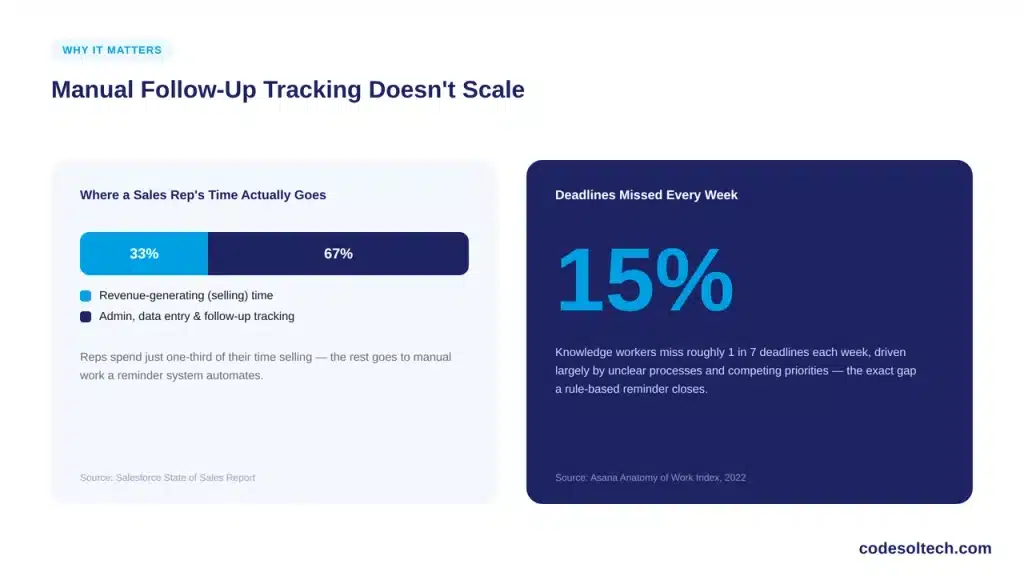
The pattern extends beyond sales teams. Asana’s 2022 Anatomy of Work Index found that 15% of deadlines are missed each week across knowledge workers, driven largely by unclear processes and competing priorities the exact failure mode a rule-based reminder system is built to prevent.
A reminder system converts follow-up tracking from a task a person must remember into a task the CRM executes on a schedule.
This shift matters most for teams managing high lead volumes through a CRM lead management workflow, where a single rep can hold dozens of active follow-ups at once.
CRM Notification Channels Compared
CRM platforms typically support four notification channels, and each fits a different urgency level and compliance profile.
| Channel | Best For | Typical Delivery Speed | Compliance Requirement |
|---|---|---|---|
| Detailed follow-ups, renewal notices, internal summaries | Minutes | CAN-SPAM opt-out link | |
| SMS / Text | Time-sensitive alerts, appointment reminders | Seconds | TCPA prior consent |
| Push Notification | Mobile rep alerts, in-the-field reminders | Seconds | App-level opt-in |
| International customers, rich-media reminders | Seconds | WhatsApp Business opt-in policy |
Omnichannel configuration routing the same reminder through more than one channel based on urgency reduces the chance that a single failed delivery causes a missed follow-up. Teams running CRM SMS integration alongside email typically report a shorter average response time on urgent alerts.
Is It Legal to Send Automated Text Reminders to Customers
Sending automated text reminders is legal in the United States when the business obtains proper consent under the Telephone Consumer Protection Act (TCPA).
The FCC requires a caller to obtain prior consent before sending an automated text to a wireless number, and marketing messages specifically require prior express written consent.
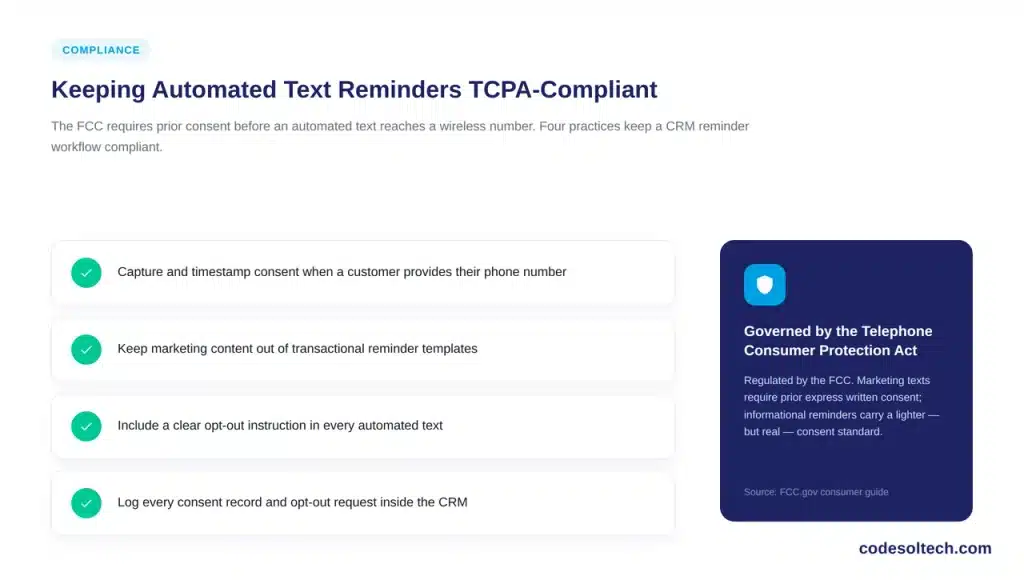
Non-marketing, informational reminders such as an appointment confirmation or a payment due date carry a lighter consent standard than promotional texts, but the sender still bears the burden of proving consent existed if a recipient disputes it. Four practices keep a CRM notification workflow compliant:
- Capture and timestamp consent at the point a customer provides their phone number
- Keep marketing content out of transactional reminder templates
- Include a clear opt-out instruction in every automated text
- Log every consent record and opt-out request inside the CRM for audit purposes
This is regulatory information, not legal advice. Businesses configuring SMS reminders at scale should confirm their specific workflow with legal counsel.
How to Configure Reminder Triggers in a CRM
Configuring a reminder trigger follows the same six-step sequence across most CRM platforms, regardless of vendor.
- Define the trigger event — select the field, date, or status change that starts the rule
- Set the condition threshold — specify the exact timing, such as “24 hours before” or “3 days after no response”
- Select the delivery channel — assign email, SMS, push, or WhatsApp based on urgency
- Assign the recipient — route the alert to the owning rep, a manager, or an entire team queue
- Write the message template — build the alert text using merge fields that pull in the customer name, deal value, or due date
- Test and activate — run the rule against a sample record before enabling it for live data
Teams building this out alongside broader CRM workflow automation typically configure reminders as one node inside a larger sequence, rather than as an isolated feature.
CRM Reminder Systems vs Manual Follow-Up Tracking
| Factor | Automated Reminder System | Manual Tracking |
|---|---|---|
| Consistency across reps | Fixed by rule, applies to every record | Varies by individual discipline |
| Scalability | Handles thousands of records without added effort | Degrades as lead volume rises |
| Audit trail | Logged timestamp, channel, and delivery status | Rarely documented |
| Setup effort | One-time rule configuration | None, but ongoing manual effort every day |
| Escalation on missed action | Automatic reassignment or repeat alert | Depends on a manager noticing the gap |
Clean underlying data drives every rule in this table. Teams should pair reminder configuration with a CRM data quality process, since a trigger built on a missing or outdated field never fires.
Frequently Asked Questions
Can a CRM send reminders across multiple channels at once?
Yes. Most platforms support omnichannel rules that send the same reminder through email and SMS simultaneously, or escalate from one channel to another if the first goes unanswered.
Do CRM notifications work when a user is offline?
Yes. The reminder engine runs on the server side and dispatches push notifications, SMS, or email regardless of whether the recipient is logged into the CRM at that moment.
How many reminder rules can one CRM account run?
Most CRM platforms support unlimited or near-unlimited trigger rules, though performance depends on the vendor’s automation tier and the total record volume being evaluated.
Does a CRM notification system replace marketing automation software?
No. A CRM reminder system handles individual, record-level alerts tied to a specific customer or deal. Marketing automation platforms handle broad, segment-level campaigns, and the two typically run alongside each other rather than replacing one another.
Final Words
A CRM reminder and notification system closes the gap between a scheduled follow-up and an executed one. It replaces memory and spreadsheets with a rule engine that fires on schedule, logs every delivery, and escalates what gets ignored.
For a team losing deals to missed follow-ups, this is one of the highest-return features to configure first.
Ready to stop losing deals to a missed reminder?
Talk to CodeSolTech about configuring reminder automation inside your CRM.