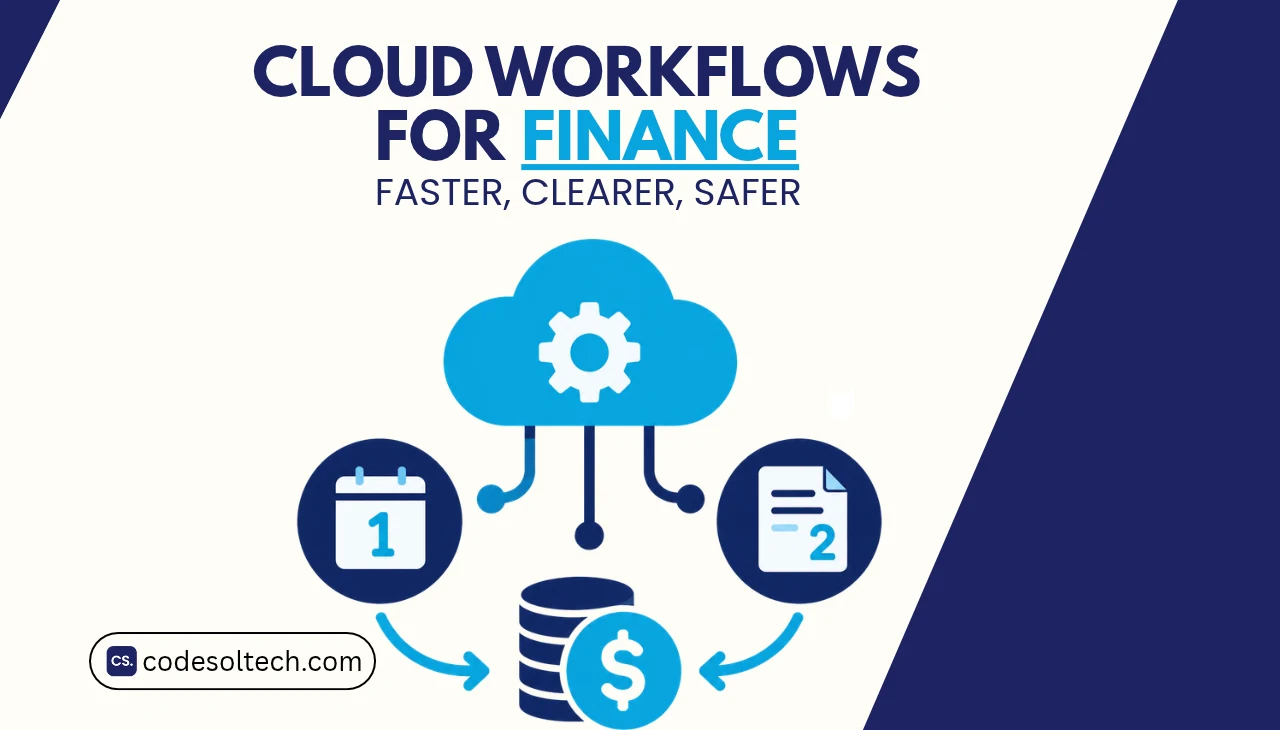
Cloud-based finance systems give small businesses a current view of cash flow, invoices, and expenses. Staff no longer combine figures from several disconnected files.
They also shorten the delay between a transaction and the report that shows it. A sale on Monday can appear in a cash flow report the same day.
This shift affects more than bookkeeping. It changes how teams share information, approve spending, and spot problems before they grow.
A well-designed workflow can connect sales, banking, and reporting. It keeps clear controls over who can view or edit each record.
Breaking Down Traditional Data Silos
Financial data often sits across spreadsheets, email attachments, bank portals, and sales systems. These silos create duplicate work.
They also make it hard to confirm which figure is current. An owner may review an outdated cash flow sheet while an employee holds a newer version with several unpaid invoices.
A cloud workflow creates one shared source of financial information. Authorized staff can record transactions and review reports without sending files back and forth.
Before changing systems, map where data enters the business, who handles it, and where delays occur.
This planning also helps distinguish a software replacement from a broader process upgrade.
Understanding the difference between digital transformation and traditional software can help businesses see why connected workflows require more than simply installing a new application.
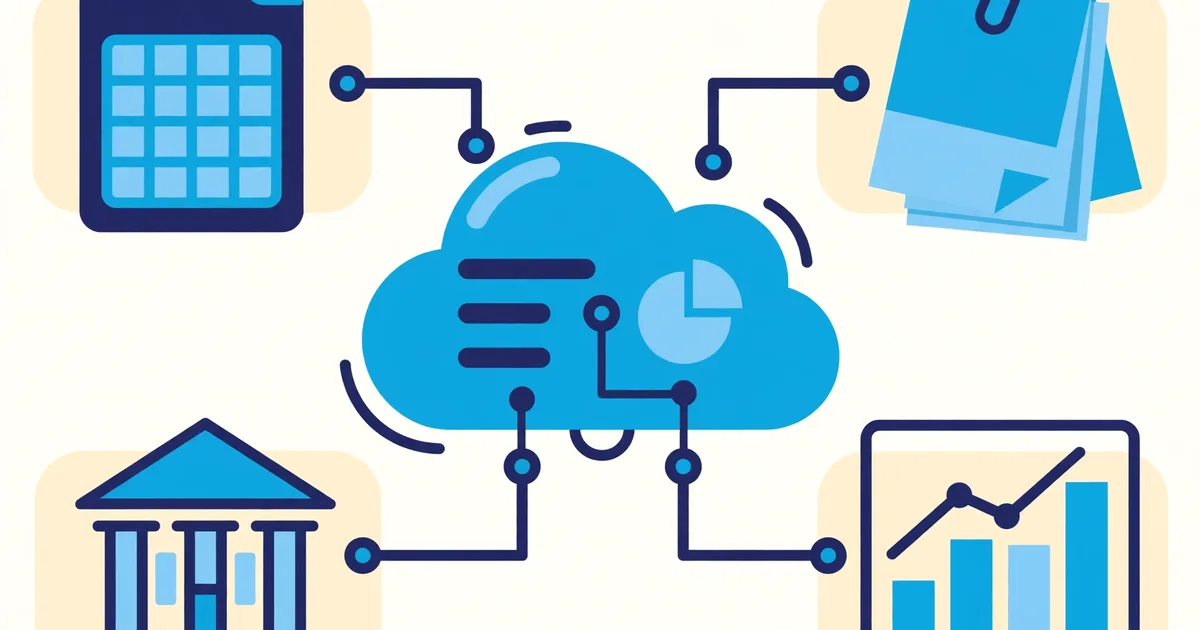
Map the flow before you buy anything
List every place money data enters the business. Include sales, bank feeds, invoices, and expense receipts.
Note who handles each entry and where it waits. The wait is usually the problem, not the tool.
- Sales records that sit in email before anyone enters them
- Bank statements that arrive after the month has closed
- Invoices tracked in a spreadsheet only one person updates
Fix the flow first. Software bought for a broken flow only moves the same delays into a new screen.
Much of that lost time hides in routine admin, in everyday tasks that waste teams time a little each day.
Cloud use is now the normal choice
Cloud accounting is no longer an early move. In Xero’s 2025 State of the Industry report, 86% of Canadian accounting practices said they used cloud accounting software in 2025.
Small businesses feel the same pull. They want figures they can check from anywhere, not files tied to one office computer.
Upgrading to Modern Accounting Software
Choose a platform based on the work your business completes every week.
For a small business, suitable accounting software can help centralize invoicing, expense records, and business reporting in one cloud-based system.
Review practical requirements before committing. Check how the platform imports existing records, connects with bank feeds, and controls user permissions.
Confirm that you can export data in a common format if you later change providers.

Run a trial with real transactions
A short trial using realistic transactions can expose issues that a feature list will not show.
Ask the person who sends invoices to create one, record a payment, and correct an entry. The business owner should then check whether the resulting cash flow and receivables reports are clear enough to support day-to-day decisions.
- Create an invoice and send it to a test customer
- Record a partial payment against it
- Correct a wrong entry and check the audit trail
- Export a cash flow report and read it without help
Check the exit before you enter
Export should be simple. If leaving the platform means losing history, the price of switching grows every year.
Ask for a sample export during the trial. Open it in a spreadsheet and confirm the figures match the reports.
Automating Routine Reconciliation
Reconciliation compares transactions in your records with activity reported by a bank or payment provider.
Doing this manually can consume hours each month, especially when descriptions differ or several payments settle as one deposit.
Automated matching can suggest likely pairs based on the amount, date, and reference.
Keep human review in the workflow. Set rules for predictable entries such as monthly subscriptions, then require approval for unfamiliar suppliers, duplicate amounts, or unusually large payments.
Following internal control practices for small businesses can help maintain separation of duties and regular oversight as more tasks become automated.
Track the percentage of transactions matched automatically and the number of exceptions. If exceptions keep increasing, investigate inconsistent references, delayed data imports, or duplicate entries before adding more automation rules.
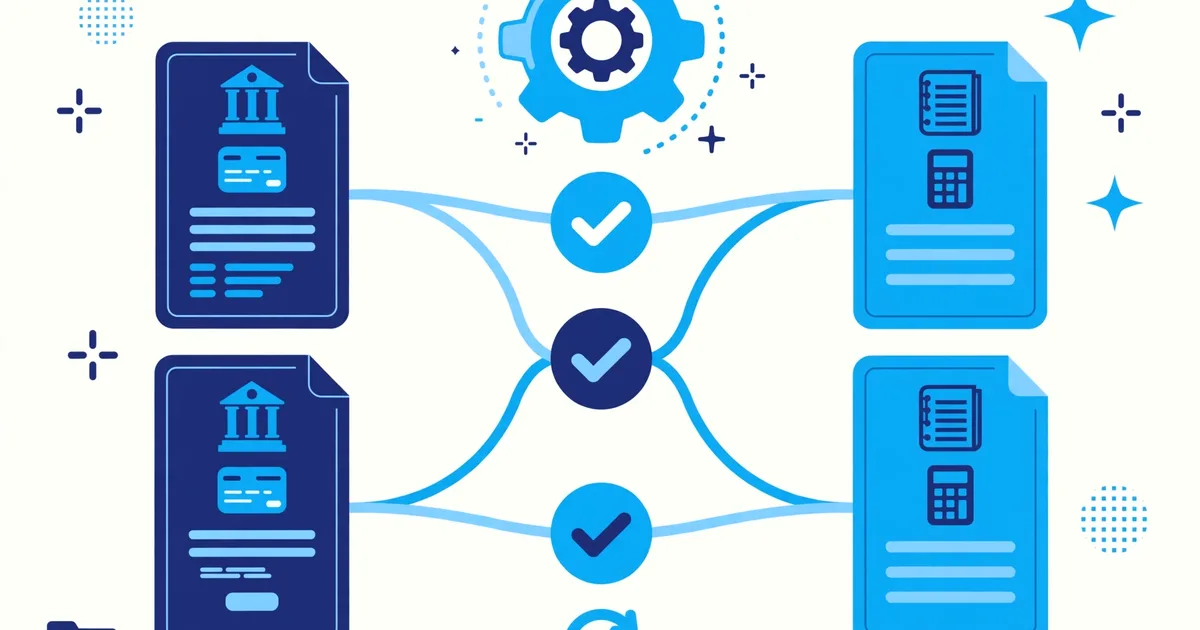
Rules for the routine, review for the odd
Automation works best on entries that repeat. A monthly subscription or a regular supplier payment can match itself.
Anything unusual still needs a person. A duplicate amount or a payment far above the usual range should wait for approval.
Late invoices are the cost of slow follow-up
Slow matching is not the only leak. Late customer payments leave the same gap in cash flow, and the numbers are large.
In its 2026 Small Business Late Payments Report, QuickBooks found that 59% of small businesses had invoices overdue by 30 days or more. That is up from 47% the year before.
Businesses waiting on unpaid invoices were owed $17.7K on average. Nearly 2 in 5 owners said one late payment made it hard to cover payroll or bills in the past year.
Faster matching and faster follow-up work together. When the system flags an unpaid invoice early, the owner can act while the amount is still small.
Automated matching also cuts the hours spent on manual checks. Those saved hours are one practical way to cut operational costs across the year.
Settlement timing matters too. A payment gateway comparison for ecommerce shows how providers differ on settlement speed and fees, which affects when money actually clears.
Securing Financial Records in the Cloud
Cloud storage still requires active security management.
Start by implementing multi-factor authentication for your business, alongside unique user accounts and access levels tied to each employee’s duties.
Someone who prepares an invoice may not need permission to change bank details or remove transaction records.
Review access every quarter and immediately after an employee or contractor leaves. Avoid shared logins because they prevent you from identifying who made a change.
Audit logs should record edits, approvals, and exports so unusual activity can be investigated.

Test the backup, do not assume it
Backups also need attention. Confirm how frequently the provider creates copies, how long it retains them, and how recovery works.
Run a test export of key reports and customer balances. A documented recovery check is more useful than assuming every record can be restored on demand.
Modern cloud finance works best when the system reflects how money actually moves through the business.
Clear ownership of approvals, reconciliation exceptions, and account access turns live financial data into something owners can trust when bills are due or cash is tight.
Want finance workflows that keep up with your business?