Digital transformation for an Austin ecommerce store means rebuilding how the store sells, fulfills orders, and follows up with customers.
It is not one new tool. It is a faster storefront, automated order work, and connected customer data working together.
Stores that fix only the website still lose time to manual order handling. Stores that automate only the back office still lose shoppers to slow pages.
The full refresh covers both sides, protecting revenue first and adding complexity later.
What digital transformation means for an Austin online store

For most Austin stores, transformation touches four areas. The storefront is what shoppers see and tap.
Operations cover orders, stock, packing, and shipping. Customer data covers who bought, what they bought, and when to follow up.
Decision making covers the weekly numbers: conversion, average order value, repeat rate, and support tickets.
When one area lags, the others pay for it. A pretty store with manual fulfillment still ships late.
- Storefront: speed, mobile layout, search, and checkout
- Operations: order routing, stock sync, and shipping updates
- Customer data: one record per buyer across channels
- Measurement: a short weekly report, not a pile of dashboards
A simple test for your current setup
Place a test order on your phone. Time every step from product page to confirmation email.
Then trace that order by hand. Note every spreadsheet, inbox, and copy-paste step it needed.
Each manual step is a cost. It slows delivery, invites errors, and hides problems until a customer complains.
Austin adds its own pressure. Shoppers here compare local stores with national ones on the same phone screen.
A local store wins on fast pickup, honest delivery times, and service from people who know the area. It loses when its site feels slower than a big retailer.
The storefront comes first: speed, mobile and checkout

Shoppers judge a store in seconds. Slow pages and clumsy checkout cost sales before marketing ever gets a chance.
Google research found that 53% of mobile site visits are abandoned when a page takes longer than 3 seconds to load. That finding comes from Google mobile speed research reported by MediaPost.
Checkout friction is just as costly. The Baymard Institute average across 50 published studies puts cart abandonment at 70.22%. See the Baymard Institute cart abandonment rate list for the full set of studies.
Baymard also found that extra costs shown late, forced account creation, and slow delivery rank among the top reasons shoppers leave. Those are fixable store problems, not product problems.
Start with image sizes, caching, and a mobile layout that puts search, price, and the buy button first.
- Show shipping and tax estimates before checkout, not after
- Offer guest checkout next to account checkout
- Cut checkout fields to what payment and delivery truly need
- Test the full flow on a real phone, not only on desktop
Payment options that reduce drop-off
Some shoppers leave because their preferred payment method is missing. Others leave because the payment step looks unfamiliar or insecure.
Offer the major cards plus at least one wallet option, and keep the payment step on a trusted, clearly branded page. Our payment gateway comparison for ecommerce stores explains how six common platforms differ on fees and features.
Then measure drop-off by payment step. Fix the step with the biggest loss before redesigning anything else.
Search and filters deserve the same attention. Many shoppers arrive knowing the product type, not the exact name.
Clear filters for size, price, and availability help them reach a buyable product in two taps. A search box that returns nothing useful sends them straight to a competitor.
- Show stock status on the product list, not only on the product page
- Keep filters visible on mobile without hiding the products
- Fix zero-result searches with close matches and suggestions
Automate the work behind the order
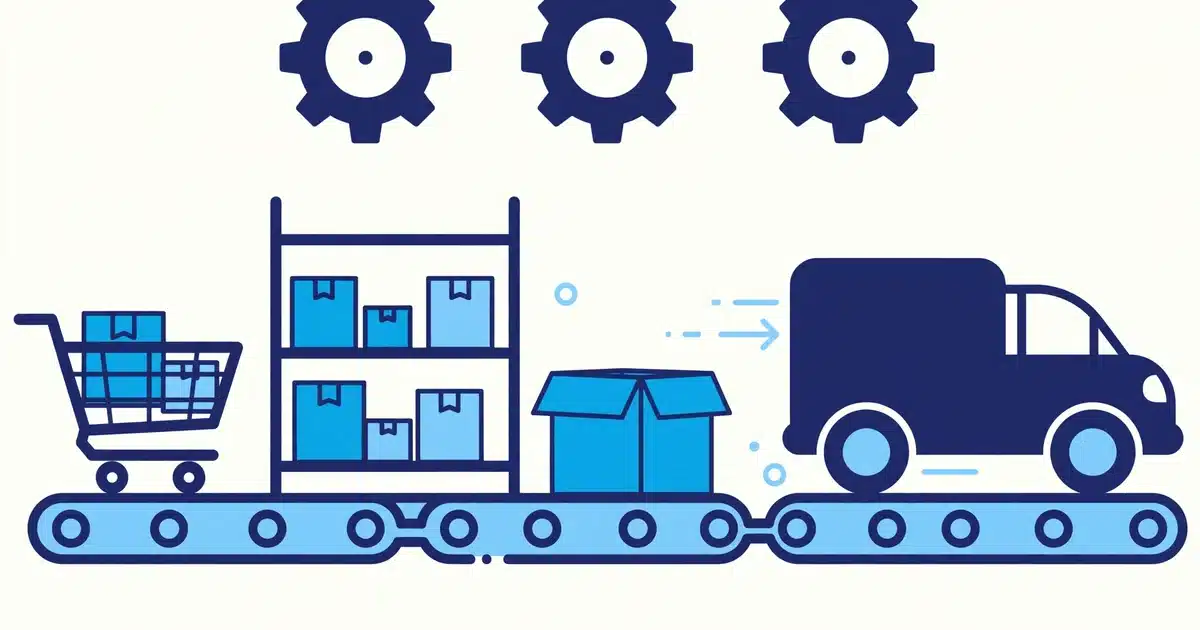
Once an order is placed, manual work begins. Someone confirms payment, checks stock, prints a label, and writes a shipping update.
That chain works at ten orders a day. It breaks at fifty, and it breaks loudly during a sale or holiday rush.
Automation moves each step without a human touching it. Payment confirmation triggers picking. Picking triggers a label. Shipping triggers a tracking email.
Staff time shifts from copying data to handling exceptions, such as damaged items and address problems.
- Order routing: send each order to the right stock location automatically
- Stock sync: update every sales channel when one item sells
- Shipping updates: send tracking without manual emails
- Returns: give shoppers a clear return flow that updates stock
Small stores should automate one painful step first. Pick the step that eats the most hours or causes the most complaints.
Our process and workflow automation service for Austin businesses maps that step before any tool is chosen, so automation fits the business instead of forcing a new process on it.
Turn one-time buyers into repeat customers

Winning a first order is expensive. Winning a second order from the same buyer is usually cheaper, because trust already exists.
Repeat buying depends on memory. The store should remember sizes, past orders, and preferences without asking twice.
McKinsey research on personalization found that companies that excel at it generate 40% more revenue from personalization than slower-growing peers. See the summary of McKinsey personalization research on revenue.
For a small store, personalization can stay simple. Recommend a refill, a matching item, or a size the buyer already wears.
- Post-purchase email: confirm, thank, and explain delivery clearly
- Replenishment reminder: nudge at the right interval, not daily
- Win-back message: one honest offer after a long gap
- Loyalty record: track repeat buyers so staff can treat them well
A customer record system holds all of this in one place. Without it, follow-up lives in inboxes and memory, and both fail.
Our custom CRM and client portal service for growing stores builds that single record, so email, support, and sales all see the same buyer history.
Support tone matters as much as speed. A buyer who gets a clear answer about a late parcel is more likely to return than one who gets silence.
Give support agents the order, tracking, and past messages before they reply. That one view cuts back-and-forth and keeps small problems small.
Connect your systems so nothing falls through
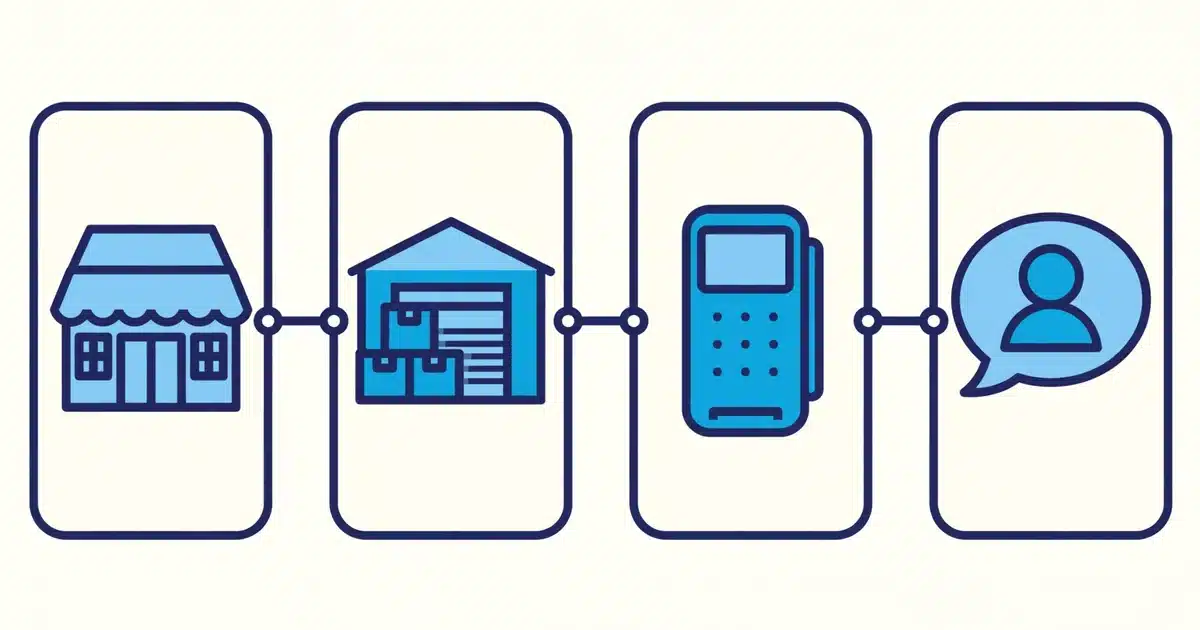
Most stores run several tools: a storefront, a payment provider, an accounting app, and a shipping tool.
When those tools do not talk to each other, staff become the connection. They retype orders, reconcile stock, and chase missing data.
Integration connects the tools directly. An order in the store updates stock, accounting, and the customer record at once.
Errors drop because data is entered once. Reports improve because every tool reads the same numbers.
- Store to accounting: orders and refunds flow without retyping
- Store to stock: one stock count across website and marketplaces
- Store to support: agents see orders before they reply
- Store to marketing: buyer lists stay current without exports
Integration work should start with the two tools that cause the most retyping. Connect those, prove the time saved, then expand.
Our system integration and cloud setup service for Austin stores handles that connection work, including hosting and data security around it.
A practical rollout plan for Austin stores

A rollout works best in phases. Each phase should pay for itself before the next one starts.
Phase one is an audit. Measure page speed, checkout drop-off, and hours spent on manual order work.
Phase two fixes the storefront and checkout. Speed, mobile layout, and payment options come before new features.
Phase three automates orders and connects the customer record. This is where repeat revenue starts to compound.
- Week 1 to 2: audit speed, checkout, and manual steps
- Week 3 to 6: rebuild storefront speed and checkout flow
- Week 7 to 10: automate orders and set up the customer record
- Ongoing: review conversion, repeat rate, and support tickets weekly
Set one target per phase. A storefront phase might target checkout completion. An automation phase might target hours saved per week.
Our ecommerce store development service for Austin businesses builds the storefront side of this plan, from fast pages to secure checkout.
Digital transformation is not a single launch day. It is a sequence of fixes, each measured, each kept only if it helps shoppers or staff.
Avoid the big rebuild trap. Replacing every tool at once creates months of disruption and no single owner for the result.
Buy tools after mapping the process, not before. A tool bought for a vague problem usually adds a new manual step instead of removing one.
Keep a short list of dropped ideas too. Knowing what you chose not to build keeps the next phase focused.
Ready to modernize your Austin online store?