
A CRM document management system stores, organizes, and secures customer-related files directly inside the CRM, attaching each document to the specific contact, company, deal, or ticket it belongs to. This connection separates it from standalone file storage tools like a shared drive, which hold files but not customer context.
Sales, support, and operations teams use it to generate proposals, store signed contracts, and route documents through approval and e-signature workflows without leaving the CRM.
This structure differs from a standalone file storage system in one key way: context.
A folder in Google Drive or Dropbox holds a file, but it does not know which deal the file belongs to, who is authorized to view it, or what stage that deal is in.
A CRM document management system stores the same file with that context attached, so sales, support, and finance teams retrieve it through the customer record instead of searching folder trees.
Why Businesses Need Document Management in CRM
Businesses need CRM document management because scattered files slow down every team that touches a customer record.
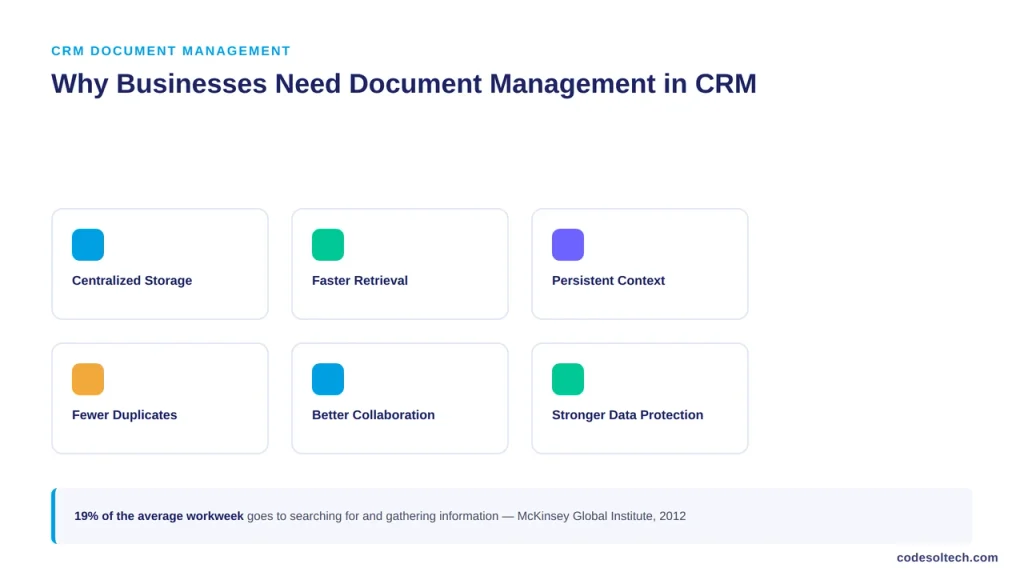
Research from the McKinsey Global Institute found that searching for and gathering information consumes roughly 19% of the average knowledge worker’s time, a share the report projects social and collaborative tools can cut by 20% to 25%.
Centralizing documents inside CRM records removes a large part of that search time directly.
A CRM document management system delivers six operational gains for teams that manage customer files at volume:
- Centralized storage — every document lives in one system instead of split across email, drives, and desktops.
- Faster retrieval — staff pull files from the customer record instead of searching folder structures.
- Persistent customer context — documents stay linked to the contact, deal, or ticket that generated them.
- Fewer duplicate files — a single source of truth replaces multiple saved copies across devices.
- Stronger team collaboration — sales, support, and finance view the same version without file transfers.
- Better protection for sensitive data — role-based permissions restrict access to contracts, IDs, and financial records.
How Does CRM Document Management Work
A CRM document management system works by routing every file through five stages: upload, link, permission, version tracking, and workflow trigger.
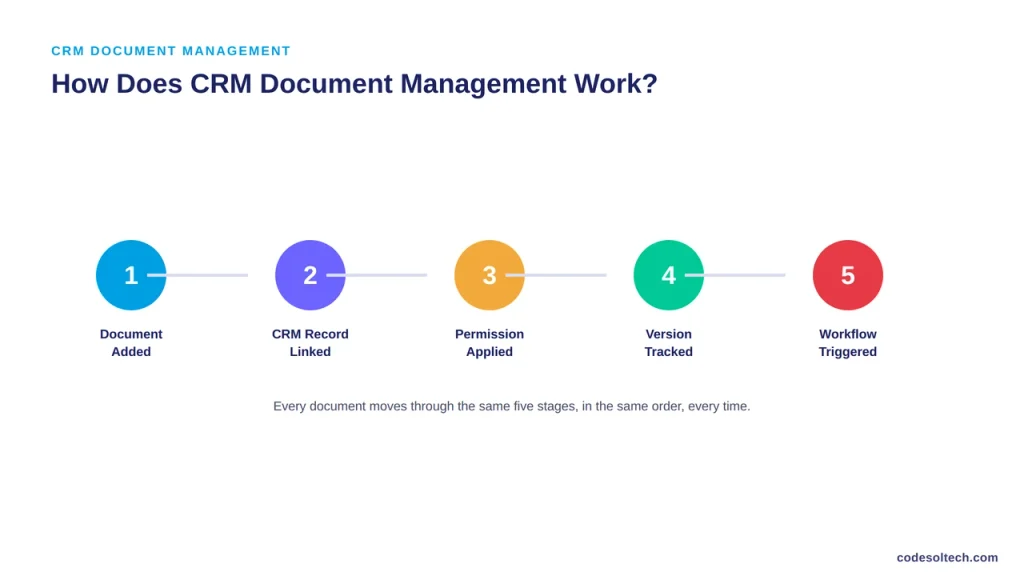
A user uploads a document, the system links it to the relevant CRM record, permissions apply automatically based on the user’s role, the system logs the file as a new version if a prior copy exists, and any related workflow, such as an approval request or a renewal alert, fires immediately.
The sequence runs in a fixed order:
Document Added → CRM Record Linked → Permission Applied → Version Tracked → Workflow Triggered.
Search functions operate across both the document content and the linked customer data, so a rep can locate a contract by searching the client’s name rather than remembering a file name or folder path.
Types of Documents a CRM Can Manage
A CRM document management system manages nine categories of customer-related files:
- Contracts and agreements
- Proposals and quotes
- Invoices and receipts
- Customer intake and onboarding forms
- Identification and verification documents
- Service and maintenance records
- Sales collateral and quote documents
- Support attachments and ticket files
- Internal business documents tied to a customer account
Core Features of CRM Document Management Systems
A CRM document management platform configures the following twelve capabilities as standard:
- Centralized document storage
- Direct attachment to contact, company, deal, or ticket records
- Full-text document search
- Folder and category organization
- Version control with revision history
- Role-based access permissions
- Secure internal and external document sharing
- Multi-step approval workflows
- Reusable document templates
- E-signature integration
- Activity and access logging
- Automated document generation from CRM field data
CRM Document Management Examples
Sales contracts: The system stores a signed agreement directly on the associated deal record, so any team member opens the contract from the deal page instead of requesting it from sales.
Proposals: Reps generate a proposal from a template that auto-fills with CRM field data client name, pricing, scope and send it for e-signature without switching tools.
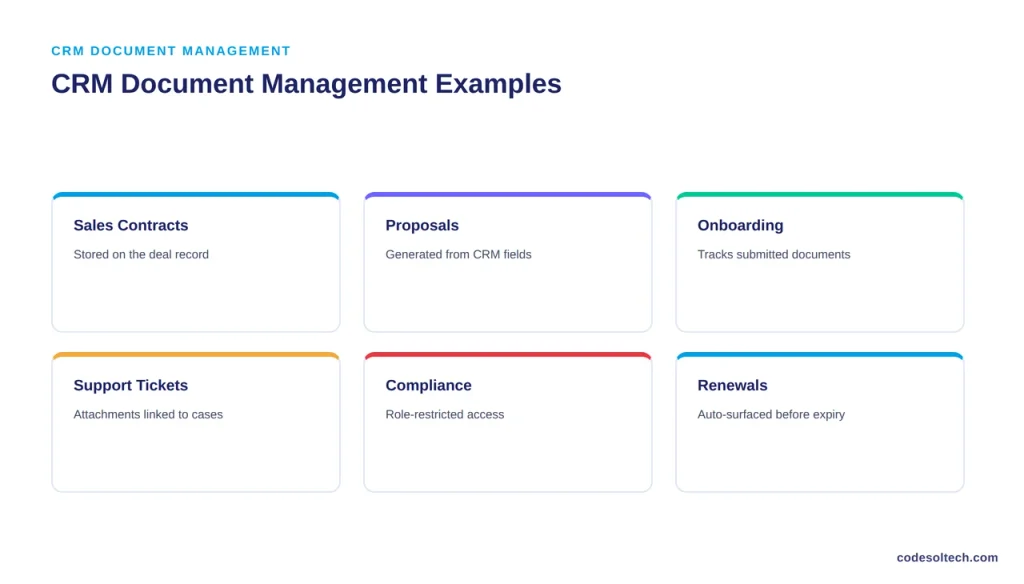
Customer onboarding: The CRM requests required documents from a new client, tracks submitted files, and flags missing items to the onboarding team.
Support tickets: Screenshots, logs, and correspondence attach directly to the ticket record, keeping the full case history in one place.
Compliance: Role-based permissions restrict access to sensitive contracts, IDs, and financial records to authorized users only.
Renewals: The system surfaces the relevant contract automatically as a renewal date approaches, triggering a task for the account manager.
CRM Document Management vs Traditional File Storage
| Feature | CRM Document Management | Traditional File Storage |
|---|---|---|
| Customer context | Built into every file | Usually absent |
| Document organization | Linked to CRM records | Folder-based |
| Search | Customer data plus document content | File name and folder path |
| Permissions | Role-based, tied to CRM user roles | Varies by platform |
| Workflow automation | Native | Limited or unavailable |
| Version tracking | Standard feature | Depends on platform |
| Sales and support access | Direct from the record | Requires a separate search |
9 Steps to Implement Document Management in a CRM
- Identify document types and business requirements
- Define a storage and organization structure
- Connect documents to CRM records
- Configure role-based permissions
- Set naming and versioning rules
- Build document-related workflows
- Migrate existing files into the system
- Test access controls and security settings
- Train users on upload, retrieval, and permission rules
CRM Document Automation Workflows
A CRM document management system automates seven recurring document tasks once configured.
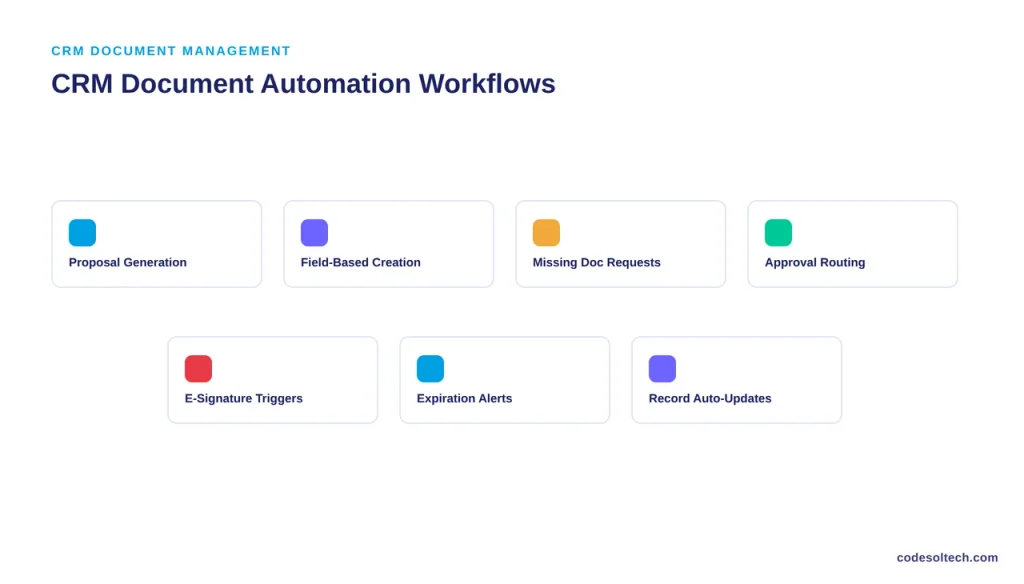
Automatic Proposal Generation
The CRM pulls deal data client name, pricing, scope into a proposal template and generates a ready-to-send document without manual entry.
Document Creation From CRM Fields
The system builds contracts, quotes, and forms directly from existing record data, removing the need to retype customer information into a separate document.
Missing Document Requests
The CRM identifies gaps in a customer’s file set and automatically requests the outstanding document, tracking the response until it arrives.
Internal Approval Routing
A document moves through a defined approval chain automatically, notifying each approver in sequence and logging every decision.
E-Signature Triggers
Once a document is finalized, the CRM sends it for e-signature and updates the record the moment the signature is captured.
Expiration Notifications
The system alerts the responsible team before a contract, license, or certification expires, giving them time to act before the deadline passes.
Record Updates After Signing
Once a document is signed, the CRM updates the related deal, contact, or ticket status automatically, without a manual data-entry step.
Security and Access Control for CRM Documents
A CRM document management system secures files through eight controls:
- Role-based permissions
- User-level access restrictions
- Encryption in transit and at rest
- Secure external sharing links
- Audit logs of every access event
- Full version history
- Configurable retention policies
- Automated backup and recovery
Common CRM Document Management Mistakes
Seven mistakes account for most of the document chaos businesses run into after adopting a CRM:
- Storing files without linking them to a CRM record
- Using inconsistent folder or naming structures
- Granting users broader access than their role requires
- Skipping version control, leading to conflicting file copies
- Keeping duplicate documents across systems
- Ignoring document retention requirements
- Failing to back up critical files
When Should You Build Custom CRM Document Management
A business should build a custom CRM document management system when off-the-shelf permission and workflow settings cannot support its document volume or compliance requirements.
Standard CRM document modules cover common cases contracts, proposals, onboarding forms but they reach a limit once an industry demands document logic that the default configuration does not support.
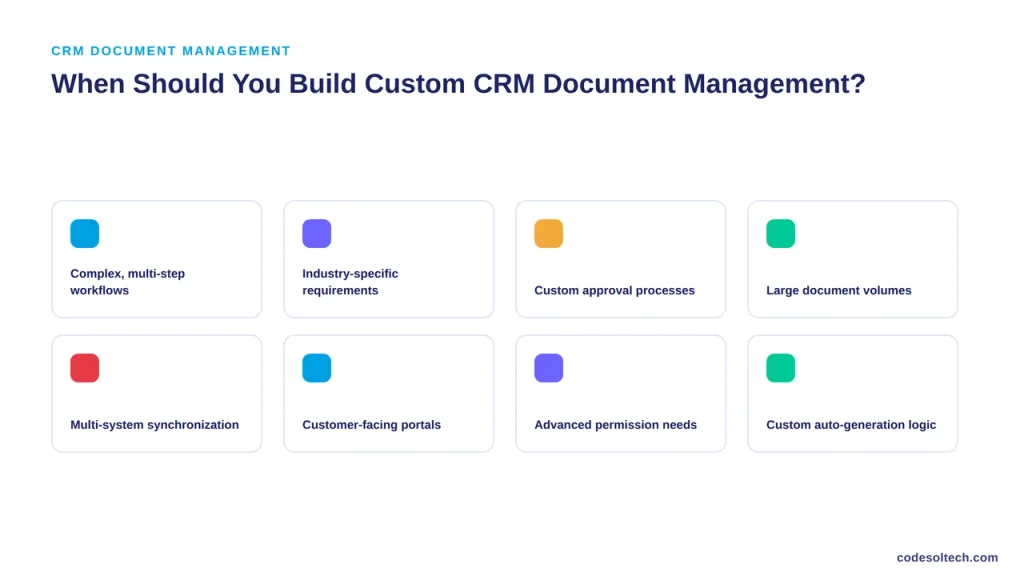
Eight conditions signal that a custom build is justified:
- Complex, multi-step document workflows
- Industry-specific document requirements, such as those in insurance or legal services
- Custom multi-stage approval processes
- Large document volumes that exceed standard plan limits
- Multiple systems that need document synchronization, such as a CRM tied to an ecommerce platform
- Customer-facing document portals
- Advanced, granular permission requirements
- Automated document generation tied to custom business logic
How to Measure CRM Document Management Success
Eight metrics determine whether a CRM document management system is performing:
- Average document retrieval time
- Reduction in duplicate files
- Document processing time per transaction
- Workflow completion rate
- Approval turnaround time
- User adoption rate
- Document-related error rate
- Number of security or access incidents
FAQs
What is document management in CRM?
Document management in CRM is the storage and organization of customer-related files directly inside the CRM platform, linked to the contact, company, deal, or ticket each file belongs to.
Can a CRM store customer documents?
Yes. Most modern CRM platforms store documents natively or through an integrated document module, attaching each file to the relevant customer record.
How does CRM document management work?
It works through a five-stage process: a user uploads a file, the CRM links it to a record, permissions apply based on user role, the system tracks versions, and any related workflow triggers automatically.
What documents can be stored in a CRM?
A CRM stores contracts, proposals, invoices, onboarding forms, identification documents, service records, sales collateral, support attachments, and internal business files.
Is CRM document management secure?
Yes, when configured correctly. Security depends on role-based permissions, encryption, audit logs, and defined retention policies rather than on the CRM platform alone.
Can CRM documents be automated?
Yes. CRM platforms automate document generation, approval routing, e-signature requests, expiration alerts, and record updates after a document is signed.
Can documents be linked to customer records?
Yes. Linking every document to its corresponding contact, company, deal, or ticket record is the core function that separates CRM document management from standalone file storage.
When should a business use custom CRM document management?
A business should use a custom build when document workflows, permission structures, or compliance requirements exceed what a standard CRM document module supports.
Final Words
A CRM document management system replaces scattered files with a structure where every document stays connected to the customer it belongs to.
Retrieval gets faster, permissions get enforced, and workflows run without manual follow-up.
For document volumes or compliance rules that standard CRM modules cannot handle, a custom-built system is the next step.
Ready to connect your documents to your CRM the right way?
Talk to CodeSolTech about a custom CRM document management build.
You May Like
Customer Support Ticketing Inside CRM: Features & Benefits
SMS Integration for CRM Systems: Automate Sales & Follow-Ups
CRM Email Automation Explained: Stop Losing Leads to Slow Replies



