
The highest-impact workflow automations for local businesses are missed-call text-back, automated review requests, appointment reminders, Google Business Profile syncing, lead routing, invoice reminders, inventory alerts, staff scheduling, AI-assisted review replies, and win-back sequences. Each removes a manual step that currently costs the business leads, no-shows, or staff hours.
This article lists 10 workflow automations built specifically for local, service-based, and brick-and-mortar businesses, not generic enterprise software workflows. Each automation includes the trigger, the action, and the measurable result.
What is workflow automation for a local business?
Workflow automation for a local business is a system that executes a repeated task the moment a trigger event occurs, without a human initiating each step. A missed call, a completed job, a low stock count, or a booked appointment all qualify as trigger events.
The system then executes a fixed action: send a text, update a record, create an invoice, or post an alert. Local businesses use workflow automation most often for phone response, scheduling, reviews, and payments, because these four areas generate the highest volume of repetitive, time-sensitive tasks.
1. Missed-call text-back
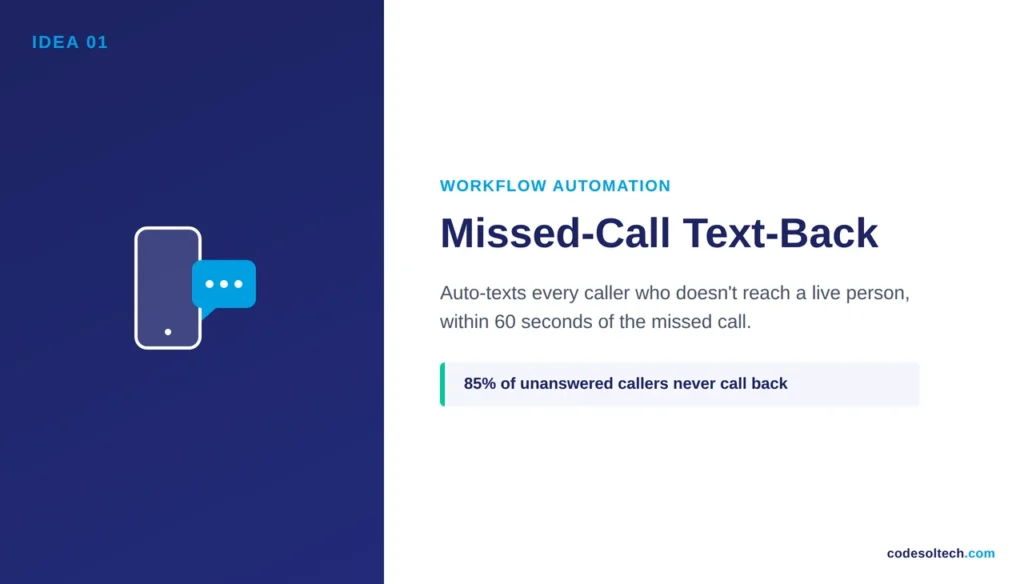
Missed-call text-back sends an automatic SMS to a caller the moment their call goes unanswered. Small businesses miss 20–35% of incoming calls during business hours and nearly all calls after hours, and 85% of callers who reach voicemail never call back (PATLive research, cited via Aira).
An SMS sent within 60 seconds of a missed call recovers a portion of that lost caller before they contact a competitor.
2. Automated review requests
An automated review request triggers a text or email asking for a review the moment a job or sale closes. Timing determines the response rate: requests sent same-day or next-day convert at a higher rate than requests sent a week later.
This matters because 97% of consumers read reviews before choosing a local business, and 41% now “always” read reviews when browsing, up from 29% the previous year (BrightLocal Local Consumer Review Survey, 2026).
3. Appointment scheduling with automated reminders
Appointment scheduling automation books the slot, blocks the calendar, and fires reminder messages at set intervals before the visit.
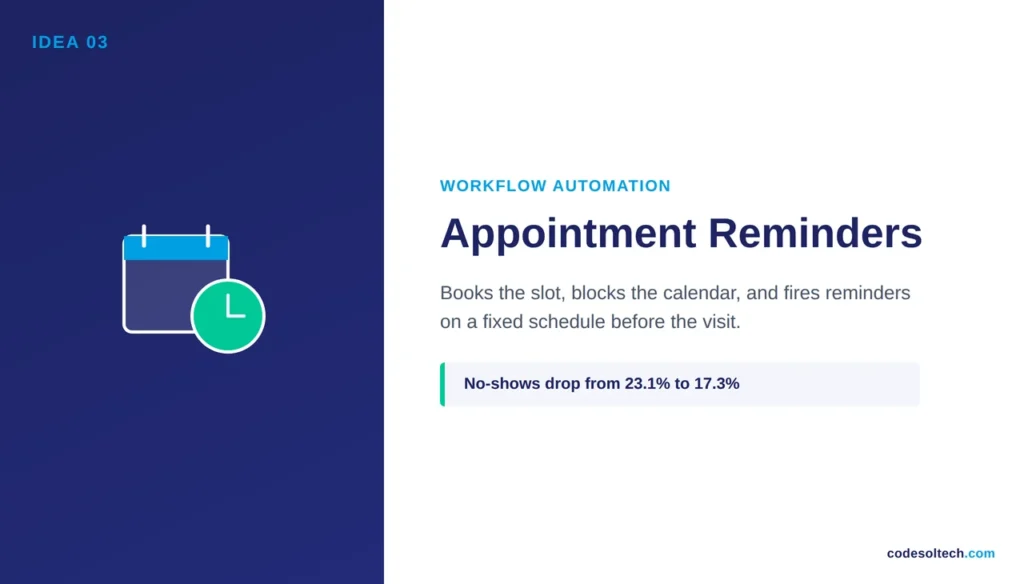
A randomized clinical trial comparing automated reminders against no reminders recorded no-show rates of 17.3% for the automated group versus 23.1% for the group that received no reminder (American Journal of Medicine, peer-reviewed study).
A local business that books 40 appointments a week recovers roughly 2–3 appointments weekly using this single automation.
4. Google Business Profile syncing
Google Business Profile syncing pushes hours, promotions, and inventory updates from the business’s internal system directly to its Google listing. A stale listing showing wrong hours or an out-of-stock product drives a customer to a competitor’s listing instead.
Consumers now consult an average of six different platforms before choosing a business, so inconsistent information across even one channel breaks trust before contact ever happens (BrightLocal, 2026).
5. Lead routing and CRM entry
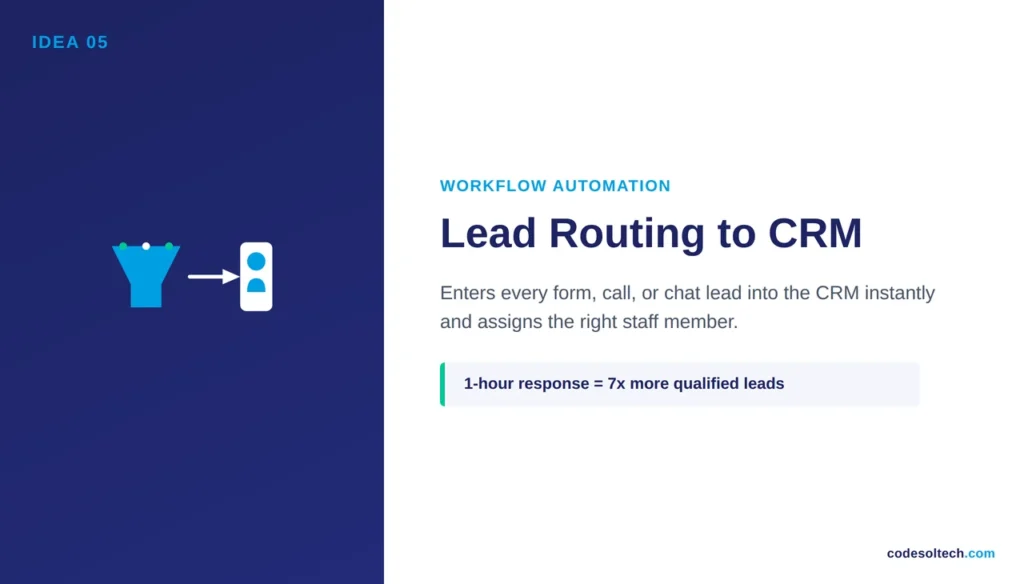
Lead routing automation takes a form submission, call, or chat message and enters it into the CRM instantly, then assigns it to the correct staff member based on service type or location.
Manual lead entry adds hours of delay between inquiry and first contact, and that delay is the single largest predictor of lost conversions, per the Harvard Business Review study cited above.
6. Invoice generation and payment reminders
Invoice automation generates and sends the invoice the moment a job is marked complete, then fires payment reminders on a fixed schedule if payment isn’t received.
This removes the administrative task of manually tracking who has and hasn’t paid, and it shortens the average days-to-payment for service businesses that previously invoiced by hand at the end of the week.
7. Inventory reorder alerts
Inventory automation monitors stock levels and triggers a reorder or staff alert once a product crosses a defined threshold.
Retail and product-based local businesses that rely on manual stock counts routinely discover a stockout only after a customer asks for an unavailable item, which converts a sale into a lost sale on the spot.
8. Staff scheduling and shift reminders
Staff scheduling automation publishes shift schedules and sends reminder texts before each shift starts. This reduces no-show shifts, which directly protects service capacity.
An unstaffed shift at a salon, restaurant, or clinic means canceled appointments and refunded bookings, not just an internal scheduling problem.
9. AI-assisted review replies
AI-assisted review reply automation drafts a response to every new review, positive or negative, for staff to approve before it posts.
92% of consumers say star ratings factor into their purchase decision, and businesses that reply to reviews signal active management to both the consumer and the algorithm ranking local search results (BrightLocal LCRS 2026, aggregated analysis).
A drafted reply removes the writing burden while keeping a human in final control.
10. Win-back and follow-up sequences
Win-back automation identifies customers who haven’t returned within a set window and sends a scheduled follow-up message offering a reason to rebook.
Local businesses depend on repeat customers for a disproportionate share of revenue, and a manual follow-up process is the first task to get skipped when staff are busy with same-day work.
Which workflow automation should a local business set up first?
A local business should set up missed-call text-back first. It requires the least setup time, addresses the highest-value leak a live inbound caller who is ready to buy, and produces a measurable result within the first week.
Appointment reminders and review requests follow next, since both connect directly to revenue already in the pipeline rather than new lead generation.
| Automation | Trigger | Primary Benefit | Setup Priority |
|---|---|---|---|
| Missed-call text-back | Unanswered call | Recovers lost leads in real time | 1 |
| Automated review requests | Job or sale completed | Builds review volume and star rating | 2 |
| Appointment reminders | Booking confirmed | Cuts no-show rate | 3 |
| Lead routing to CRM | Form, call, or chat submitted | Speeds first response | 4 |
| Google Business Profile sync | Hours, stock, or promo change | Keeps listing accurate | 5 |
| Invoice and payment reminders | Job marked complete | Shortens days-to-payment | 6 |
| Inventory reorder alerts | Stock below threshold | Prevents stockout-driven lost sales | 7 |
| Staff shift reminders | Scheduled shift approaching | Reduces no-show shifts | 8 |
| AI-assisted review replies | New review posted | Maintains reputation with less staff time | 9 |
| Win-back follow-up sequences | Customer inactive past set window | Recovers repeat revenue | 10 |
Why does workflow automation matter for local businesses specifically?
Workflow automation matters for local businesses because staff time is the scarcest resource in a small operation, and every manual task competes directly with customer-facing work.
95% of IT and engineering leaders say their organizations are now prioritizing workflow automation, according to Salesforce’s research on connected customer systems (Salesforce, State of the AI Connected Customer).
Local businesses without a marketing department or IT team gain the largest relative advantage from automation because it replaces tasks that would otherwise require a dedicated hire.
Final Words
Local businesses lose money in small, repeated moments: the call that rings out, the reminder never sent, the review request forgotten. These losses never show up as one large number, which is why they stay unfixed.
Workflow automation closes each gap permanently. Start with missed-call text-back, then add reminders and review requests.
Ready to automate your business’s booking, reviews, and follow-ups?



