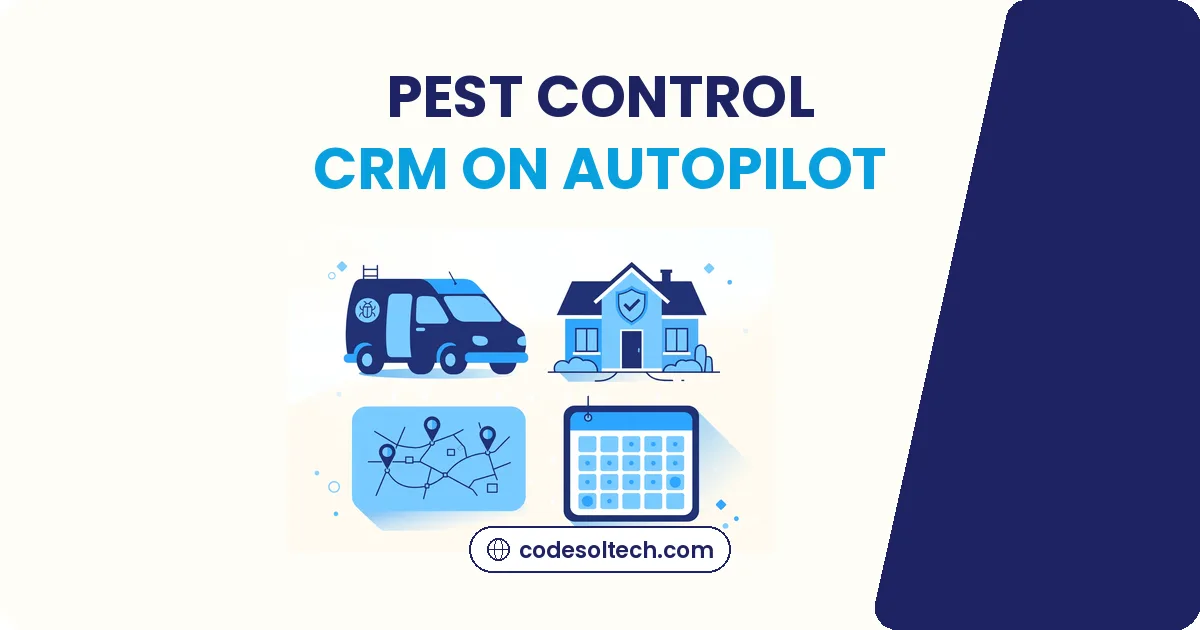
A pest control CRM connects every customer, property, treatment plan, route, and payment in one system, then automates the reminders, scheduling, and billing that keep quarterly accounts from slipping away. Most companies lose steady revenue to forgotten renewals and thin routes, not to competitors.
A CRM built for pest control fixes this by tracking due dates and reaching out before the customer thinks about leaving.
The US structural pest control industry generated $13.416 billion in service revenue in 2025, up 6% from 2024, according to the National Pest Management Association. Recurring revenue made up 85.4% of residential service revenue. That number tells the whole story: in this business, keeping the customer matters more than finding the next one.
Why Pest Control Companies Lose Customers Between Visits
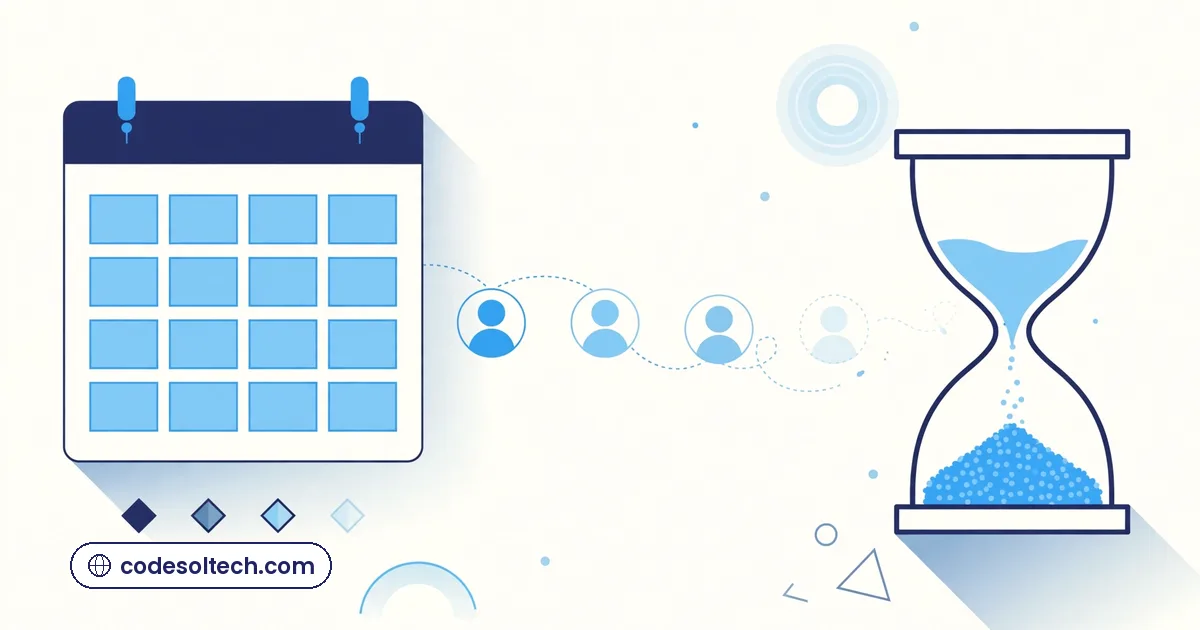
Customer loss in pest control rarely looks dramatic. Nobody storms out. The phone just rings a little less each quarter, and the schedule develops gaps nobody can explain.
The quarterly gap problem
A quarterly plan means 90 days of silence between visits. In 90 days, a customer forgets the technician’s name, forgets the value of the last treatment, and starts noticing a competitor’s yard sign. Without contact between visits, renewal becomes a cold decision instead of a habit.
What lapsed accounts really cost
Winning a new pest control customer costs far more than keeping one. Every lapsed account means paying for marketing, sales calls, and a first treatment all over again, just to get back to the revenue already earned. A CRM turns renewals into a system instead of a hope.
What a Pest Control CRM Actually Tracks
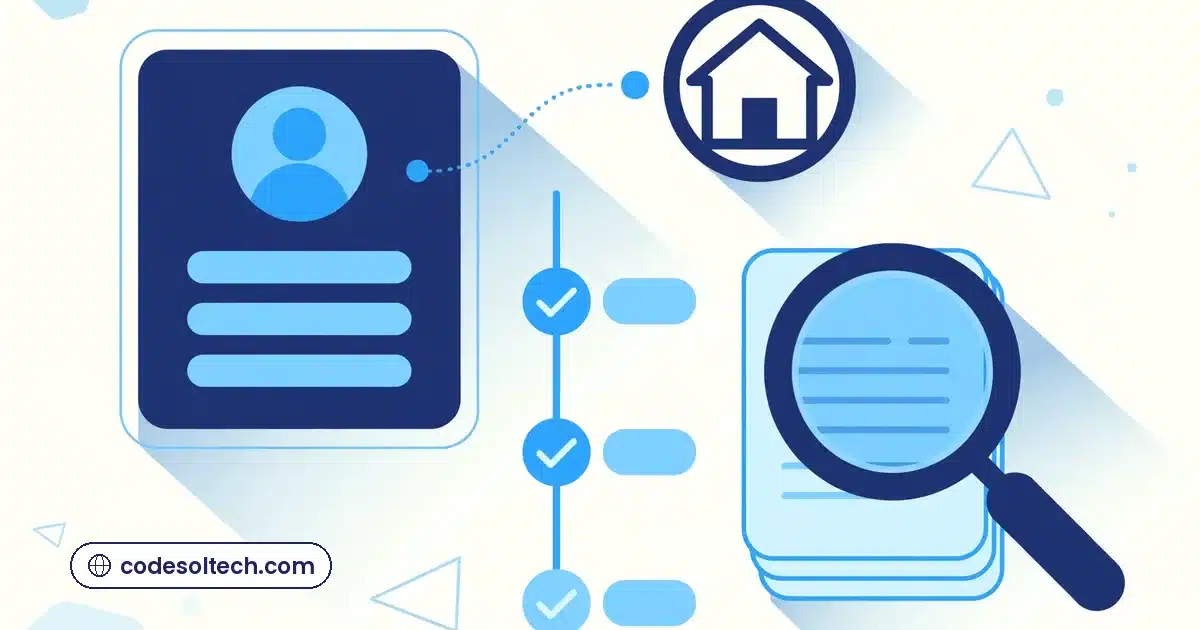
A generic spreadsheet cannot run a pest control company. A CRM built for the trade tracks the details that actually drive revenue.
Customer, property, and pest history in one record
One record holds the homeowner, the property, past treatments, products used, and the specific pests found on site. When a technician pulls up, they see the full story: which rooms had ant activity in spring, where the rodent entry points were, what the customer mentioned last fall.
Treatment plans with real due dates
Every plan carries its next due date, calculated from the actual last visit. The system knows which accounts are due this week and which ones are drifting. This is the same workflow automation thinking we apply across service businesses, tuned for pest control timelines.
Technician notes that survive turnover
When a technician leaves, their knowledge usually leaves with them. A CRM keeps every note attached to the property record, so the replacement walks in informed instead of blind.
Route Scheduling That Cuts Drive Time
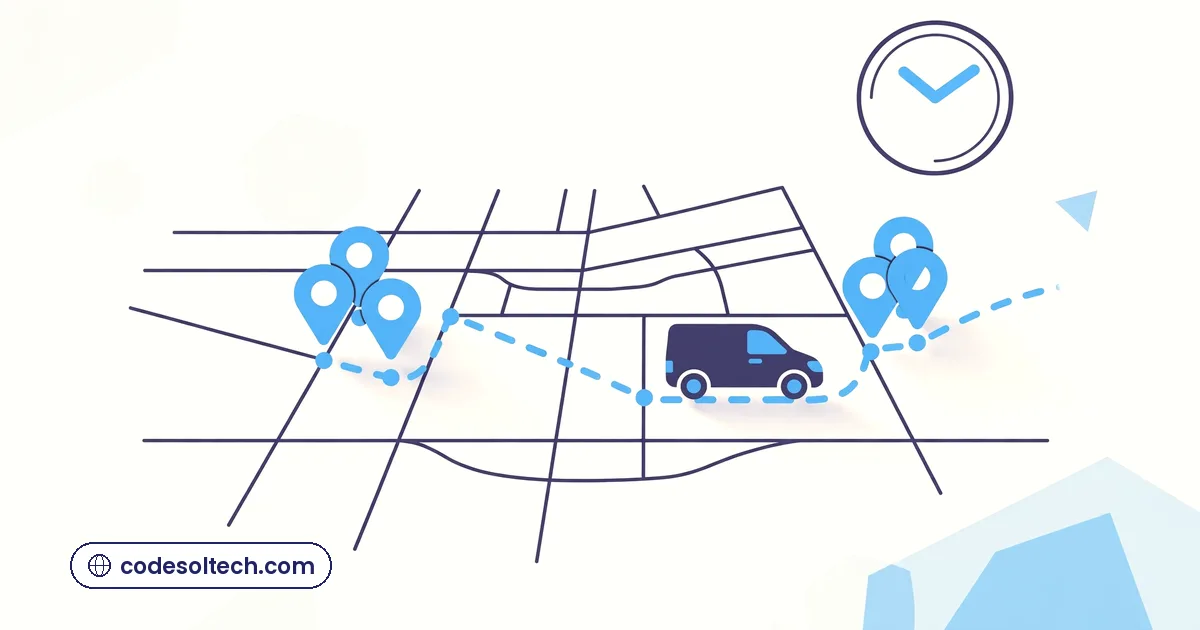
Drive time is pure cost. Every extra mile between stops burns fuel and payroll while producing nothing. Route scheduling inside the CRM groups nearby accounts into dense, profitable days.
Density-based scheduling basics
The system clusters due accounts by neighborhood and fills each technician’s day geographically. Fewer windshield hours means more completed stops per day, which is the simplest profit lever a pest control company has.
Same-day add-ons without chaos
When a new call comes in from a street where a technician is already working, the CRM flags it as a same-day add-on. The dispatcher sees the opportunity instead of discovering it after the truck has left the area.
- Group recurring treatments by ZIP code cluster.
- Leave two flex slots per route for same-day calls.
- Batch first-time treatments on specific days, since they take longer.
- Review route density weekly and rebalance.
Recurring Billing Without the Paperwork
Recurring revenue is the backbone of pest control: NPMA data shows 85.4% of US residential pest control revenue comes from recurring service. Billing should be as automatic as the service itself.
Autopay for quarterly plans
Customers enroll once, and every quarterly treatment bills automatically. No invoices to chase, no checks to wait for. Cash flow becomes predictable, which makes hiring and fleet decisions far easier.
Failed payments recovered automatically
Cards expire. The CRM retries failed payments on a schedule and notifies the customer with a one-click update link. Most failed payments are accidents, not cancellations, and automation recovers them before anyone has to make an awkward call.
Seasonal upsells that make sense
Mosquito season, tick season, termite swarm season: the CRM knows which customers are candidates for each add-on and sends a short, timely offer. A custom CRM can even let customers approve the add-on from a client portal without a phone call.
Renewals and Reviews on Autopilot

Renewals and reviews are the two highest-leverage activities in pest control, and both run better as systems than as afterthoughts.
Renewal sequences that feel personal
Thirty days before a plan ends, the customer gets a short recap: visits completed, pests handled, next year’s schedule. Then a renewal link. Then a reminder. Our reminder and notification systems follow this same pattern because it matches how people actually decide: with a nudge, not a surprise.
Review requests timed to the visit
The best moment to ask for a review is right after a clean, on-time service. The CRM sends the request within hours of the completed visit, with a direct link. BrightLocal’s research finds that 98% of people read online reviews for local businesses, so every completed job is a review opportunity the company either captures or loses.
Win-back for canceled accounts
Canceled accounts get a short, respectful sequence: a check-in after 60 days, a seasonal offer after 120. A meaningful share come back, because most cancellations were about timing or price perception, not dislike of the service.
Rolling Out a Pest Control CRM Without Disrupting Routes

The fear every owner voices is downtime. A good rollout avoids it by phasing the change instead of flipping a switch.
Start with active accounts
Migrate current recurring customers first, with their treatment dates and balances intact. Older records follow in a second pass. The crews keep running their routes normally the entire time.
Train techs in the field, not the classroom
Technicians learn the mobile app during real stops, one feature at a time: first the daily route view, then job notes, then payments. Fifteen minutes a day beats a full-day training session nobody remembers.
Connect it to the tools already in use
The CRM should sync with the accounting software, phone system, and marketing tools instead of replacing everything at once. System integration work is where these connections get built cleanly, so data flows without double entry.
- Week 1: import active accounts and treatment schedules.
- Week 2: technicians run routes from the mobile app.
- Week 3: turn on automated reminders and autopay.
- Week 4: launch renewal and review sequences.
FAQs
Will a CRM replace our office manager?
No. It removes the repetitive work, like reminders, billing runs, and schedule juggling, so the office manager handles customers instead of paperwork. Most companies find one person can manage more accounts after the switch.
What about one-time jobs?
One-time treatments flow through the same system: quote, schedule, invoice, then an automatic follow-up offering a recurring plan. One-time jobs become the top of the recurring funnel.
How fast do companies see results?
Route density and billing improvements usually show within the first full billing cycle. Renewal lifts take one full plan cycle to measure, since the comparison runs against the previous year’s behavior.
Want a CRM that keeps your routes full and billing automatic?