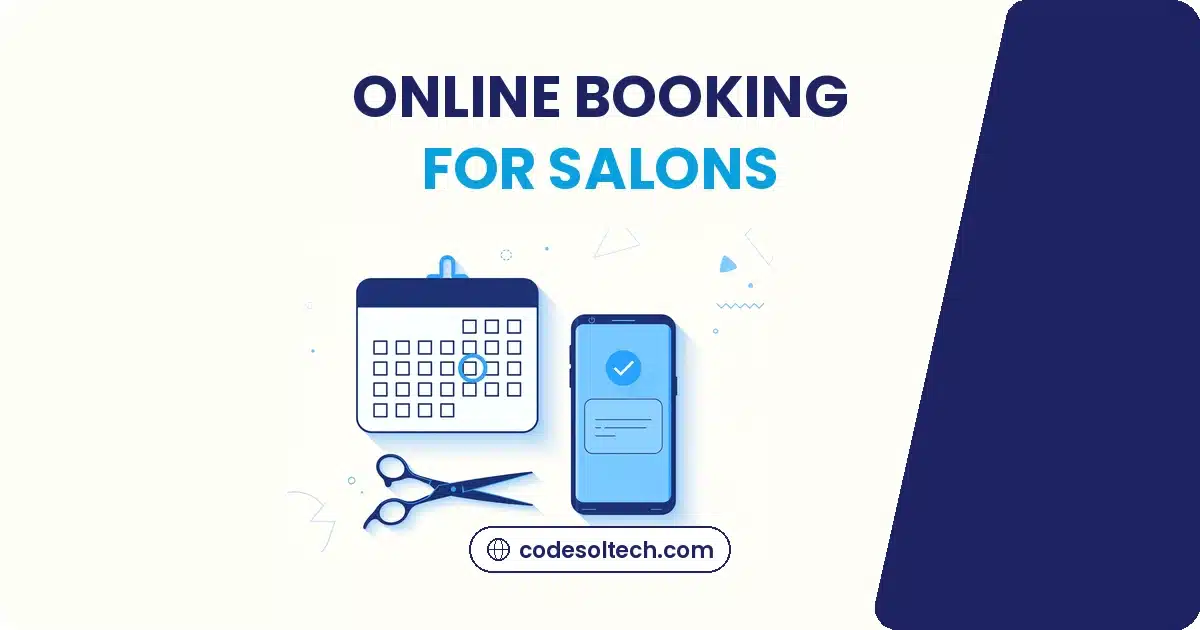
Online booking fills empty salon chairs in three ways. Clients can book at midnight instead of only during business hours, automated text reminders cut no-shows, and follow-up messages bring one-time visitors back as regulars. Salons running all three stop the quiet revenue leaks that paper books and phone-only scheduling create.
None of this needs an app your clients must download. A booking page on your own website, connected to your calendar and your texting, does the job.
Here is how each piece works, what it costs you to skip it, and how Austin salons can roll it out without disrupting a working week.
Empty Chairs Are the Silent Profit Killer
What a no-show really costs
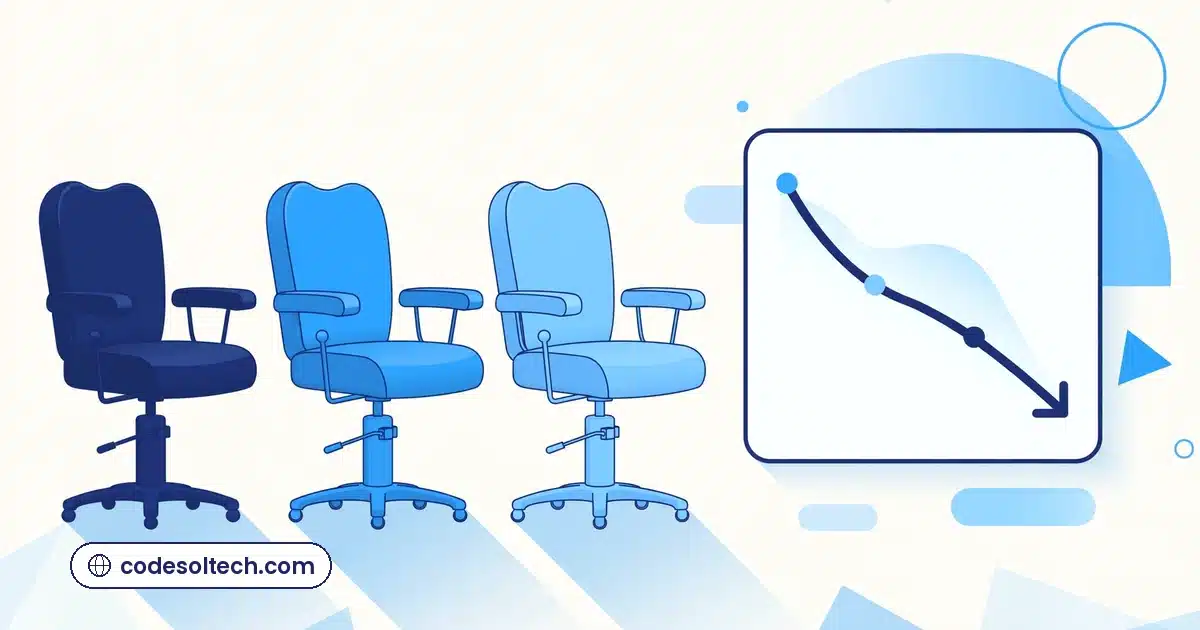
An empty chair still costs you the stylist’s hour, the heated color, the mixed product. Treatwell’s booking data put the average cost of one missed beauty appointment at £39, and estimated UK salons lose up to £200,000 a month to no-shows, about £1.6 billion a year across the industry (Scratch Magazine, reporting Treatwell data).
Those are UK numbers, but the pattern travels. Booking platform Fresha surveyed salon and wellness businesses and found 29% lose between 5% and 10% of revenue to cancellations, while another 15% lose 11% to 20%. One in three salons deals with cancellations once or twice every week, Business Money, reporting Fresha research.
The gap paper books cannot close
A paper book shows you who is coming. It cannot text them, take a deposit, or offer the slot to someone else when they cancel. Every one of those jobs falls on your front desk, usually during the busiest hour of the day. The chair sits empty not because clients do not want it, but because nothing in the system protects it.
Why Phone Books and Walk-Ins Cost You Clients

The after-hours booking gap
Clients decide they need a haircut at 9 PM, on the couch, phone in hand. A salon that only takes bookings by phone during business hours is closed at exactly the moment the client is ready to commit. By morning, plenty of them have booked somewhere with a Book Now button.
Phone tag eats your front desk’s day
Every “let me check and call you back” is a small chance to lose the booking. The client calls during your rush, you miss it, you call back during theirs. Online booking removes the whole dance. The client sees real openings, picks one, and gets a confirmation in seconds.
Walk-ins are not the enemy. They are just unpredictable. A salon that depends on them plans staffing on hope. A salon with online booking plans on data, because the book fills days ahead and the slow hours show up early enough to run a promotion.
What Online Booking Actually Does for a Salon
Real-time availability clients can see
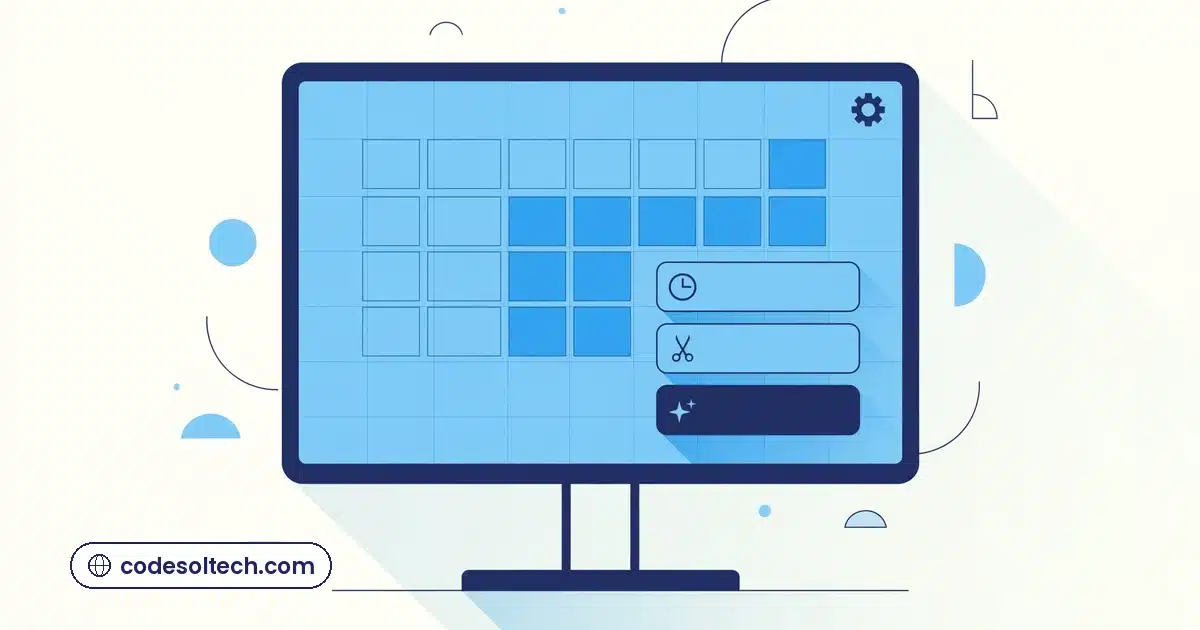
The core of it is simple: your live calendar, on your website, bookable in under a minute. No account creation, no app download. The client picks a service, picks a stylist or takes the first available, and picks a time. The slot locks instantly so two people never grab the same chair.
Building this well is web development work, not a plugin you switch on and forget. The booking flow has to match how your salon actually runs: service durations, buffer time between appointments, stylist schedules, the color client who needs a consultation first. A booking flow built around your operations converts better than a generic widget bolted onto a template.
Deposits and cancellation policies that protect you
The single strongest no-show lever is also the simplest: take a deposit, or at least a card on file with a clear cancellation policy. Treatwell’s data found that the 17% of salons requiring pre-payment cut their no-shows roughly in half. Clients who have money on the line show up, or they cancel early enough for you to refill the chair.
The Reminder System That Cuts No-Shows
Why text beats email and phone calls
Emails sit unread. Phone calls interrupt. Text messages get read within minutes, usually on the lock screen, with the appointment details right there. That is why reminder texts outperform every other channel for one job: making sure the client remembers tomorrow at 2 PM.
The research backs this up well beyond salons. A Cochrane systematic review of eight randomized trials with 6,615 participants found text-message reminders lifted attendance from 67.8% to 78.6%. In the most cited single study, non-attendance fell from 18.1% to 11.2% with SMS reminders, a 38% relative reduction (Koshy, Car and Majeed, 2008). A separate meta-analysis by Hasvold and Wootton (2011) found automated reminders cut no-shows by a weighted mean of 28.9% across 29 studies.
The timing that works
Three touches cover it:
- Confirmation at booking: date, time, service, stylist, and a link to reschedule. Sent the second they book.
- Reminder 24 to 48 hours before: the nudge that actually prevents the no-show. Ask for a yes or no reply.
- Morning-of note: short and practical. A parking tip, a “running late?” reply option, nothing more.
Every message should let the client confirm, cancel, or reschedule in the same thread. A reminder that only says “don’t forget” protects nothing. A reminder with a reschedule link turns a would-be no-show into an early cancellation you can refill. SMS tied into your client system does this automatically, and automated reminder sequences keep it running without your front desk lifting a finger.
From First Visit to Regular: The Follow-Up Engine

The 48-hour check-in
Two days after the appointment, one text: “How is the color settling in?” It costs nothing and it does two jobs. It catches problems while they are fixable, and it reminds the client that your salon pays attention. Clients remember that text when they choose where to rebook.
Rebooking prompts before the roots grow out
Most salon services have a natural cycle: four to six weeks for color, two to three for nails. A rebooking prompt timed to that cycle lands exactly when the client is starting to think about it. Salons that ask at checkout get some of this. Salons that automate it get all of it.
Win-back offers for clients who go quiet
Every salon has a list of clients who came twice and vanished. A short win-back message after 90 days of silence, with a small reason to return, recovers a surprising share of them. This is where a real client database pays off. Client retention systems built for appointment businesses track visit history and trigger these messages on their own.
Rolling It Out Without Disrupting Your Week

Start with the clients you already have
Import your existing client list first, then open online booking to them before you announce it publicly. Your regulars are forgiving testers. They will find the rough edges in a week, and you fix them before a single new client sees the page.
Train the front desk in one sitting
The system should make the front desk’s job easier, not add a second system to babysit. One training session covers it: how bookings land in the calendar, how reminders go out on their own, and what to do when a client calls instead of booking online (book it for them, in the same system).
What to demand from any booking setup
- Real-time calendar sync, so double bookings are impossible
- Automated SMS reminders with confirm, cancel, and reschedule in the thread
- Deposits or card-on-file with a cancellation policy you control
- Your branding on your own domain, not a marketplace page that advertises competitors
- Client history and visit tracking, so follow-ups write themselves
- Simple reporting: booking source, no-show rate, rebooking rate
Go live on a quiet Tuesday, not a packed Saturday. Watch the first week, tighten the reminder timing, then put the Book Now button everywhere: your website header, your Google Business Profile, your Instagram bio. The chairs fill themselves from there.
Want online booking that fills your chairs?