For many Austin entrepreneurs, every small business starts somewhere, and that somewhere often includes spreadsheets. Microsoft Excel and Google Sheets seem like perfect solutions at first. They’re familiar, affordable, and easy to use. However, as businesses grow, these tools quickly show their limitations.
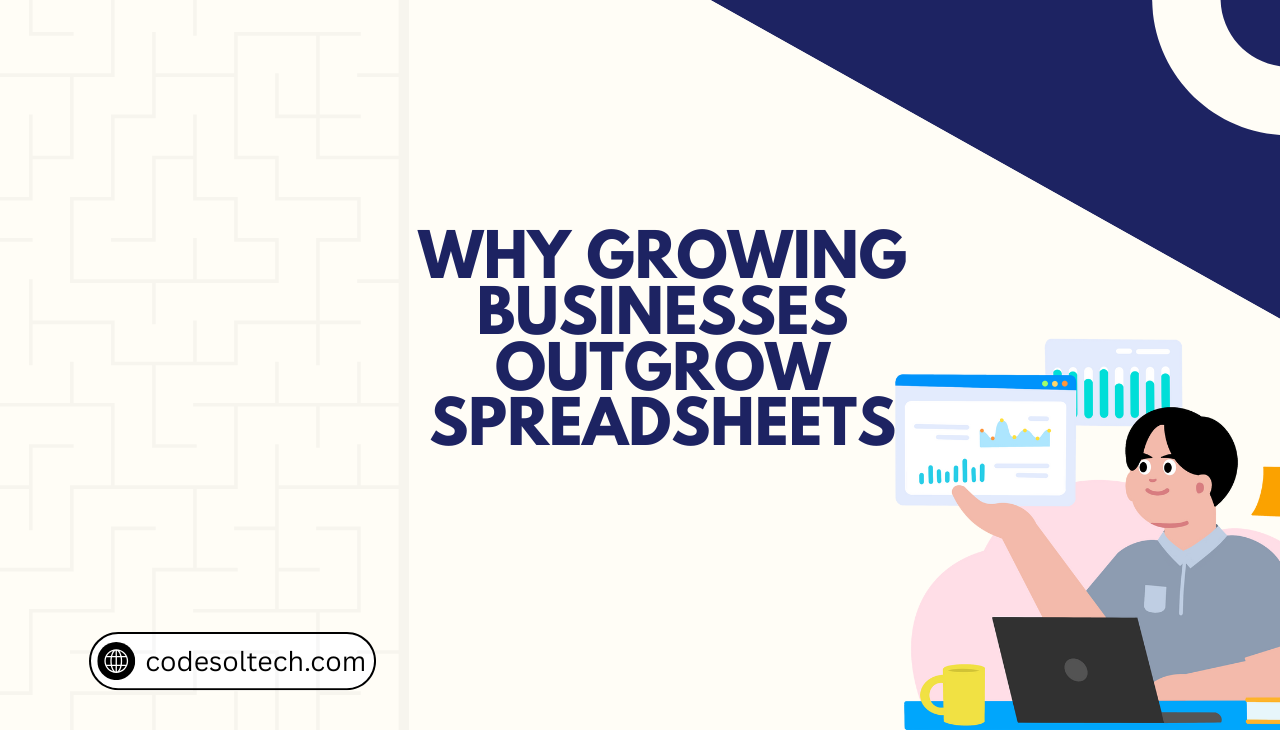
Growing businesses outgrow spreadsheets faster than most owners expect. What works for a team of five rarely works for a team of fifty. Moreover, the problems that emerge can slow growth, create errors, and frustrate employees. Understanding when and why this happens helps business owners make smarter technology decisions.
The Appeal of Spreadsheets for Small Businesses
Initially, spreadsheets make perfect sense for startups and small companies. They’re already installed on most computers, and almost everyone knows how to use them. Additionally, they don’t require monthly subscription fees like specialized software does.
Spreadsheets can track inventory, manage customer information, handle basic accounting, and organize project tasks. For a business just getting started, this versatility seems ideal. Furthermore, customization is simple—anyone can add columns, create formulas, or adjust layouts without technical expertise.
However, this simplicity becomes a weakness as operations expand. What seemed like a strength gradually transforms into a significant limitation.
Also Explore: Why Manual Work Slows Down Business Growth: A Guide for Austin Businesses
5 Signs Your Business Is Outgrowing Spreadsheets
Several warning signs indicate that growing businesses outgrow spreadsheets. Recognizing these signals early prevents bigger problems down the road.
Multiple Versions Create Confusion
When teams start emailing spreadsheets back and forth, chaos follows. Different versions exist on different computers, and nobody knows which one contains the most current information. Consequently, employees waste time comparing files and making duplicate updates.
Data Entry Errors Multiply
As spreadsheets grow larger and more complex, mistakes become inevitable. A single typo in a formula can corrupt entire columns of data. Moreover, there’s usually no way to track who made changes or when errors were introduced.
Collaboration Becomes Difficult
Real-time collaboration in spreadsheets remains clunky even with cloud-based solutions. When multiple people need simultaneous access, the system slows down or locks others out. Therefore, productivity drops as team members wait their turn.
Security Concerns Increase
Spreadsheets offer limited security features. Sensitive customer data, financial information, and business strategies sit in files that can be easily copied, shared, or accidentally deleted. Furthermore, controlling who can view or edit specific information becomes nearly impossible.
Reporting Takes Too Long
Creating reports from spreadsheet data requires manual work every single time. Employees spend hours copying, pasting, and formatting information that should generate automatically. As a result, decision-makers lack timely insights when they need them most.
Also Explore: 10 Signs Your Business Needs Digital Transformation Right Now
Why Growing Businesses Outgrow Spreadsheets: The Core Issues
The fundamental problem is that spreadsheets weren’t designed for complex business operations. They’re calculation tools, not complete business management systems.
Scalability Limitations
Spreadsheets handle small datasets well but struggle with large volumes of information. When a file contains thousands of rows, it becomes slow and unstable. Additionally, connecting multiple spreadsheets together creates a fragile system prone to breaking.
Lack of Automation
Every task in a spreadsheet requires manual input. There’s no workflow automation, no automatic notifications, and no triggered actions based on data changes. Consequently, employees perform repetitive tasks that software could handle instantly.
No Audit Trails
Understanding what changed, when it changed, and who changed it is crucial for growing businesses. Spreadsheets provide virtually no audit trail or change history. This makes troubleshooting errors extremely difficult and creates compliance risks.
Poor Integration Capabilities
Modern businesses use multiple tools CRM systems, payment processors, marketing platforms, and accounting software. Spreadsheets don’t integrate well with these applications. Therefore, data must be manually transferred between systems, doubling the work and increasing error rates.
Also Explore: What Is Custom Software Development & When SMEs Need It?
What Austin Businesses Should Use Instead
Fortunately, better alternatives exist for businesses ready to move beyond spreadsheets. The right solution depends on specific business needs and industry requirements.

Customer Relationship Management (CRM) Systems
CRMs like Salesforce, HubSpot, or Zoho replace customer tracking spreadsheets. These platforms automate follow-ups, track communication history, and provide sales pipeline visibility. Moreover, they integrate with email, phone systems, and marketing tools.
Project Management Software
Tools such as Asana, Monday.com, or ClickUp eliminate project tracking spreadsheets. Teams can assign tasks, set deadlines, share files, and monitor progress in real-time. Additionally, automated notifications keep everyone informed without constant check-ins.
Accounting and Financial Software
QuickBooks, Xero, and FreshBooks replace financial spreadsheets with professional accounting systems. These platforms connect to bank accounts, generate financial statements automatically, and ensure tax compliance. Furthermore, they provide accurate real-time financial insights.
Enterprise Resource Planning (ERP) Systems
Larger businesses often need ERP systems that integrate inventory management, human resources, accounting, and operations. Solutions like NetSuite or Odoo centralize all business data in one secure platform.
Making the Transition Successfully
Moving away from spreadsheets requires planning and commitment. Austin business owners should approach this transition strategically.
First, identify which spreadsheets are most critical and problematic. Start by replacing these rather than trying to change everything at once. Next, involve employees in the selection process since they’ll use the new systems daily.
Additionally, budget for proper training. New software only delivers value when people understand how to use it effectively. Finally, migrate data carefully and maintain backup spreadsheets temporarily until confidence in the new system is established.
The Cost of Waiting Too Long
Delaying the move from spreadsheets costs more than business owners realize. Every day spent on manual data entry, error correction, and inefficient processes represents lost money and missed opportunities.

Moreover, competitors who adopt better systems gain significant advantages. They respond to customers faster, make data-driven decisions quicker, and scale operations more efficiently. Therefore, the real question isn’t whether to replace spreadsheets, but when.
Final Words
Growing businesses outgrow spreadsheets because these tools simply can’t keep pace with increasing complexity, team size, and data volume. While spreadsheets serve startups well initially, they become bottlenecks as companies expand.
Austin entrepreneurs who recognize the warning signs early can transition smoothly to more robust systems before problems escalate. The right business management software transforms operations, eliminates inefficiencies, and provides the foundation needed for sustainable growth.
Investing in proper systems isn’t an expense, it’s a strategic move that positions businesses for long-term success in competitive markets.
Also Explore: Look how Disconnected Systems Create Operational Bottlenecks for SMEs
FAQs
When should a business stop using spreadsheets?
Businesses should consider alternatives when experiencing frequent data errors, version control problems, or spending excessive time on manual updates and reporting. Additionally, if security concerns arise or collaboration becomes difficult, it’s time to upgrade.
Are spreadsheets ever appropriate for business use?
Yes, spreadsheets remain useful for simple calculations, quick data analysis, and temporary projects. However, they shouldn’t serve as primary systems for critical business operations like customer management, inventory tracking, or financial reporting.
What’s the first system most businesses should implement?
Most growing businesses benefit from implementing a CRM system first. Customer relationships drive revenue, and proper CRM tools immediately improve sales processes, customer service, and marketing effectiveness.
How much does it cost to replace spreadsheets with business software?
Costs vary widely based on business size and needs. Many cloud-based solutions start at $10-50 per user monthly. While this seems expensive compared to free spreadsheets, the productivity gains and error reduction typically provide strong return on investment.
Can businesses use both spreadsheets and specialized software?
Absolutely. Many successful businesses use specialized software for core operations while keeping spreadsheets for ad-hoc analysis and reporting. The key is ensuring spreadsheets serve as tools rather than primary business systems.
Stay connected with us. Have any query? Feel free to reach out we’re here to help Austin businesses make smarter technology decisions that drive growth and efficiency.