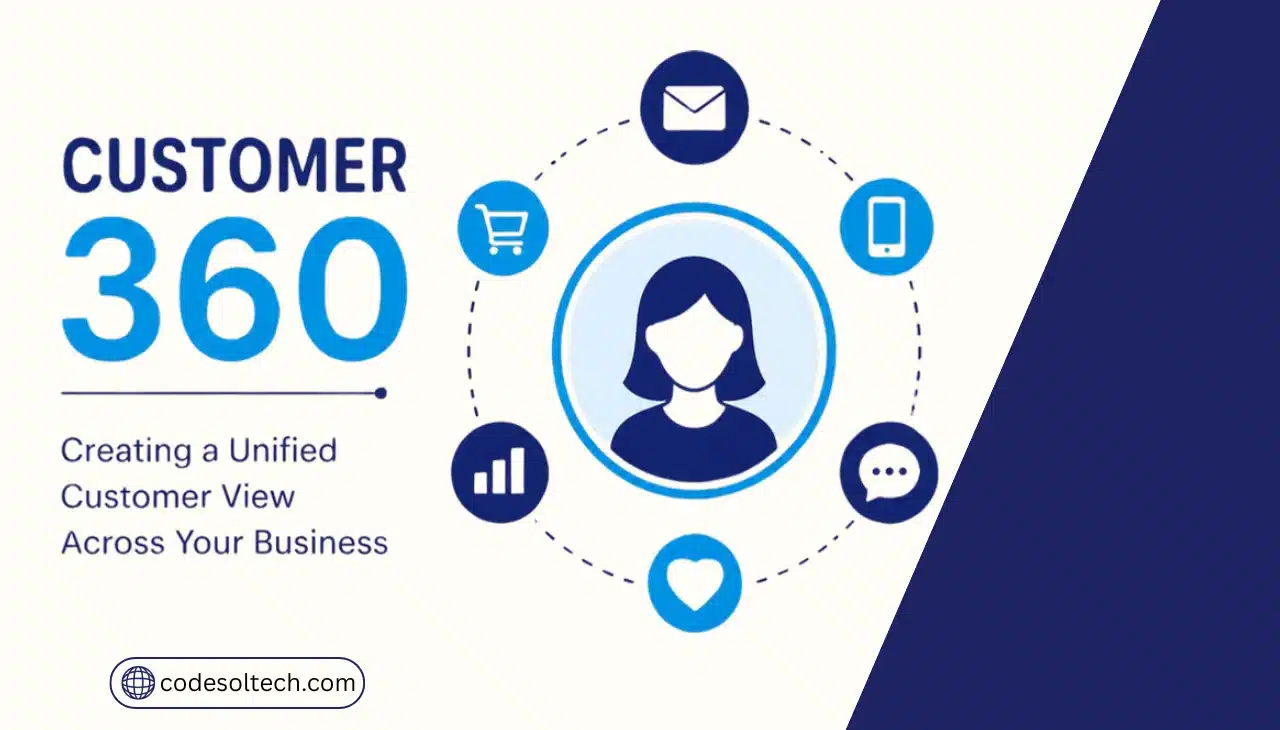
Customer 360 merges CRM, ERP, marketing, support, and ecommerce data into one real-time customer profile. It removes data silos across departments and gives sales, marketing, service, and finance teams access to the same accurate customer record.
Businesses use Customer 360 to personalize interactions, forecast revenue accurately, and cut the time employees spend searching for customer information.
What Is a Customer 360 View?
A Customer 360 view is a single, continuously updated customer profile built by unifying data from every system that touches a customer.
The profile pulls records from a CRM, an ERP, a support desk, an ecommerce platform, and marketing tools, then resolves them into one identity per customer.
Every department reads and writes to that same profile instead of maintaining separate spreadsheets or disconnected databases.
A working Customer 360 system depends on 6 core components:
- CRM data — contact details, deal stages, and communication history
- ERP data — orders, invoices, inventory status, and payment history
- Support data — tickets, resolution times, and satisfaction scores
- Marketing data — campaign engagement, email opens, and website behavior
- Identity resolution — logic that matches records across systems to one customer, not duplicate customers
- An integration or API layer — the pipeline that keeps every source synced in real time or near-real time
Without identity resolution and an integration layer, a business ends up with 4 or 5 separate “views” of the same customer instead of one. That gap is the primary reason unification projects stall before they produce usable results.
Why Do Most Businesses Fail to Achieve a Unified Customer View?
Most businesses fail with Customer 360 because they connect systems without first fixing underlying data quality, and because they treat unification as a one-time IT project rather than an ongoing operational discipline.
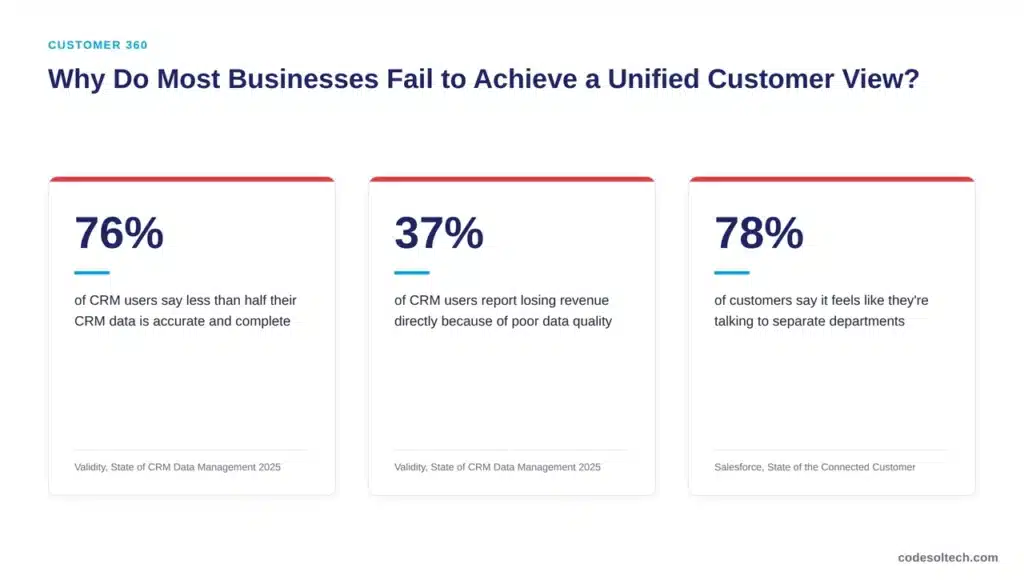
Validity’s 2025 State of CRM Data Management report found that 76% of CRM users say less than half of their organization’s CRM data is accurate and complete, and 37% of CRM users reported losing revenue as a direct consequence of poor data quality.
Feeding fragmented, duplicate-heavy data into a unification project produces a unified view of the wrong information.
The customer-facing symptom of this failure shows up directly in how customers experience a business.
In Salesforce’s State of the Connected Customer research, 78% of customers say it generally feels like they’re communicating with separate departments, not one company, and 72% of customers say they often have to repeat or re-explain information to different representatives.
These numbers describe a business running on disconnected systems, regardless of how advanced any single department’s tools are.
4 causes account for most failed Customer 360 initiatives:
- Data silos — CRM, ERP, and support platforms operate as separate systems with no shared identifier
- Duplicate and stale records — unresolved duplicates multiply instead of merging when systems connect
- Manual data entry — reps and agents enter the same customer information into multiple tools by hand
- Missing governance — no owner is accountable for record standards once systems are connected
How CodeSol Technologies Builds a Customer 360 Architecture
CodeSol Technologies builds Customer 360 systems as an integration architecture, not a single software purchase. The process follows 5 stages:
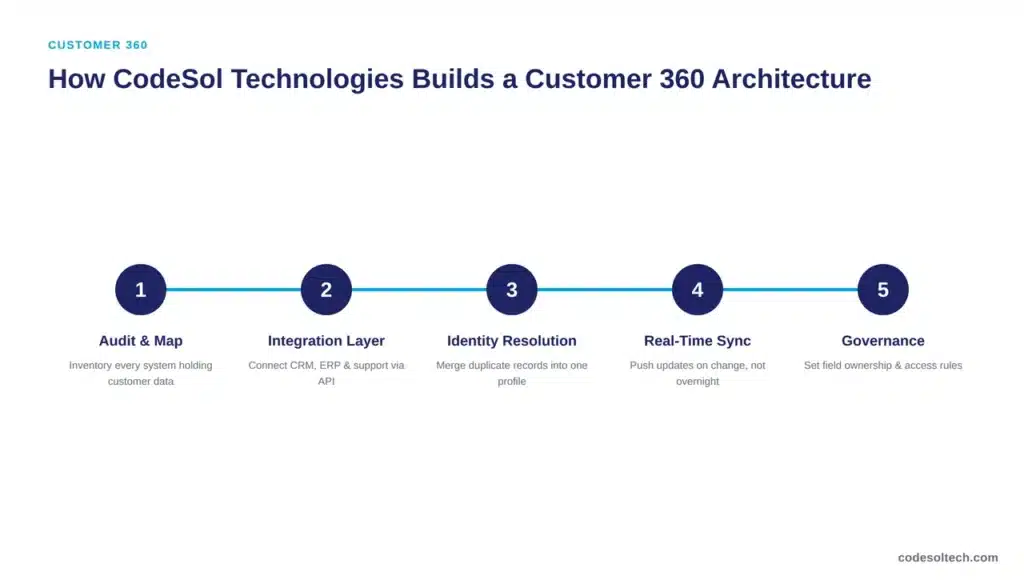
- Audit and map data sources. Every system holding customer data — CRM, ERP, ecommerce platform, support desk, marketing tools — gets inventoried and mapped by field.
- Build the integration layer. An API-based integration layer connects each system to a central customer record, replacing manual exports and one-off scripts. See our CRM integration and ERP integration services for the connection patterns used at this stage.
- Run identity resolution. Matching logic merges duplicate records into one profile per customer using deterministic keys (email, account ID) and probabilistic matching where deterministic keys are missing.
- Configure real-time or near-real-time sync. Systems push updates on change rather than on a nightly batch, so every department sees the same record within minutes, not the next business day.
- Apply governance and access rules. Field-level ownership, validation rules, and access permissions are set so the unified record stays accurate after go-live, not just at launch.
This architecture supports the full customer relationship, from first contact through renewal. It connects directly into customer lifecycle management workflows and workflow automation, so a unified record triggers the right action automatically instead of requiring a manual handoff between teams.
What Are the Business Benefits of a Unified Customer View?
A unified customer view increases cross-department consistency, speeds up service resolution, and improves forecasting accuracy because every team works from the same record.
Salesforce’s State of Service research found that 82% of high-performing organizations use the same CRM platform across service, sales, and marketing, up from 62% just two years ago a direct link between unification and performance.
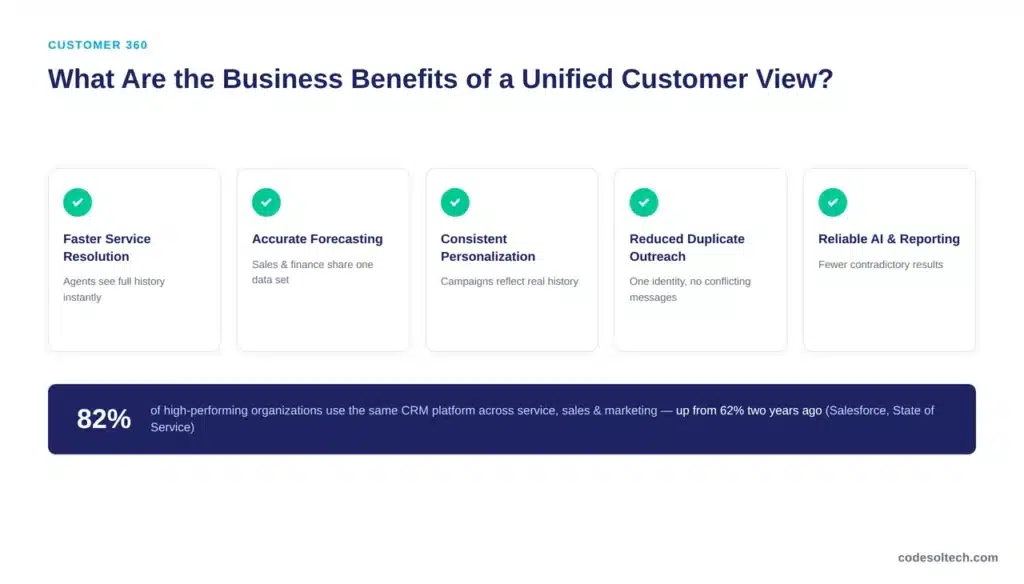
5 measurable benefits follow from a properly unified customer record:
- Faster service resolution — agents see full order and interaction history without transferring the customer between departments
- Accurate revenue forecasting — sales and finance work from the same order and payment data instead of reconciling separate reports
- Consistent personalization — marketing campaigns reflect actual purchase and support history rather than a partial CRM record
- Reduced duplicate outreach — one customer identity prevents multiple teams from contacting the same person with conflicting messages
- Reliable AI and reporting output — AI tools and dashboards built on a unified, governed record produce fewer contradictory results
| Approach | Data Sources Unified | Sync Speed | Customization | Best For |
|---|---|---|---|---|
| CRM-only view | 1 (CRM records only) | N/A — single system | Limited to CRM fields | Small teams with no ERP or ecommerce data to unify |
| Off-the-shelf CDP | Multiple, via pre-built connectors | Near-real-time | Configuration within vendor limits | Marketing-led teams standardizing on a single vendor |
| Custom unified architecture | Unlimited, built per source | Real-time, defined per integration | Full — built around existing systems | Businesses with existing CRM, ERP, or ecommerce systems that must stay in place |
Frequently Asked Questions
What is the difference between a CRM and a Customer 360 view?
A CRM stores sales and contact data for one department. A Customer 360 view combines CRM data with ERP, support, and marketing data into one profile that every department can access.
How long does it take to build a Customer 360 system?
Timelines depend on the number of source systems and existing data quality. A business connecting 3 to 4 core systems with moderate data cleanup typically completes an initial unified view in 8 to 12 weeks.
Does Customer 360 require a Customer Data Platform (CDP)?
No. A CDP is one method for achieving a unified view. A custom integration layer connecting existing CRM, ERP, and support systems achieves the same result without migrating data into a new platform.
Is a unified customer view compliant with data privacy regulations?
Compliance depends on how the system is built, not on unification itself. Field-level governance, consent tracking, and access controls must be designed into the architecture from the start to meet regulations such as GDPR and CCPA.
Final Words
A Customer 360 view works only when integration is paired with clean, governed data. Connecting systems without fixing data quality first produces a unified view of inaccurate records.
CodeSol Technologies builds this as an integration architecture tailored to your existing CRM, ERP, and ecommerce systems, not a forced migration to new software.
Ready to unify your customer data into one accurate, real-time view?