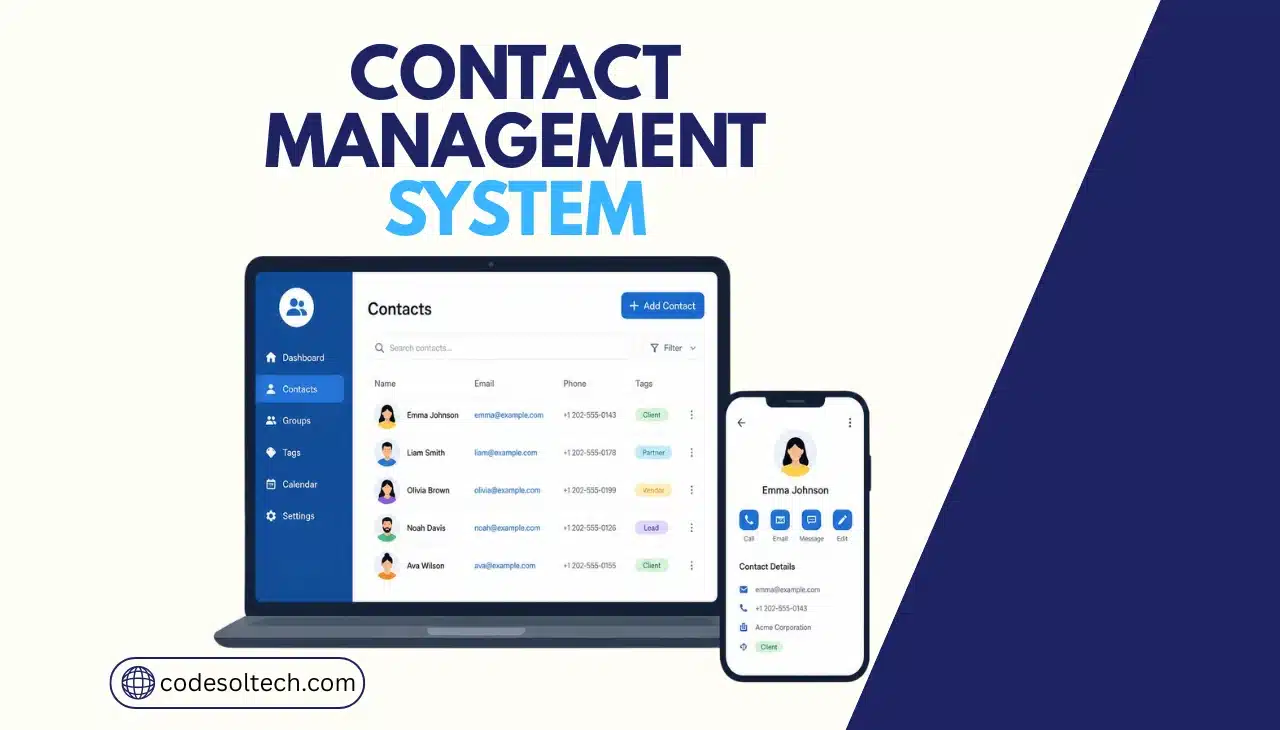
A contact management system stores, organizes, and updates customer and prospect information in one centralized database. It replaces spreadsheets and scattered contact lists with a single source of truth. Sales teams use it to track interactions. Support teams use it to see full customer history.
Every CRM platform builds its sales pipeline, automation, and reporting features on top of this contact layer, which is why a broken contact database breaks the entire CRM on top of it.
What Is a Contact Management System?
A contact management system is software that captures, stores, and organizes customer and prospect data in a searchable, centralized database. It records names, phone numbers, email addresses, company details, and interaction history for every contact a business tracks.
Sales reps, support agents, and marketers pull from this same database instead of maintaining separate lists.
A contact management system differs from a full CRM by scope, not by function. Contact management stores and organizes data. A CRM adds sales pipelines, marketing automation, customer service ticketing, and analytics on top of that same data.
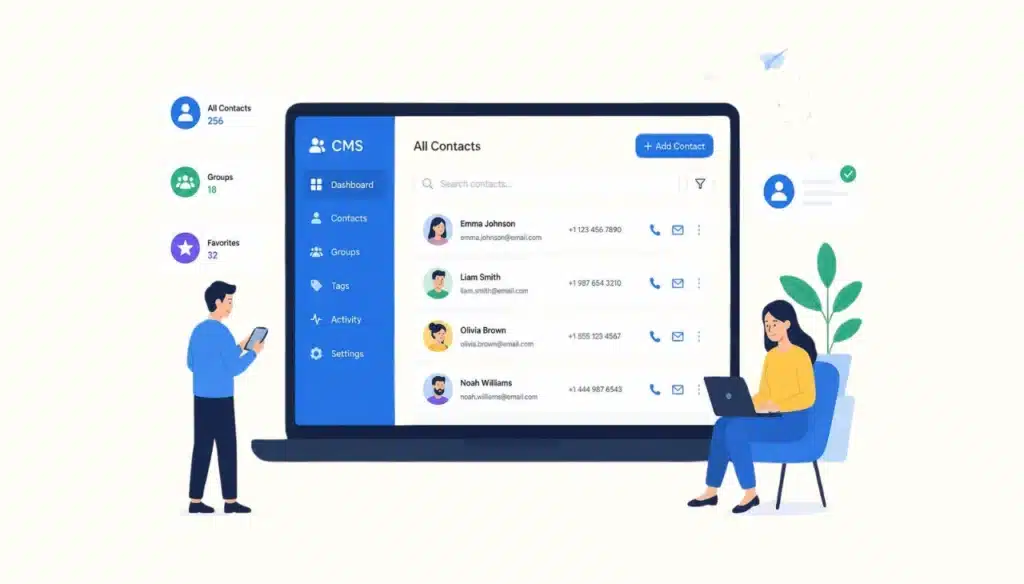
Every CRM depends on the accuracy of its underlying contact records to run any of those additional functions correctly.
Businesses need centralized contact management because customer data now originates from multiple channels simultaneously:
- Website forms and live chat widgets
- Email threads and calendar invites
- Phone calls and text messages
- Social media direct messages
- Point-of-sale and ecommerce checkout systems
Spreadsheets and email inboxes cannot merge these sources into one accurate record. A contact management system does this automatically, updating one profile per customer regardless of which channel the interaction came through.
How Does a Contact Management System Work?
A contact management system works by creating one profile per contact and logging every interaction against that profile in real time.
The system pulls data from connected channels, deduplicates matching records, and timestamps each update so teams see a complete, current history without manual cross-referencing.
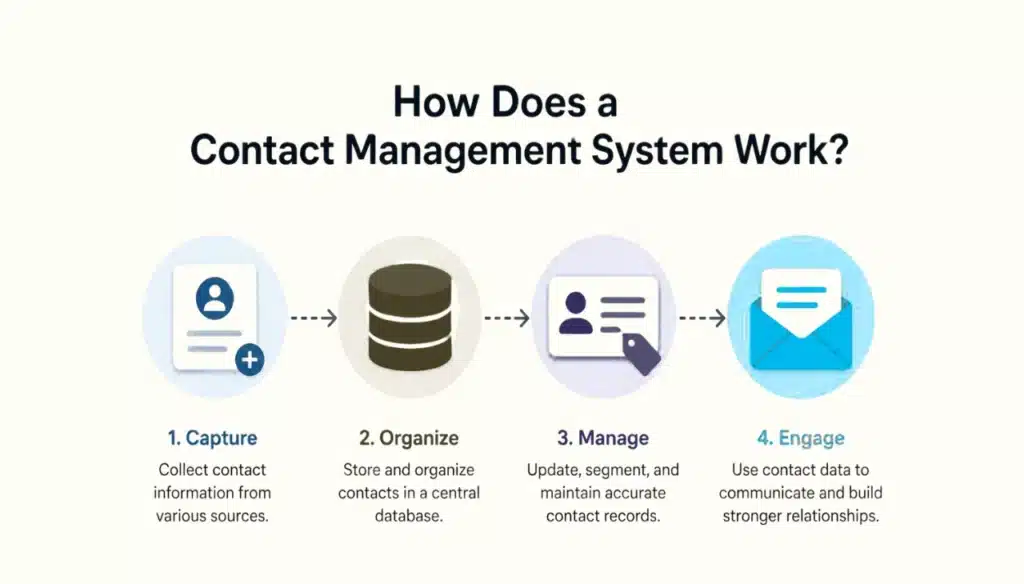
Four components make this process function:
- Centralized database — stores every contact record in one location instead of across separate spreadsheets, inboxes, and business cards.
- Contact profiles — combine identity data (name, title, company), communication data (phone, email, social handles), and relationship data (deal stage, support tickets, purchase history) into a single record.
- Activity timeline — logs every call, email, meeting, and note chronologically against the contact, so any team member sees the full relationship history in seconds.
- Tags, segments, and custom fields — classify contacts by industry, deal stage, lifecycle status, or any business-specific attribute, enabling filtered searches and targeted outreach.
Custom software development studios configure these components differently depending on the business model. A B2B services company segments contacts by deal stage and company size.
An ecommerce brand segments by purchase frequency and lifetime value. The underlying architecture stays the same; the field structure and automation rules change to match the business.
Core Features Every Contact Management System Needs
A functional contact management system requires ten core features. Missing any one of them creates a data gap that compounds as the contact database grows.
- Centralized contact database — single storage location accessible to every authorized team member
- Interaction history tracking — automatic logging of calls, emails, meetings, and notes
- Email integration — two-way sync with Gmail, Outlook, or other email platforms
- Phone and call logging — click-to-call functionality with automatic call record capture
- Task and follow-up reminders — scheduled alerts tied to specific contacts and deadlines
- Segmentation and tagging — rule-based grouping by industry, status, or custom criteria
- Custom fields — configurable data points specific to the business or industry
- Import and export tools — bulk data migration in CSV, Excel, or API formats
- Duplicate detection — automated matching that flags or merges repeated contact entries
- Mobile access — full database functionality from a phone or tablet in the field
Duplicate detection carries disproportionate weight among these ten features. Gartner research puts the average cost of poor data quality at $12.9 million per organization per year, and duplicate or fragmented contact records are a primary driver of that cost.
A contact management system without automated duplicate detection accumulates conflicting records until sales and support teams stop trusting the data.
Contact Management System vs. CRM: What’s the Difference?
A contact management system organizes customer information. A CRM includes contact management plus sales pipelines, marketing automation, customer service tools, and analytics built on top of that data. Contact management is the data layer. CRM is the full operating system built on that layer.
| Capability | Contact Management System | Full CRM |
|---|---|---|
| Stores contact records | Yes | Yes |
| Logs interaction history | Yes | Yes |
| Sales pipeline management | Limited | Yes |
| Workflow automation | Limited | Yes |
| Marketing campaign tools | No | Yes |
| Reporting and analytics | Basic | Advanced |
| Customer service ticketing | No | Yes, in most platforms |
A business evaluating whether it needs contact management alone or a full CRM should measure this against actual sales cycle complexity. A single-person consultancy with 200 contacts and no formal sales pipeline can run on contact management alone.
A team of five or more reps managing multi-stage deals needs pipeline, forecasting, and automation which means a full CRM built on a properly configured CRM integration layer.
Why Contact Management Determines Whether a CRM Succeeds
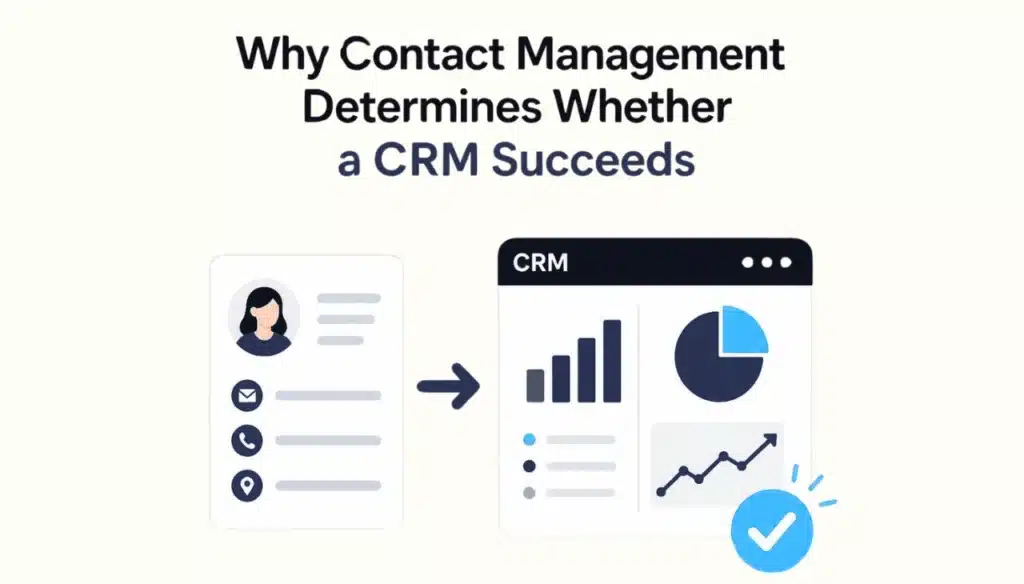
Every CRM function depends on the accuracy of the contact records beneath it. Sales pipelines route deals to the correct contact.
Marketing automation sends emails to the correct segment. Support tickets link to the correct customer history. When contact data is incomplete, duplicated, or outdated, every one of these downstream functions fails silently.
This dependency shows up directly in CRM return on investment. Nucleus Research’s ongoing CRM ROI analysis found that realized returns declined from $4.90 to $3.10 per dollar spent over ten years, a drop the firm attributes to weaker adoption and data discipline as CRM platforms matured.
The technology improved; the underlying contact data practices did not keep pace, and ROI fell as a result.
The global CRM market illustrates how much is riding on this data layer. Grand View Research values the global CRM market at USD 163.16 billion by 2030, with cloud deployment holding a 59.4% share in 2025. Every dollar in that market buys software sitting on top of a contact database.
If that database is disorganized, the software above it cannot perform as designed, regardless of price or feature set.
Signs a Business Has Outgrown Spreadsheet-Based Contact Tracking
Six operational signals indicate a business needs a dedicated contact management system instead of spreadsheets:
- Contact information is scattered across multiple spreadsheets, inboxes, and individual employee devices
- Follow-ups get missed because no automated reminder system links tasks to contact records
- Duplicate customer records accumulate as different team members enter the same contact independently
- Team members cannot locate information quickly during live customer calls
- Sales opportunities are lost because handoffs between reps drop context and history
- Customer experience suffers when a customer repeats information the business already collected
A business experiencing three or more of these signs simultaneously is operating at a data-management deficit that compounds monthly. Each new contact added to an unstructured system increases the cost of eventually migrating to a structured one.
Best Practices for Managing Contact Records
Seven practices maintain contact data accuracy at scale:
- Standardize data entry formats for phone numbers, addresses, and company names before contacts enter the system
- Update records at every interaction rather than batching updates weekly or monthly
- Run duplicate detection on a fixed schedule, not only during initial data migration
- Log every customer interaction, including calls and meetings, not only emails
- Segment contacts by defined criteria such as lifecycle stage, industry, or account value
- Restrict data access by user role to limit accidental edits and unauthorized exports
- Back up contact data independently of the primary platform’s built-in retention policy
Businesses building or scaling this process typically pair a contact management system with broader workflow automation so that data entry, follow-up scheduling, and record updates happen automatically instead of depending on manual discipline.
Frequently Asked Questions
Is a contact management system the same as a CRM?
No. A contact management system stores and organizes customer data. A CRM includes contact management plus sales pipelines, marketing automation, customer service tools, and reporting built on top of that data.
Can a CRM function without proper contact management?
No. Every CRM feature pipelines, automation, reporting depends on the accuracy of the contact records underneath it. Poor contact data produces poor CRM output regardless of the platform’s feature set.
What information should a contact management system store?
Identity data (name, title, company), communication data (phone, email, social handles), interaction history (calls, emails, meetings), and business-specific custom fields such as deal stage or account value.
How often should contact records be updated?
At every interaction. Batching updates weekly or monthly allows data to go stale between updates, which is when duplicate records and missed follow-ups accumulate.
Does AI improve contact management accuracy?
Yes. AI-based enrichment fills incomplete fields automatically, and AI-based duplicate detection matches records that differ in formatting but represent the same contact, reducing manual data cleanup.
Final Words
A contact management system is not optional infrastructure it is the layer every CRM function depends on. Sales pipelines, automation, and reporting only perform as well as the contact data beneath them. Businesses that fix this layer first get more value from every CRM feature built on top of it.
Businesses that skip it inherit the data problems Gartner and Nucleus Research have already priced at millions of dollars a year.
Need a contact management system built around how your business actually sells?
CodeSol Technologies designs and implements custom CRM and contact management systems, integrated with your existing tools and configured for your sales process not a generic template.