
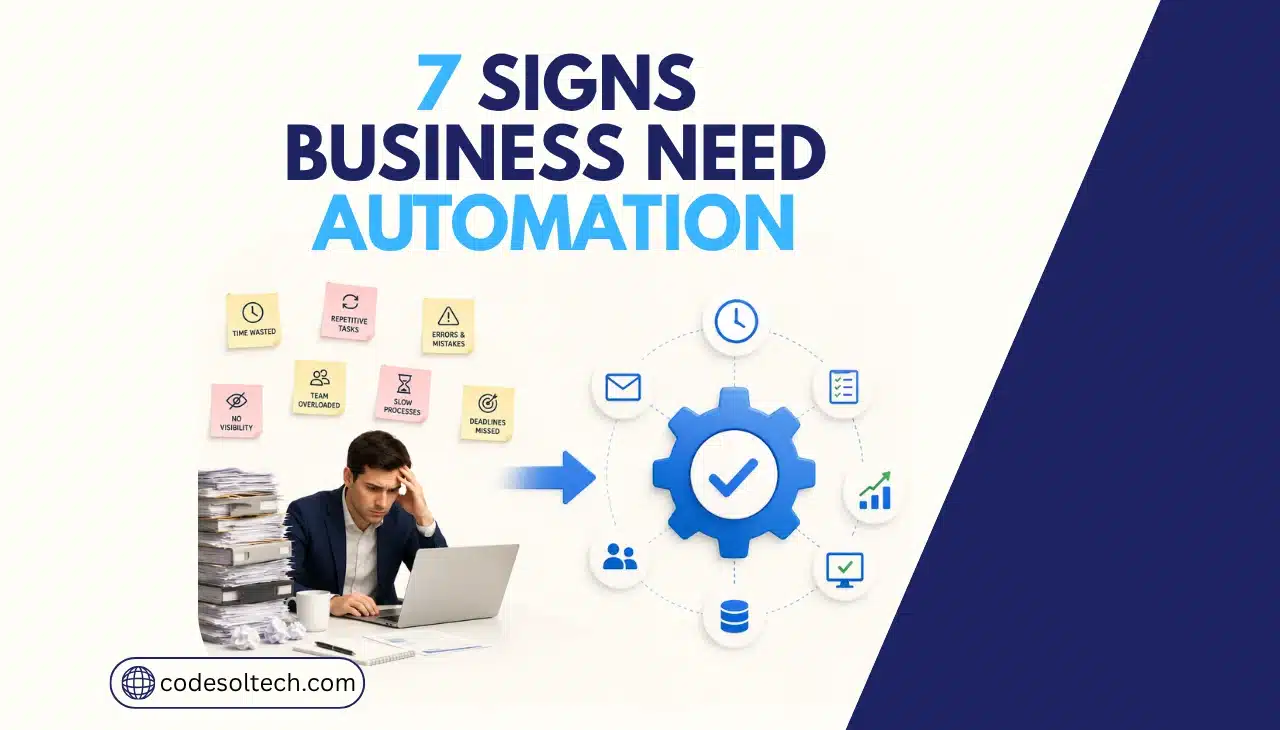
A business needs workflow automation when manual tasks create data errors, approval delays, or scaling limits that manual staff cannot fix by working harder. The seven clearest signs are: repeated manual data entry across systems, inventory or order data going out of sync, slow approvals, support tickets about order status, reporting that takes days, slow client or SKU onboarding, and costs that rise faster than order volume.
These signs point to one root cause: your business software does not talk to itself. Orders, inventory, payments, and customer records sit in separate systems that require a human to move data between them.
Workflow automation replaces that manual bridge with direct system connections, cutting the errors and delays that come from human data handling.
1. Your Team Re-Enters the Same Order Data in Multiple Systems
Manual data re-entry is the fastest way to identify an automation gap. If a staff member takes an order from your storefront and manually types it into your CRM, accounting software, or fulfillment tool, that step is both slow and error-prone.
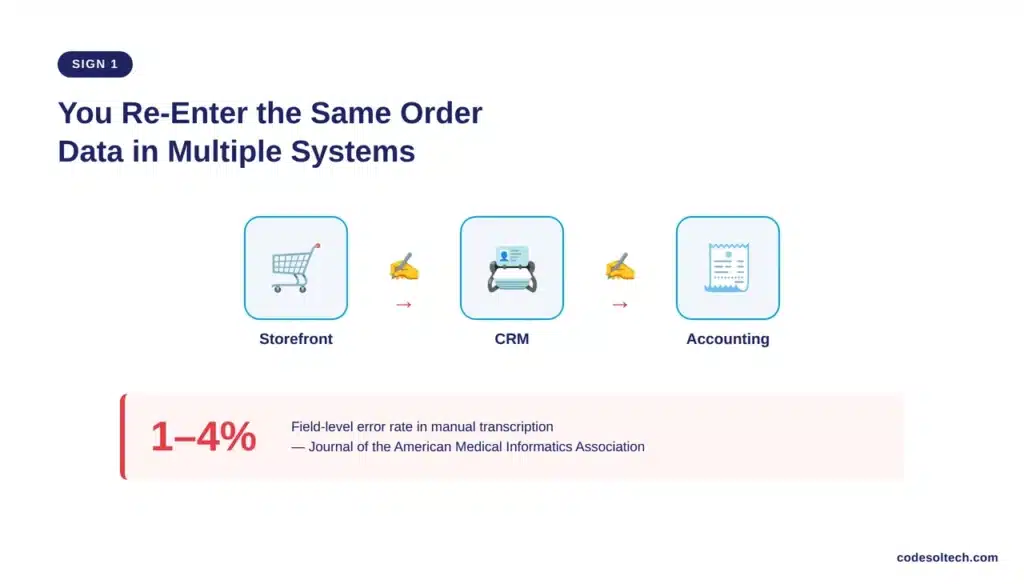
A peer-reviewed study in the Journal of the American Medical Informatics Association measured manual transcription error rates and found they typically fall between 1% and 4% per field, depending on data complexity and entry method, with earlier laboratory research reporting clerical error rates ranging from about 1% to 5%.
Applied to an order form with 15 fields, that error rate produces measurable mistakes in shipping addresses, SKU numbers, and payment amounts every week.
API integration connects your storefront, CRM, and accounting platform directly. Order data moves once, at the source, and populates every downstream system without a second manual entry.
2. Inventory and Order Data Go Out of Sync Across Channels
Stock counts that differ between your website, warehouse, and marketplace listings signal a missing integration layer. This shows up as overselling, backorders on in-stock items, or delayed order fulfillment while staff manually reconcile spreadsheets.
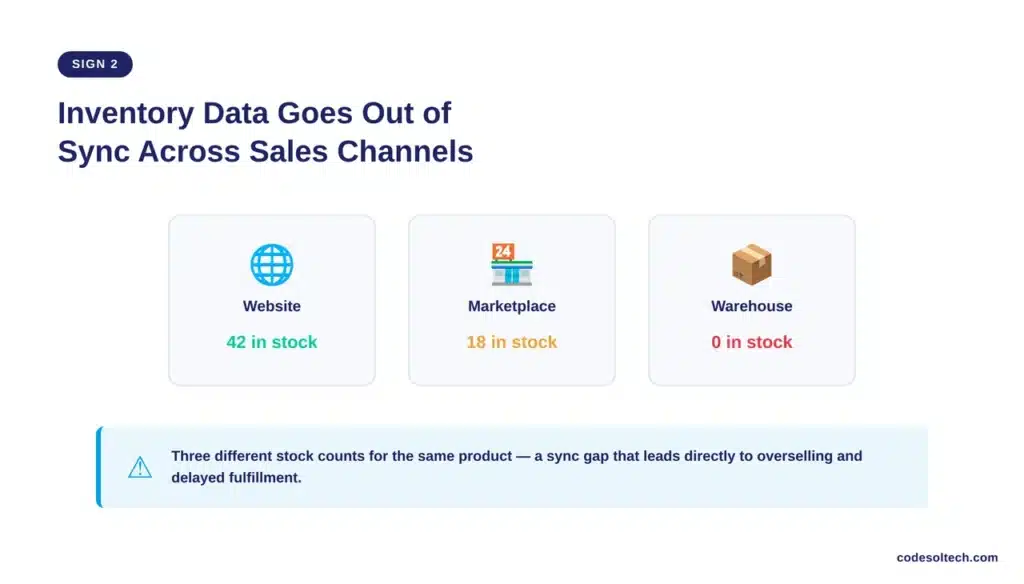
Ecommerce businesses running on disconnected platforms typically fix this with a middleware layer or a custom order management system (OMS) that pushes real-time stock updates to every sales channel.
The build requirement depends on how many systems need to sync and how often inventory changes.
- Multi-channel sellers: need a central inventory hub with webhook-based updates to each marketplace.
- Single-storefront businesses: need a direct database sync between the storefront and the warehouse management system.
- High-SKU catalogs: need scheduled batch sync jobs to avoid API rate limits during peak traffic.
Does workflow automation reduce order errors?
Yes. Workflow automation reduces order errors by removing the manual data-entry step where most mistakes originate.
Automated systems apply the same validation logic to every transaction, so error rates stay consistent regardless of order volume or staff fatigue, unlike manual entry, where error rates rise as workload and shift length increase.
3. Approvals and Fulfillment Steps Create Bottlenecks
Slow purchase approvals, discount authorizations, or fulfillment sign-offs delay revenue. Manual approval chains depend on someone checking email, which stalls the process outside business hours or during high order volume.
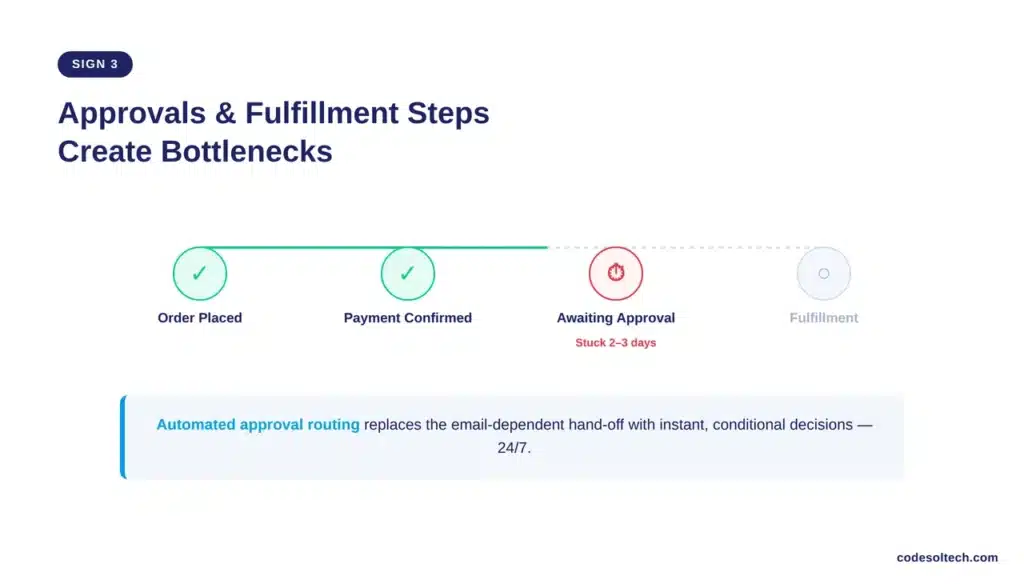
Automated approval workflows route requests to the correct person instantly, apply conditional logic (auto-approve under a set order value, escalate above it), and log the decision with a timestamp.
This removes the email-chasing step entirely and gives every order a predictable processing time.
4. Customer Support Fields Repetitive Order-Status Questions
A support queue filled with “where is my order” tickets indicates a missing self-service or notification layer. Each of these tickets consumes agent time that could go toward higher-value customer issues.
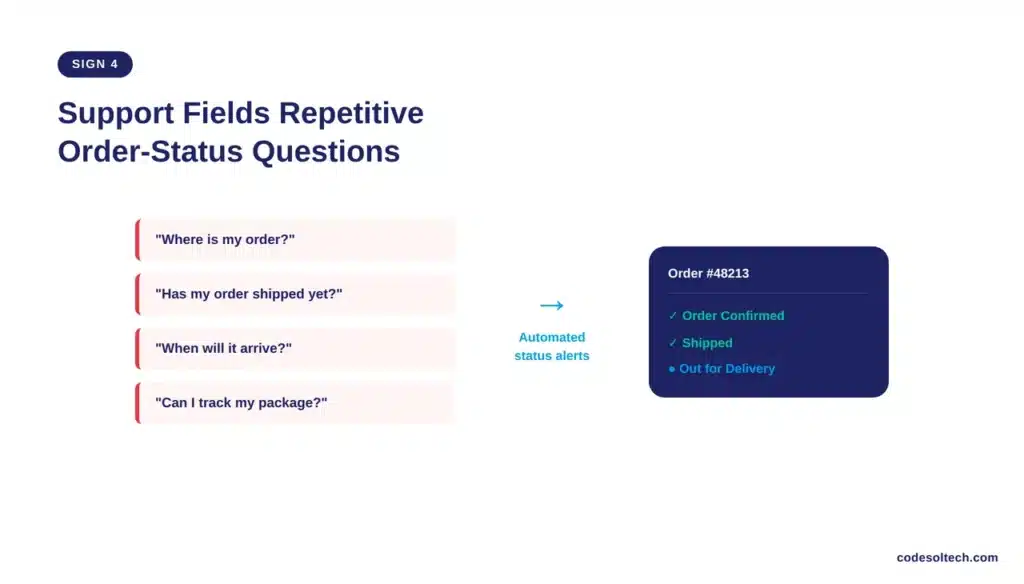
Automated order-status triggers send shipping and delivery updates directly to the customer through email or SMS, tied to real-time carrier tracking data. This cuts repetitive ticket volume without adding support headcount.
5. Reporting Takes Days Instead of Minutes
Executive reports that require someone to export data from three systems, clean it in a spreadsheet, and build charts by hand are a direct automation candidate. Manual reporting delays decisions and increases the risk of using stale numbers.
How long should business reporting take with the right systems in place?
Reporting should take minutes, not days, when data pipelines connect directly to a live dashboard. A dashboard pulling from your order management system, ad platforms, and accounting software updates automatically, removing the manual export-and-clean cycle entirely.
6. Onboarding New Clients, Vendors, or SKUs Takes Too Long
Every new client, supplier, or product listing that requires more than five manual steps to set up is a workflow automation candidate.
Manual onboarding checklists are easy to skip a step on, which creates downstream errors in billing, shipping, or catalog data.
- Automated intake forms collect required information once and route it to the correct system.
- Document collection and e-signature tools remove the email attachment back-and-forth.
- System provisioning (CRM record, catalog listing, account access) happens on a trigger instead of a manual checklist.
- Kickoff or go-live scheduling happens automatically once setup steps are confirmed complete.
7. Operating Costs Rise Faster Than Order Volume
Manual processes scale linearly at best: twice the orders requires roughly twice the staff hours. Automated processes scale independently of headcount because the same system logic handles 100 orders or 10,000 orders at a near-identical cost per transaction.
This is the sign with the largest financial weight. McKinsey Global Institute’s November 2025 analysis found that currently demonstrated technology can, in theory, automate activities accounting for 57% of US work hours today, with software agents alone capable of handling 44% of that total.
Businesses that keep adding headcount to cover linear cost growth are absorbing a cost curve that automation removes.
| Process | Manual Approach | Automated Approach |
|---|---|---|
| Order data entry | 1–4% field error rate; requires re-entry across 2–4 systems | Single data capture; error rate approaches zero after validation rules |
| Inventory sync | Manual spreadsheet reconciliation; delayed by hours or days | Real-time webhook or API sync across all sales channels |
| Approvals | Email-dependent; delayed outside business hours | Conditional routing; processed instantly, 24/7 |
| Reporting | Manual export and spreadsheet build; days to compile | Live dashboard; updates automatically in real time |
| Cost scaling | Linear: cost rises with order volume | Near-flat: same system handles higher volume at marginal cost |
Why Ecommerce and Software Businesses Need Custom Automation, Not Just Off-the-Shelf Tools
Off-the-shelf automation platforms (Zapier, Make.com) work for simple, low-volume triggers. They break down when a business needs custom logic, high API call volume, or a data structure the platform’s pre-built connectors don’t support.
Businesses running multi-system ecommerce stacks, custom CRMs, or proprietary order logic need custom software development to build direct API integrations, middleware layers, and validation rules the off-the-shelf tools cannot replicate.
This is also why the hyperautomation market has grown into a core enterprise discipline rather than a side project: Gartner reports hyperautomation remains a staple discipline for 90% of large organizations, driven by demand for operational excellence and resilience since generative AI adoption accelerated in late 2022.
The global workflow management system market is projected to reach $86.63 billion by 2030, growing at a 33.3% compound annual rate from 2023, which reflects how many businesses are moving past manual and semi-manual processes.
What’s the difference between workflow automation and custom software development?
Workflow automation connects existing systems and automates repetitive tasks between them; custom software development builds new systems or logic when no existing tool fits the business’s specific process.
Most ecommerce businesses need both: automation platforms for standard triggers, and custom-built integrations for order logic, pricing rules, or data structures unique to the business.
How to Know Which Sign to Fix First
- One or two signs present: target the single workflow causing the most staff hours or the most customer-facing errors.
- Three to five signs present: commission a process audit before building anything, since bottlenecks are likely connected.
- Six or seven signs present: a full ecommerce platform or system architecture review is the more cost-effective starting point than automating individual tasks one at a time.
Final Words
Manual data entry, sync errors, and slow approvals are not staffing problems. They are system architecture problems. Fixing them with more headcount adds linear cost; fixing them with the right integration or custom build removes the bottleneck permanently.
The sign to watch closest is cost scaling faster than order volume, since that gap only widens with growth.
Ready to Fix the Bottleneck?
Codesoltech builds custom workflow automation and API integrations for ecommerce and software businesses that have outgrown off-the-shelf tools.



