Workflow automation replaces manual, repetitive tasks with software rules that execute without human input. Businesses use it to connect CRMs, payment gateways, inventory systems, and support tools so data moves automatically between them. Companies that implement it correctly cut operational time by 20-40% within the first 90 days.
This article lists 21 workflow automation examples across five business functions: sales and CRM, ecommerce operations, customer support, finance and payments, and internal operations.
Each example names the trigger condition, the automated action, and the operational outcome, so the list works as a build checklist rather than a general concept overview.
What Is Workflow Automation?
Workflow automation is the use of software to trigger a sequence of tasks based on a predefined condition, without a person manually starting each step. A trigger (a new order, a form submission, a support ticket) fires an action (send an email, update a record, notify a team) through a rules engine or API connection.
McKinsey Global Institute reports that generative AI and existing automation technologies can now automate work activities that absorb 60% to 70% of employees’ time, up from a 50% estimate before generative AI tools existed. This shift moves automation from a cost-cutting tool to a core operating system for how businesses run.
Workflow automation applies to four operational layers:
- Data automation — syncing records across CRM, ERP, and ecommerce platforms
- Process automation — routing approvals, tickets, and orders through defined steps
- Communication automation — triggering emails, SMS, and notifications based on user actions
- Decision automation — using rules or machine learning models to approve, flag, or reject transactions
A typical implementation connects a trigger event to an action through an API or a native integration between two platforms.
For example, a WooCommerce store connects to a fulfillment platform through a webhook: when order status changes to “paid,” the fulfillment platform receives the order data within seconds and generates a shipping label automatically.
No staff member touches the order between payment and label creation. This trigger-action model repeats across every example listed below; only the systems and conditions change.
21 Workflow Automation Examples by Business Function
The following 21 examples group into five operational categories: sales and CRM, ecommerce operations, customer support, finance and payments, and internal operations. Each example specifies the trigger, the action, and the measurable outcome.
Sales and CRM Automation
Sales automation removes manual data entry and follow-up delays between the point a lead enters the CRM and the point a rep engages with revenue-ready information.
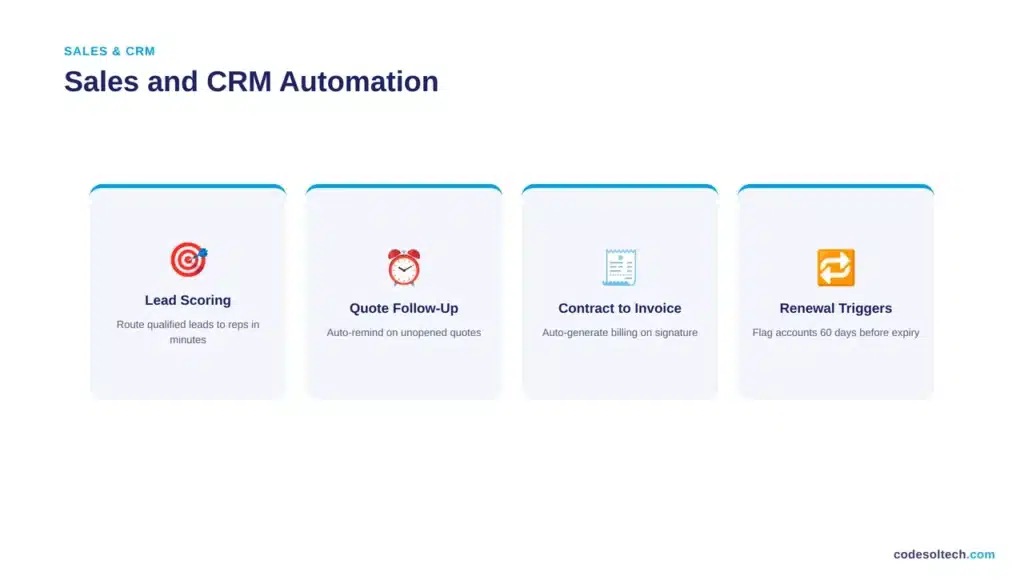
1. Lead scoring and routing
The CRM assigns a numeric score to each lead based on website behavior and firmographic data, then routes leads above a threshold directly to a sales rep’s queue. This removes manual lead triage and cuts response time from hours to minutes, which matters because faster first-response time correlates directly with higher lead-to-deal conversion rates.
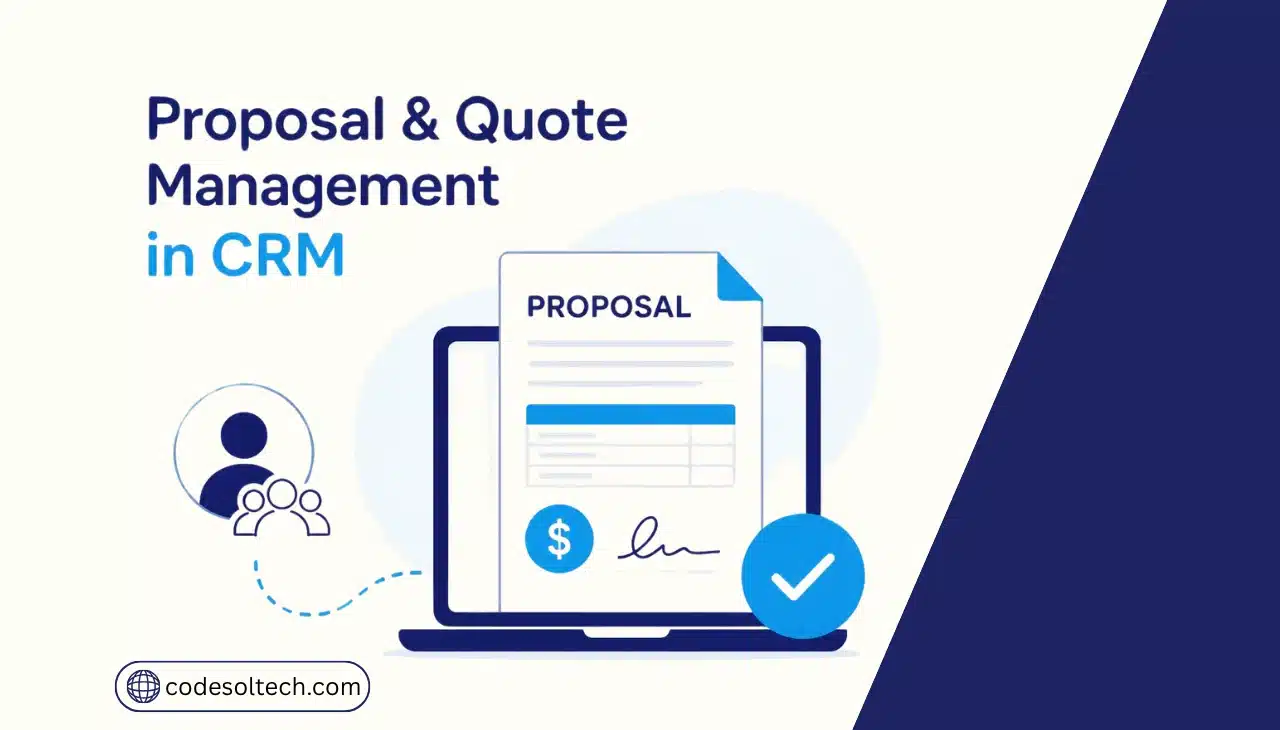
2. Abandoned quote follow-up
When a sales quote sits unopened for 48 hours, the system triggers an automatic reminder email and flags the deal for the rep, preventing deals from going cold simply because no one remembered to follow up. See our CRM integration services for setup details.
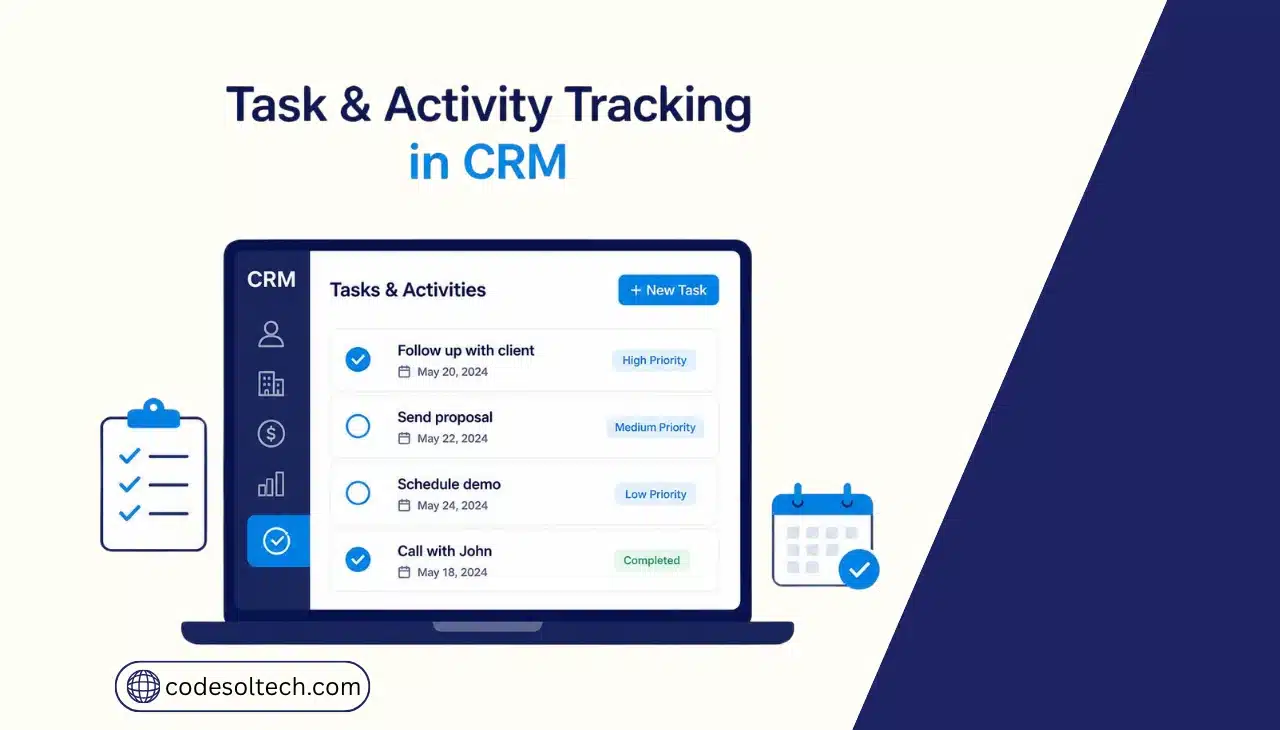
3. Contract-to-invoice handoff
A signed e-signature contract automatically generates an invoice in the accounting system and creates a project record in the delivery tool, removing duplicate data entry between sales and finance. This closes the gap where deals commonly stall between “signed” and “billed.”
4. Renewal and upsell triggers
The system flags accounts 60 days before contract expiration and generates a renewal task with usage data attached, so account managers act on data instead of memory, and identify upsell opportunities based on actual usage patterns rather than a generic renewal script.
Ecommerce Operations Automation
Ecommerce operations automation connects the storefront, payment processor, warehouse, and marketplace listings into one synchronized system, removing the manual reconciliation that causes overselling and delayed shipments.
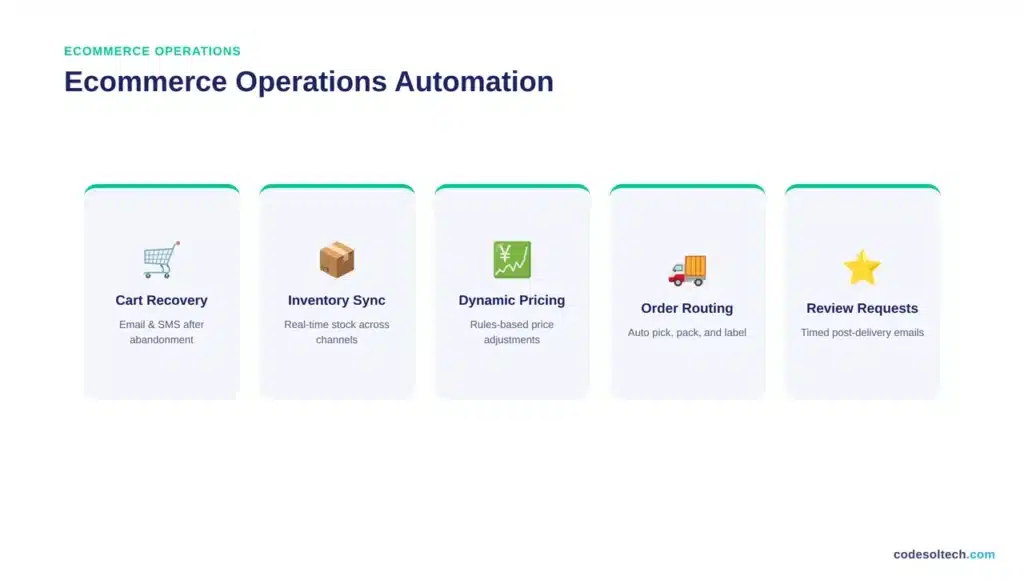
5. Abandoned cart recovery sequences
The average cart abandonment rate is 70.22% across 50 aggregated studies, according to Baymard Institute. Automated email and SMS sequences trigger 1 hour, 24 hours, and 72 hours after abandonment, recovering a documented share of otherwise lost orders.
6. Real-time inventory sync
Stock levels update automatically across the online store, warehouse management system, and marketplace listings (Amazon, eBay) the moment a sale or return processes, preventing overselling. Manual stock updates create a lag window where the same unit sells twice across channels.
7. Dynamic pricing rules
Prices adjust automatically based on competitor data, inventory age, or demand signals through a rules engine connected to the product catalog, keeping margins aligned with market conditions without a staff member re-pricing products manually each day.
8. Order-to-fulfillment routing
A confirmed order automatically selects the nearest warehouse, generates a pick list, and prints a shipping label without staff intervention, cutting the time between payment confirmation and package handoff to the carrier. Related service: fulfillment automation.
9. Product review request automation
A review request email fires automatically 7 days after delivery confirmation, timed to when the customer has used the product long enough to give a meaningful assessment, which increases response rate compared to requests sent at checkout.
Customer Support Automation
Customer support automation resolves repetitive queries without agent involvement and routes the remaining tickets to the right agent with the correct priority level attached.
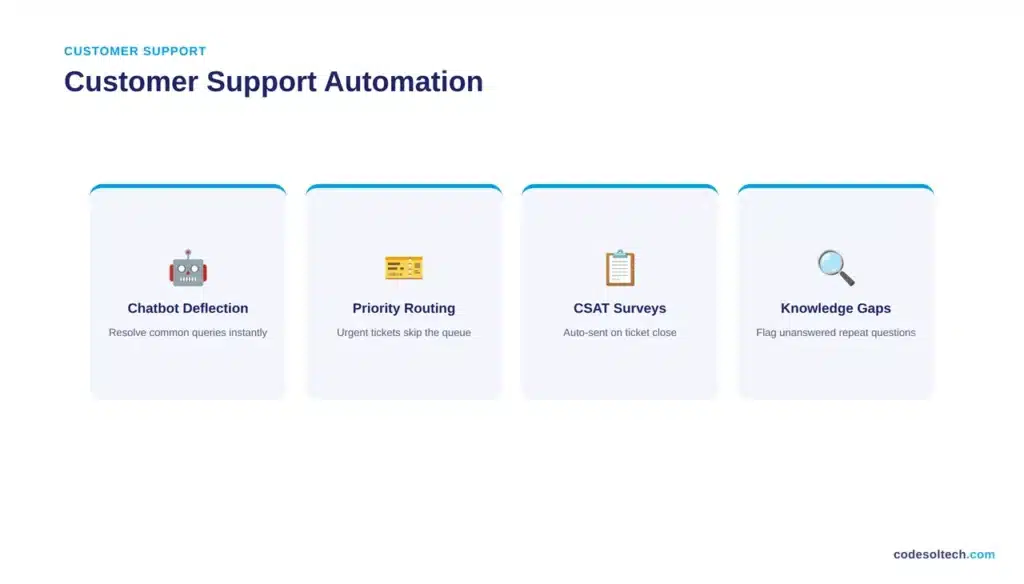
10. Chatbot ticket deflection
A configured chatbot answers order-status, return-policy, and shipping questions directly, resolving common queries before they reach a human agent. Explore our chatbot development services.
11. Ticket priority routing
Support tickets containing keywords like “refund,” “broken,” or “urgent” automatically route to a priority queue with a shorter SLA timer, so high-risk tickets reach an agent before they escalate into public complaints or chargebacks.
12. Post-resolution satisfaction surveys
A CSAT survey triggers automatically the moment an agent closes a ticket, capturing feedback while the interaction is still fresh, which produces a higher response rate than surveys sent days later by a separate manual process.
13. Knowledge base gap detection
The system flags repeated queries with no matching help article, generating a content request for the support team automatically, which reduces the same unanswered question from reaching agents 50 times before anyone documents the answer.
Finance and Payments Automation
Finance automation matches transactions, flags risk, and generates invoices without manual reconciliation, which shortens the monthly close cycle and reduces payment fraud exposure.
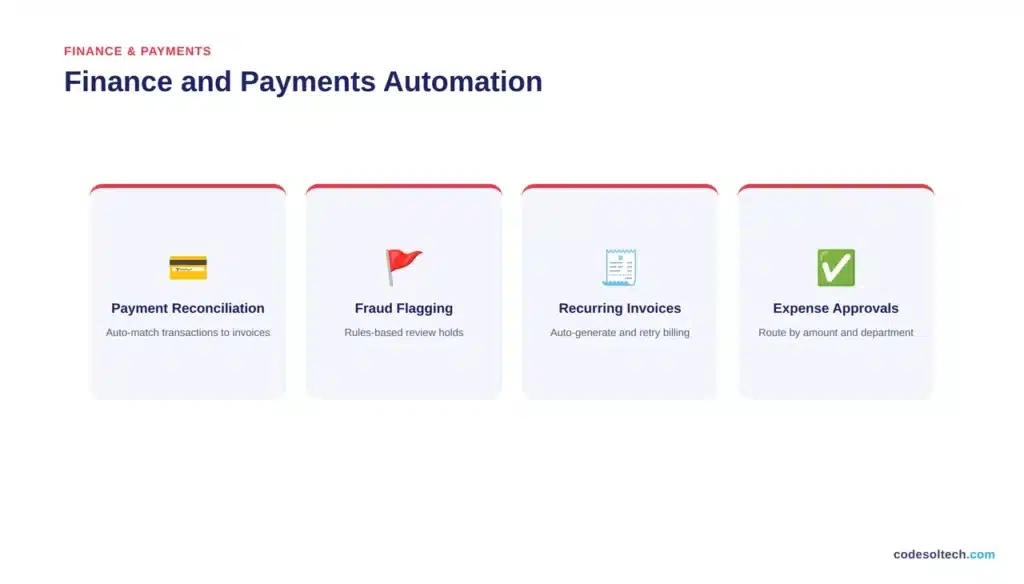
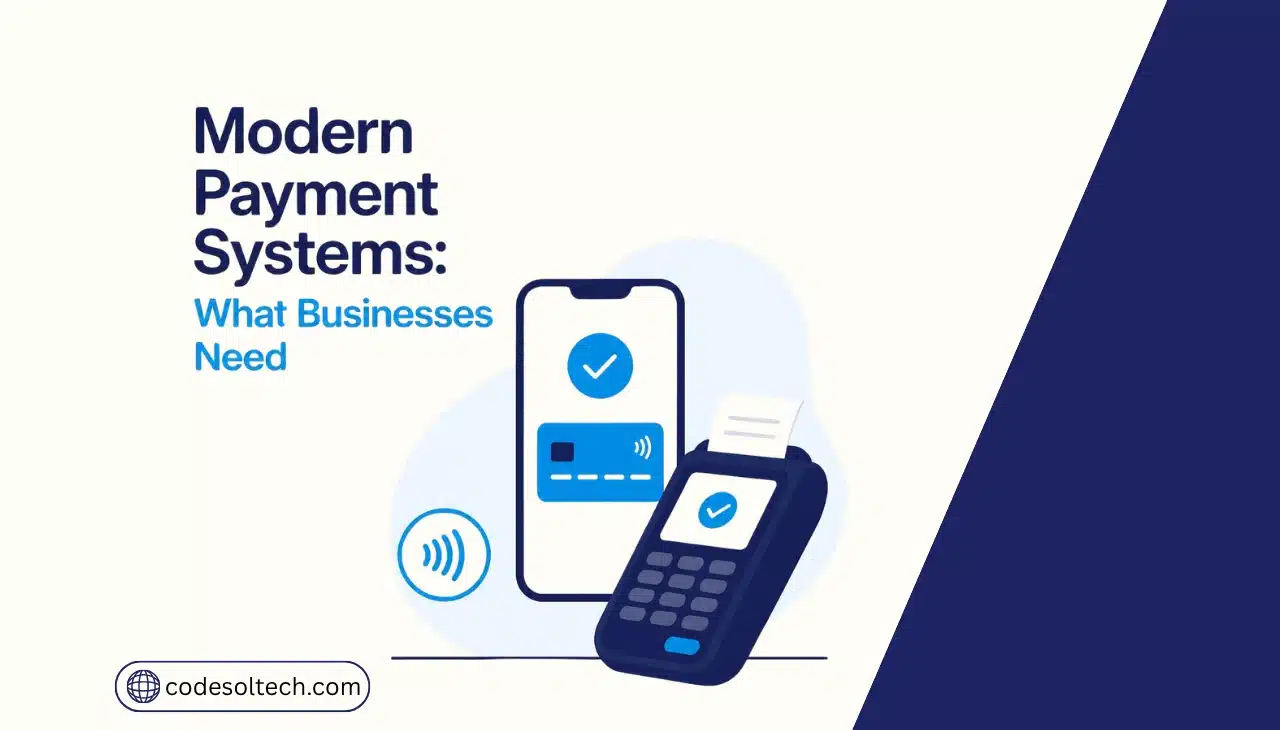
14. Payment gateway reconciliation
Transactions from Stripe, PayPal, or Square sync automatically with accounting software, matching payments to invoices without manual entry. See payment gateway integration.
15. Fraud flagging rules
Orders that exceed a value threshold, ship to a mismatched billing address, or originate from a flagged IP range trigger a manual review hold automatically.
16. Recurring invoice generation
Subscription billing systems generate and send invoices automatically on the renewal date, then retry failed payments on a defined schedule (Day 1, Day 3, Day 7), which recovers revenue that would otherwise churn silently due to an expired card.
17. Expense approval routing
Expense reports route automatically to the correct approver based on amount and department, with automatic escalation if unapproved after 48 hours, removing the bottleneck of approvals sitting unread in a single manager’s inbox.
Internal Operations Automation
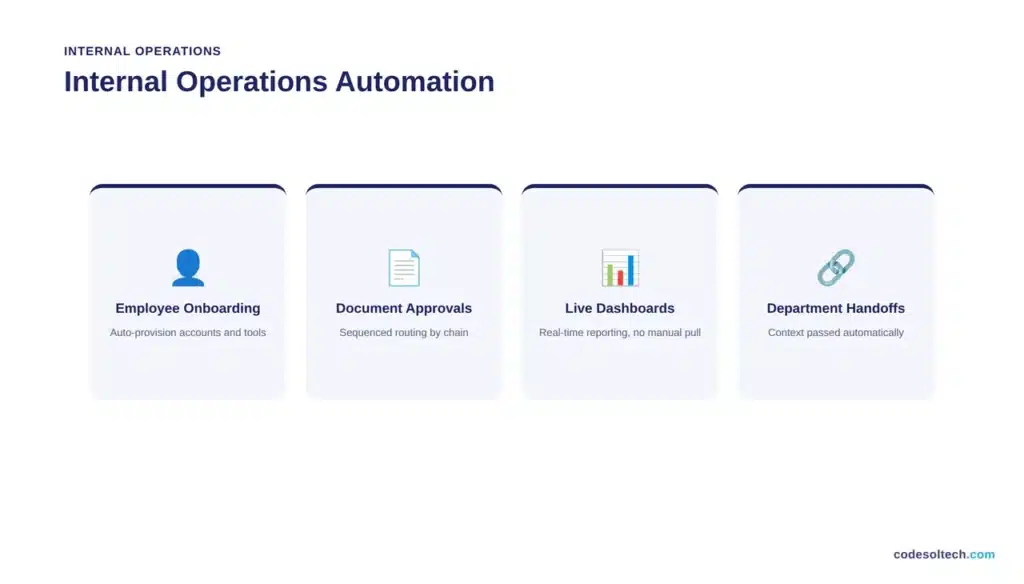
Internal operations automation removes handoff delays between departments and gives managers live visibility into performance data instead of waiting on manually compiled reports.
18. Employee onboarding sequences
A new-hire record in the HR system automatically provisions email accounts, software licenses, and equipment requests across connected tools.
19. Document approval workflows
Contracts and internal documents route through a defined approval chain automatically, with each approver notified only after the prior step completes, which prevents documents from being approved out of sequence or getting lost across email threads.
20. Automated reporting dashboards
Sales, support, and inventory data feed automatically into a live dashboard, replacing manual weekly report compilation and giving managers same-day visibility into performance instead of a report that is already a week old by the time it is reviewed.
21. Task handoff between departments
When marketing marks a lead “sales-qualified,” the system automatically creates a task in the sales team’s tool with full lead context attached, closing the handoff gap between departments that otherwise loses lead context every time a task is reassigned manually.
How Much Time and Cost Does Workflow Automation Save?
Workflow automation typically cuts manual processing time by 20-40% and reduces data-entry errors close to zero within the first 90 days of implementation. These gains compound because each automated step removes both the labor cost and the error rate of manual handling.
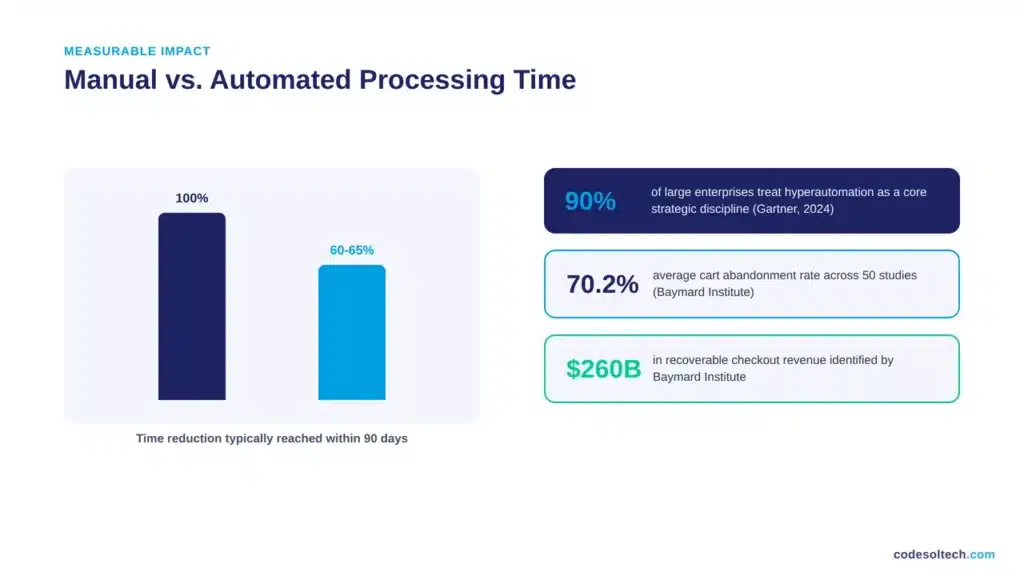
Gartner reports that hyperautomation remains a core strategic discipline for 90% of large enterprises, driven by demand for operational resilience since generative AI adoption accelerated in late 2022.
The scale of this shift explains why automation now functions as standard infrastructure rather than an optional upgrade:
- Businesses that automate order-to-fulfillment routing reduce shipping errors and cut average processing time per order
- Businesses that automate cart recovery sequences recover a measurable share of the $260 billion in checkout revenue Baymard Institute identifies as preventable through better checkout and follow-up design
- Businesses that automate invoice reconciliation reduce the finance team’s manual matching workload and shorten the monthly close cycle
Implementation requires three prerequisites: clean, structured data across connected systems; defined trigger conditions with no ambiguity; and a fallback path for exceptions the system cannot resolve automatically.
Skipping any of these three creates automation that breaks under edge cases instead of scaling reliably. Our workflow automation services cover this setup end to end, from system audit to deployment.
Which Workflows Should You Automate First?
Automate the highest-volume, most rule-based task first, not the most complex one. Rule-based tasks (fixed inputs, fixed outputs, no judgment calls) automate cleanly and show measurable results within weeks.
Judgment-based tasks require additional data preparation and testing before automation delivers reliable output.
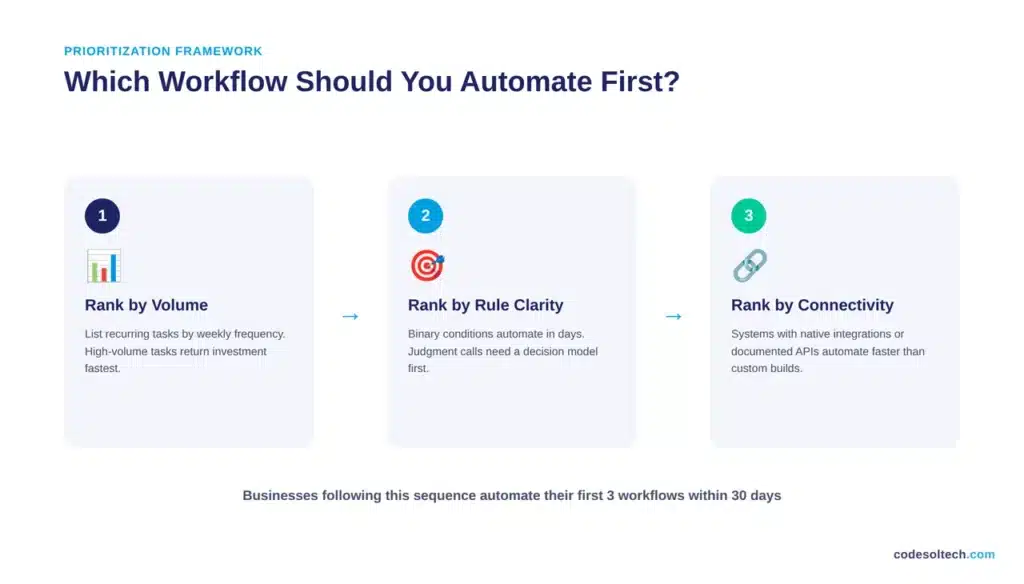
Use this three-step prioritization framework before selecting a workflow to automate:
- Step 1: Rank by volume. List every recurring task by how many times per week staff perform it. High-frequency tasks (cart recovery emails, order routing, ticket triage) return automation investment faster than low-frequency tasks.
- Step 2: Rank by rule clarity. A task with binary conditions (“if order value exceeds $500, flag for review”) automates in days. A task requiring subjective judgment (“decide if this customer complaint warrants a refund”) requires a decision model built on historical data before automation, or should stay manual.
- Step 3: Rank by system connectivity. Tasks between systems that already have a native integration or a documented API (Stripe, WooCommerce, Salesforce, Zendesk) automate faster than tasks between systems requiring custom middleware.
Businesses that follow this sequence typically automate their first three workflows within 30 days and see measurable time savings before expanding to the remaining categories listed above.
Final Words
Workflow automation works when it targets high-volume, rule-based tasks first cart recovery, invoice matching, ticket routing.
Start with one workflow, measure the time and error reduction, then expand. Businesses that automate without measuring outcomes waste the investment. Pick the highest-volume manual task in your operation and automate it this quarter.
Ready to automate your workflows?
Talk to Codesoltech’s automation team for a free process audit and a prioritized implementation roadmap built around your existing systems.